
Replies: 1 comment 6 replies

|
Maybe it is better to use \documentclass{article}
\usepackage{tabularray}
\usepackage{xcolor}
\UseTblrLibrary{functional}
\IgnoreSpacesOn
\prgNewFunction \myStyling {} {
\intStepOneInline {1} {\arabic{rowcount}} {
\cellSetStyle {##1} {##1} {bg=azure8}
}
}
\IgnoreSpacesOff
\begin{document}
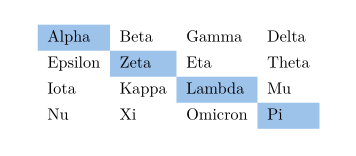
\begin{tblr}{process=\myStyling}
Alpha & Beta & Gamma & Delta \\
Epsilon & Zeta & Eta & Theta \\
Iota & Kappa & Lambda & Mu \\
Nu & Xi & Omicron & Pi \\
\end{tblr}
\end{document}
See the manual of |

|
Sorry, I haven't used much of |

You might be interested in the |

|
@dbitouze Thanks for your suggestion. Is there something specific why you recommend For instance, a particular feature in my context, the performance, ease of use, a stable, well-maintained and -received package, personal experience, ... I am honestly interested. I have started reading the documentation and it looks like it that it has it all (i.e. very feature rich):
I had issues with the expansion of macros in
\begin{blr}[expand=\rows]{colspec={|c|c|c|c|}}
\rows
\end{tblr}
However, note there is a pending issue about expanding multiple macros. Performance-wise I am not sure whether However, I have started now with |
|
Here some timings
|
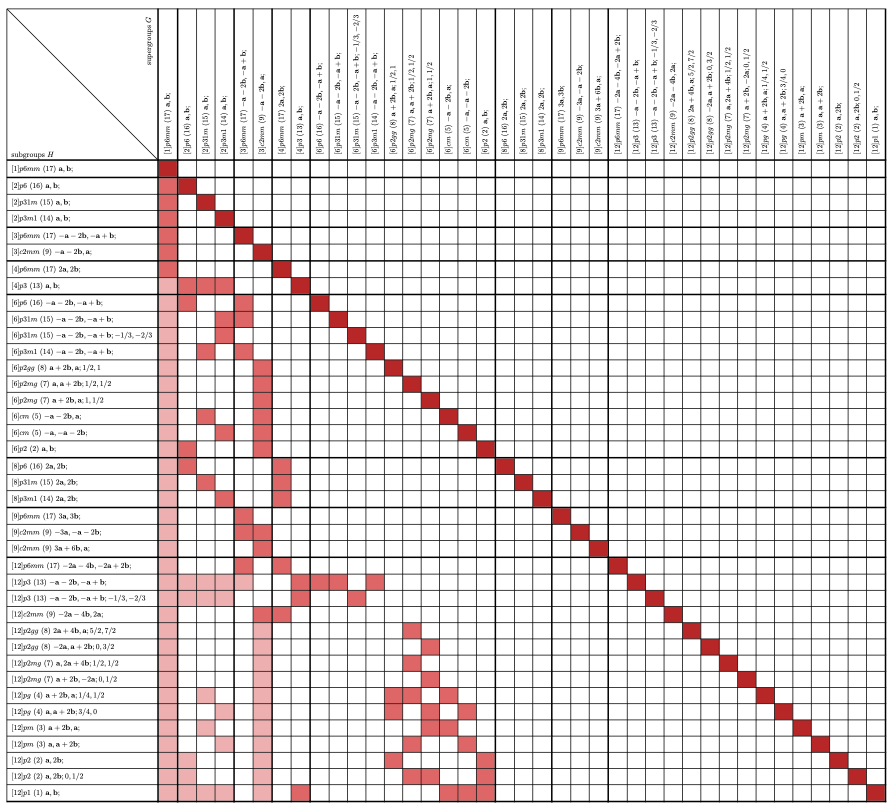
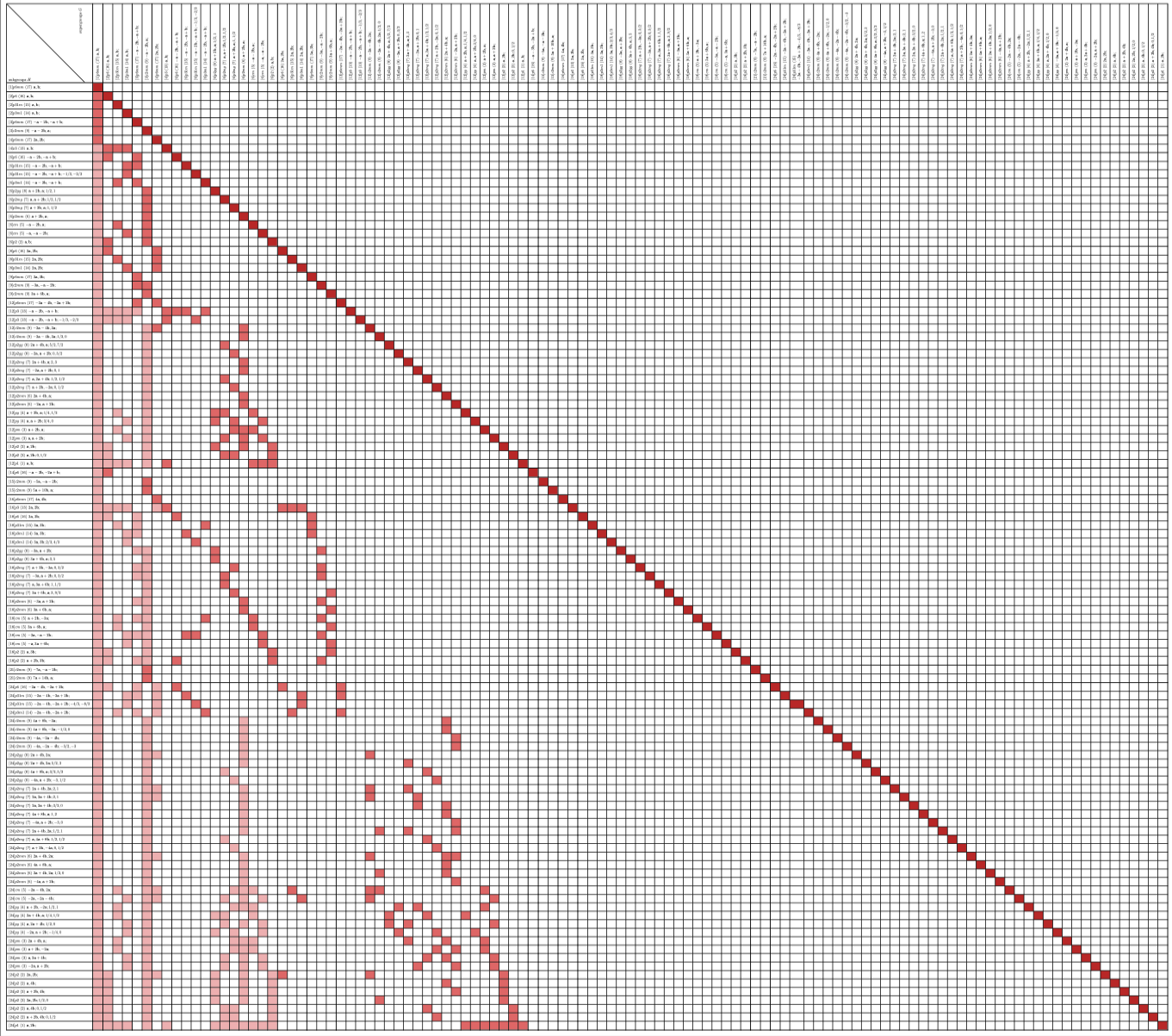
Just because:
😄 |


Uh oh!
There was an error while loading. Please reload this page.
I am creating an adjacency matrix of a graph and I want to highlight the diagonal line (each node is a neighbour of itself):
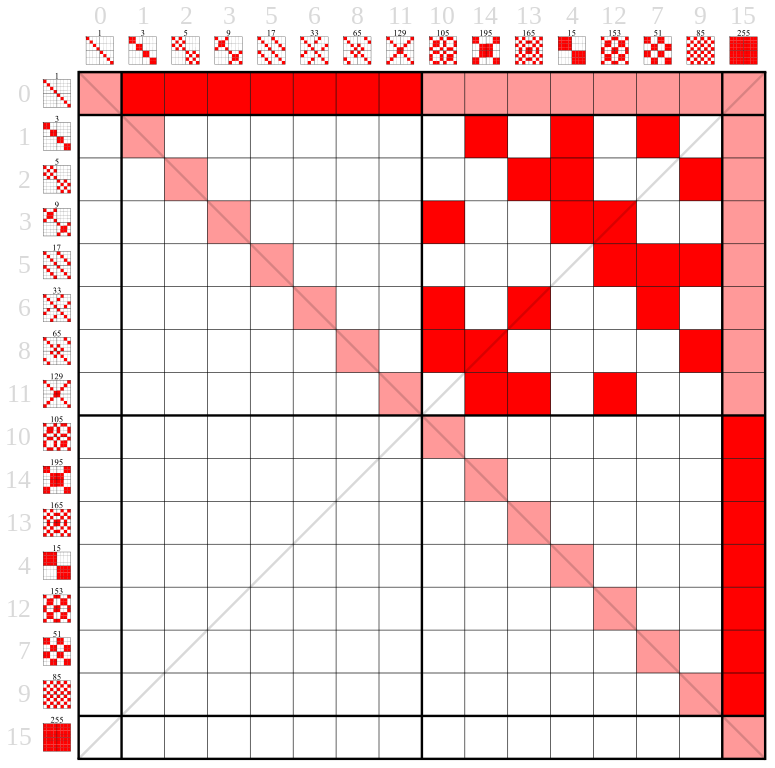
https://commons.wikimedia.org/wiki/File:Z2%5E3;_Lattice_of_subgroups_Hasse_diagram_adjacency_matrix.svg
Could we have a convenient selector for the diagonal?
I am creating matrices with up to 100 rows and columns which makes it very verbose when the number of single cells which should be marked with a light red color is 100.
All reactions