So that the many and varied components of the eReefs Platform appear to be related, user interfaces should attempt to share a common visual identity which involves using a consistent set of logos, fonts and colours, and (if possible) to share a common primary navigation menu.
eReefs websites should prefer the following HTML colours:
| Label | Hex Code / CSS Global* | Use for |
|---|---|---|
| white | #ffffff var(--ereefs-white)* |
|
| ereefs-darkest-blue | #212529 var(--ereefs-darkest-blue)* |
|
| ereefs-dark-blue | #0F528C var(--ereefs-dark-blue)* |
|
| ereefs-light-blue | #55A6D9 var(--ereefs-light-blue)* |
|
| ereefs-lightest-blue | #CBFDFF var(--ereefs-lightest-blue)* |
|
| ereefs-dark-grey | #707070 var(--ereefs-dark-grey)* |
|
| ereefs-light-grey | #CFDCE8 var(--ereefs-dark-grey)* |
|
* The CSS global variables are defined on the :root element of the ereefs-reset.css HTML reset stylesheet (see below) and can be used in any CSS file where that has been imported earlier.
eReefs websites should make use of the following fonts:
@import "https://fonts.googleapis.com/css?family=Open+Sans+Condensed:300,700";

h1, h2, h3, h4, h5, h6 {
  font-family: 'Open Sans Condensed','Open Sans',sans-serif;
}
The ereefs-reset.css HTML reset stylesheet includes this rule, and you can use font-family: var(--ereefs-headings-font-family) for any other CSS rule after that stylesheet has been imported.
@import "https://fonts.googleapis.com/css2?family=Roboto";

body {
  font-family: Roboto,'Helvetica Neue',Helvetica,Arial,sans-serif;
}
The ereefs-reset.css HTML reset stylesheet includes the body font-family rule, and you can use font-family: var(--ereefs-text-font-family) for any other CSS rule after that stylesheet has been imported.
Any monospaced font is acceptable:
code, pre, var {
  font-family: Menlo, "DejaVu Sans Mono", "Ubuntu Mono", Courier, "Courier New", monospace, sans-serif;
}
The ereefs-reset.css HTML reset stylesheet includes this rule, and you can use font-family: var(--ereefs-code-font-family) for any other CSS rule after that stylesheet has been imported.
The official eReefs Logo image files can be found in this repository at docs/assets/images/logos/, and referenced at runtime at https://www.ereefs.org.au/assets/images/logos/.
The main logo should be used in website titlebars and anywhere else that eReefs is referenced and the image is allowed to be more than 50px in width. Prefer the SVG (vector) variant where possible, or use the PNG if your application can only handle raster image formats.
The 'banner' variant includes white 'eReefs' text, and can be used in cases where it is not possible to inject both an image and text into an existing web page. Keeping the image and banner-text seperate is much more accessible for users with screen readers, so only use this if it's truly necessary.
| MIME Type | Preview | URL / CSS Variable* | Size |
|---|---|---|---|
image/svg+xml |
 |
https://www.ereefs.org.au/assets/images/logos/ereefs_logo.svgvar(--ereefs-logo-img-svg)* |
N/A: should autoscale as needed. Works very large (e.g. t-shirt scale) |
image/png |
 |
https://www.ereefs.org.au/assets/images/logos/ereefs_logo.pngvar(--ereefs-logo-img-png)* |
width=250px, height=250px, 300DPI |
image/png |
 |
https://www.ereefs.org.au/assets/images/logos/ereefs_banner.pngvar(--ereefs-banner-img)* |
width=401px, height=120px, 300DPI |
* The CSS global variables are defined on the :root element of the ereefs-reset.css HTML reset stylesheet (see below) and can be used in any CSS file where that has been imported earlier.
This logo variant is designed to work better at small image sizes than the main logo, and it should be used where a logo image smaller than 50px in width / height is needed. It is primarily intended as a website favicon, but may be used elsewhere.
Prefer the .svg (vector) variant where possible, or use the .png if your application can only handle raster image formats, or the .ico if your application really wants an old-school icon file.
| MIME Type | Preview | URL / CSS Variable* | Size |
|---|---|---|---|
image/svg+xml |
 |
https://www.ereefs.org.au/assets/images/logos/ereefs_logo_favicon.svgvar(--ereefs-logo-favicon-svg)* |
N/A: should autoscale as needed |
image/png |
 |
https://www.ereefs.org.au/assets/images/logos/ereefs_logo_favicon.pngvar(--ereefs-logo-favicon-png)* |
w=32px, h=32px, 300DPI |
image/x-icon |
 |
https://www.ereefs.org.au/assets/images/logos/ereefs_logo_favicon.icovar(--ereefs-logo-favicon-ico)* |
w=32px, h=32px, 300DPI |
*The CSS global variables are defined on the :root element of the ereefs-reset.css HTML reset stylesheet (see below) and can be used in any CSS file where that has been imported earlier.
This repository includes a number of stock-photo background images that can be used as required.
These are available in the docs/assets/images/backgrounds/ subdirectory.
Please ensure you properly attribute the photographer in a caption if you use any of these!







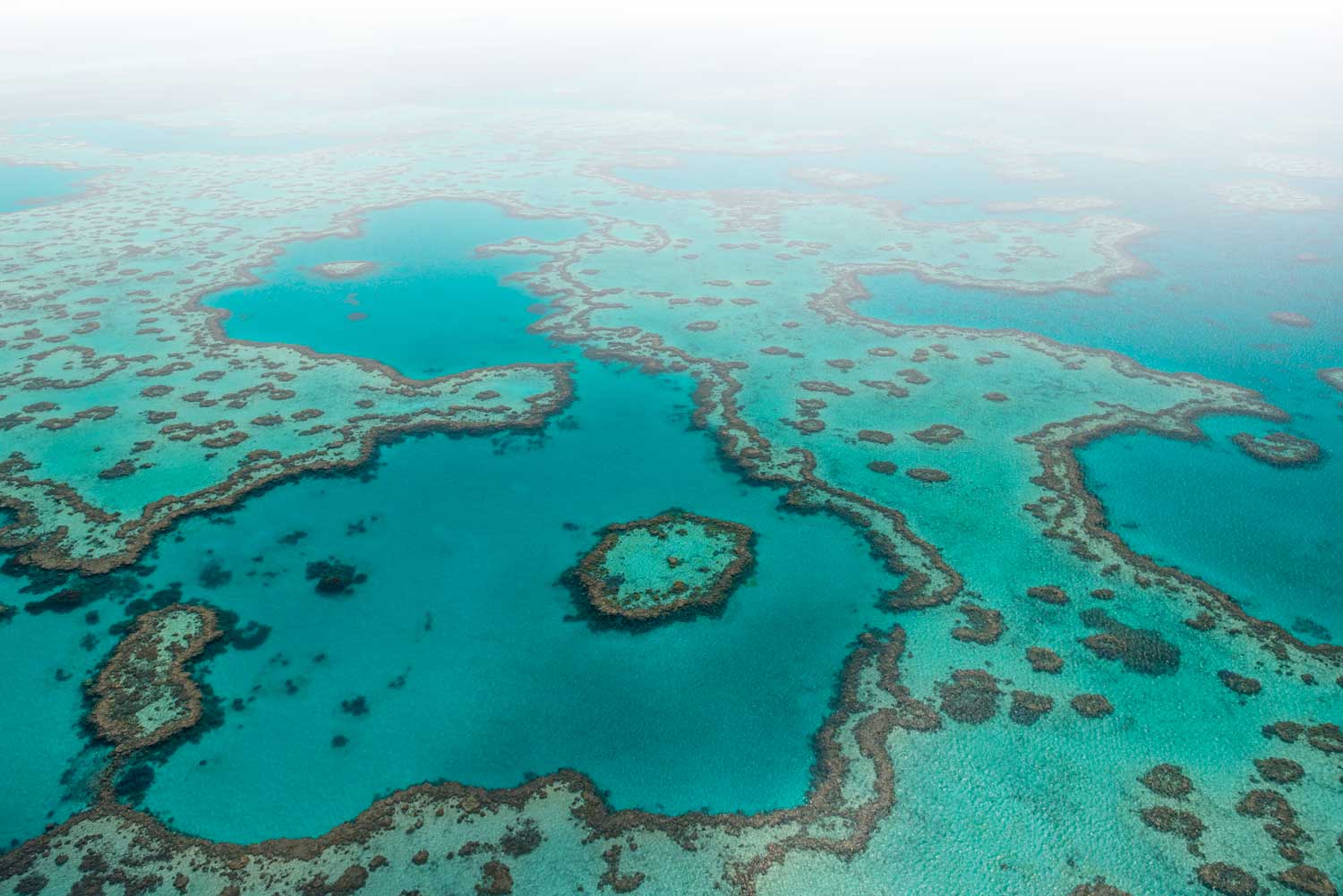




A number of Cascading Stylesheets have been included in this repository to assist with applying the eReefs visual identity to websites that are included in the eReefs platform. These can be included in another website via a Stylesheet link in the page's head element:
<head>
  <link rel="stylesheet" href="https://www.ereefs.org.au/assets/css/ereefs-reset.css" />
</head>
Or they can be imported from another stylesheet which is already used by your application:
@import "https://www.ereefs.org.au/assets/css/ereefs-reset.css";The following stylesheets are available for reference and re-use:
| Stylesheet | Purpose |
|---|---|
| ereefs-reset.css | This is a HTML Reset stylesheet. It defines global CSS variables and configures fonts, text sizes and colours for standard HTML elements so that they fit the eReefs visual identity and appear consistently in most major browsers. It does NOT assume any particular page layout, but does tweak the box-model, so may not be suitable to use in combination with all legacy web pages. |
| ereefs-overrides.css | Override styles for a GitHub Pages website that uses the Minimal Mistakes theme (i.e. the website from this repository) |
| edas-dashboard.css | Applies the eReefs Visual Identity to a website derived from CSIRO's Environmental Data Application Stack (EDAS) dashboard software. |
| flask-rest-swagger.css | Applies the eReefs Visual Identity to swagger documentation autogenerated for a Flask-RESTful API |
| godiva.css | Applies the eReefs Visual Identity to the Godiva3 ncWMS2 viewer that comes packaged with the THREDDS and Hyrax data servers |
| grafana.css | Applies the eReefs Visual Identity to a Grafana dashboard |
| lode.css | Applies the eReefs Visual Identity to Ontology definitions which have been rendered to HTML with pyLODE |
| opendap.css | Applies the eReefs Visual Identity to the OPeNDAP GUI that comes packaged with the Hyrax data server |
| tds4Catalog.css | Applies the eReefs Visual Identity to THREDDS 4 Catalog pages |
| tds4Dataset.css | Applies the eReefs Visual Identity to THREDDS 4 Dataset page |
| tds5.css | Applies the eReefs Visual Identity to THREDDS 5 Catalog and Dataset pages |
| tdsDap.css | Applies the eReefs Visual Identity to THREDDS 4 or THREDDS 5 OPeNDAP Endpoint GUI pages. |
The various websites that make up the eReefs platform are implemented in all sorts of different technologies and serve different purposes, and it is impractical to enforce a common layout on all of them.
In general, though, websites should include the following elements:
All eReefs websites should use the eReefs favicon logo as the favicon for the site.
A titlebar should be displayed at the top of the page that has white text on an ereefs-dark-coloured background.
The eReefs Logo and the word 'eReefs' in bold, white text should be displayed together on the left-hand end of the titlebar.
The banner may link either to the main eReefs homepage (https://www.ereefs.org.au) or to the landing page of that particular website. It should not have any obvious hover-hehaviour if linked.
The logo should be a minimum of 50px high.
The text should be white, and should use the eReefs text font rather than the heading font, and should have a font-size of 1.5em. It should be aligned with the middle of the logo.
If you have imported the ereefs-reset.css HTML reset stylesheet, you can style your banner logo using:
.banner {
  background-color: var(--ereefs-dark);
  color: var(--ereefs-text-light);
  font-family: var(--ereefs-brand-font-family);
  font-size: var(--ereefs-brand-font-size);
  font-weight: var(--ereefs-brand-font-weight);
  padding: 0.5em 1em;
}

.banner a {
  color: inherit !important;
  line-height: var(--ereefs-logo-min-height);
  text-decoration: none;
}
.banner img {
  height: var(--ereefs-logo-min-height);
  margin-right: 0.5em;
}All eReefs websites should include a set of common navigation links to allow users to return to this main eReefs website from any other page in the eReefs platform.
If the layout permits, these should be displayed on the righthand side of the titlebar at the very top of the page, and should collapse to a drop-down list for mobile devices.
Navigation bar links should be white on an ereefs-dark background, and may change colour to ereefs-light on hover. They should have no underline.
If you have imported the ereefs-reset.css HTML reset stylesheet, you can style your banner logo using:
.nav-links {
  background-color: var(--ereefs-dark);
  color: var(--ereefs-text-light);
}
.nav-links a {
  color: inherit;
  text-decoration: none;
}
.nav-links a:active,
.nav-links a:focus,
.nav-links a:hover {
  color: var(--ereefs-light);
}
For the title and URL of each of these primary / common navigation links, please refer to the main entry in the navigation definition for this website: docs/_data/navigation.yml
If possible, all eReefs websites should have a common-page footer that has an ereefs-dark-coloured background and white text. The footer should include links to any appropriate legal information like: