








Plugin to show problems like errors and warnings inside the text editor (inline) for IDEs based on the IntelliJ Platform, inspired by Error Lens and InlineError.
You can turn this plugin on and off with the keyboard shortcut alt+u, additional shortcuts can be configured in the settings.
Jetbrains Marketplace
.
Codeberg
·
Github
.
Report Bug
·
Request Feature
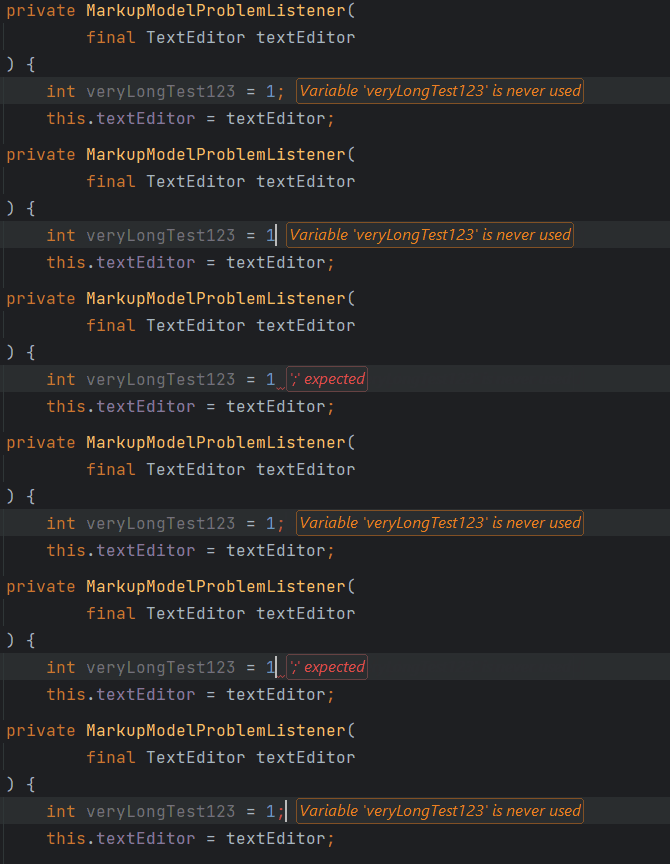

Screenshots
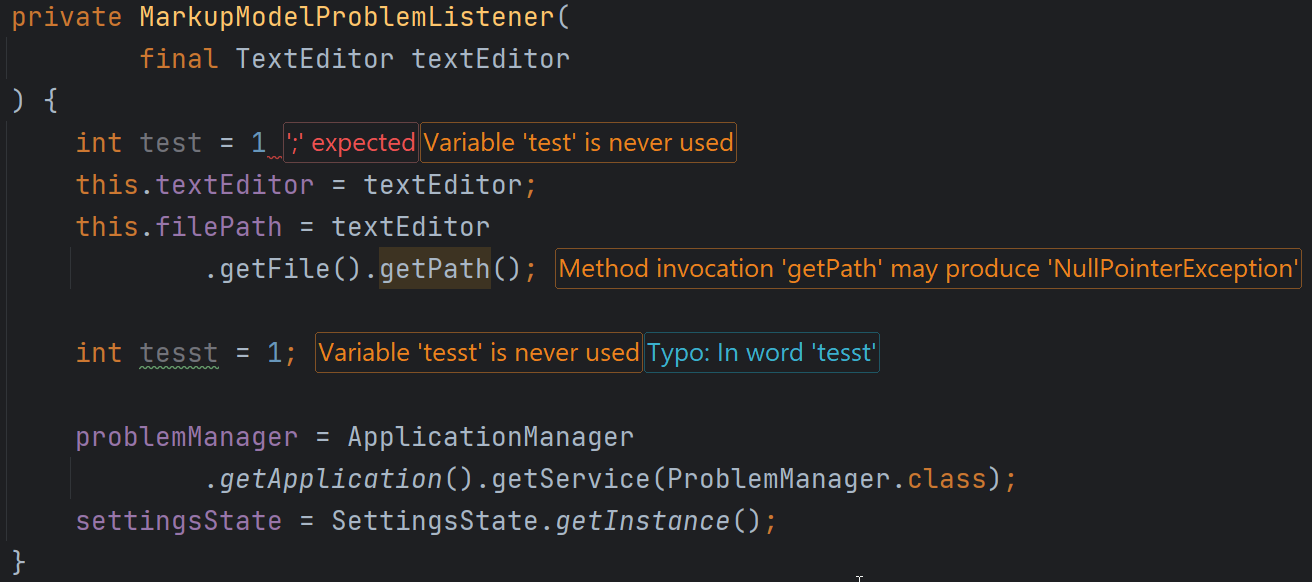
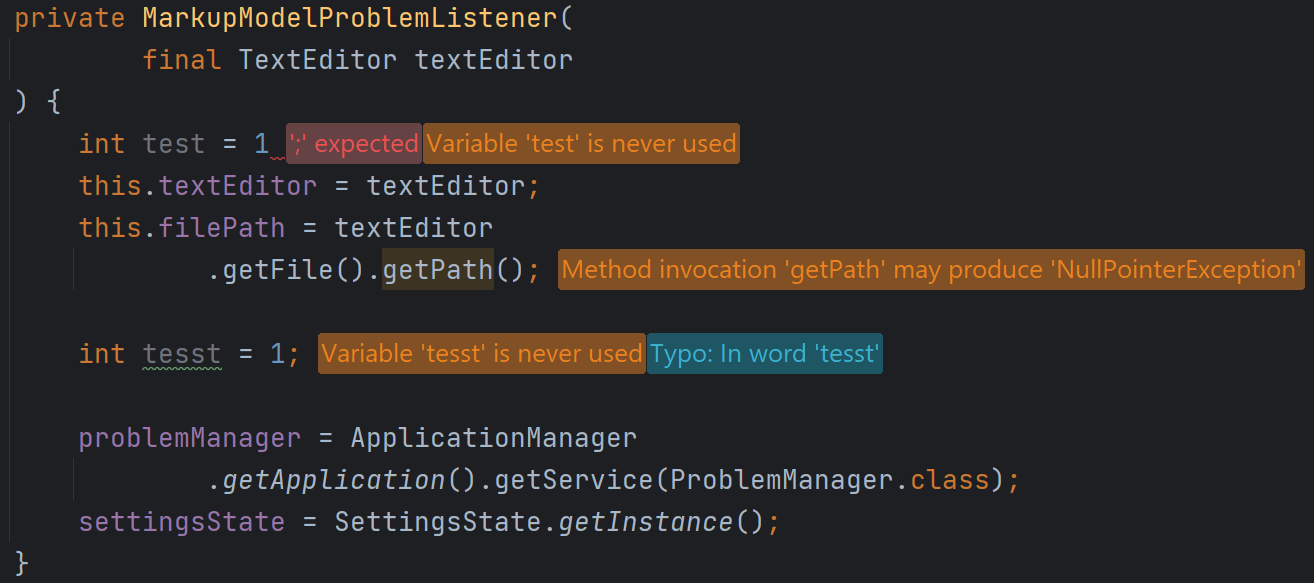
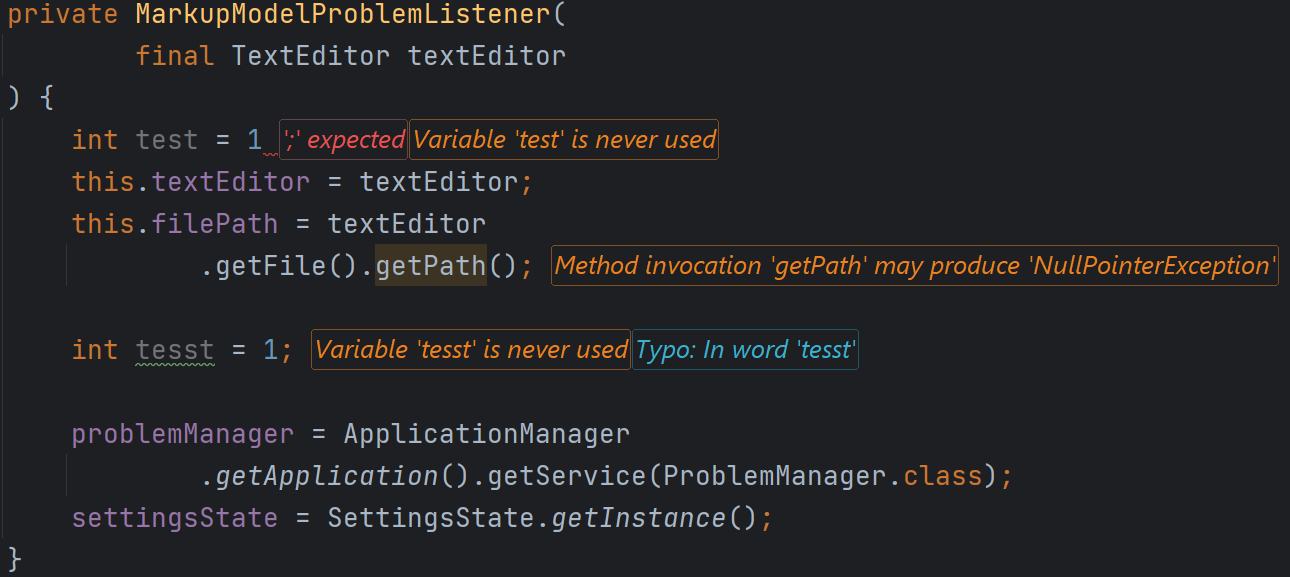
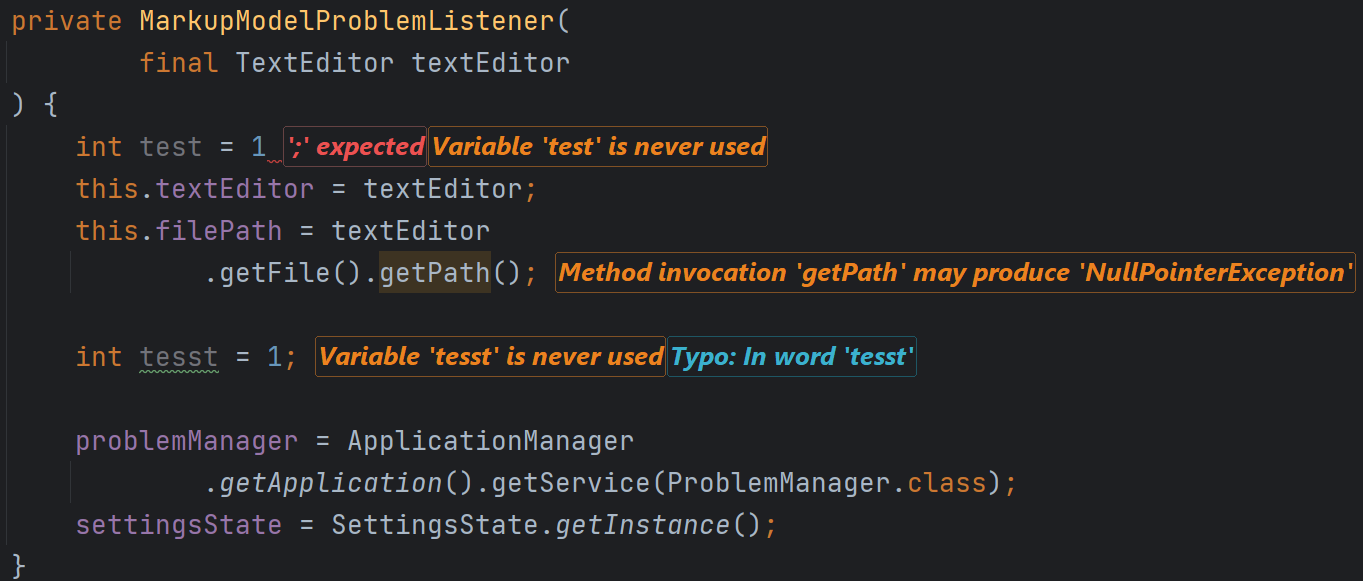
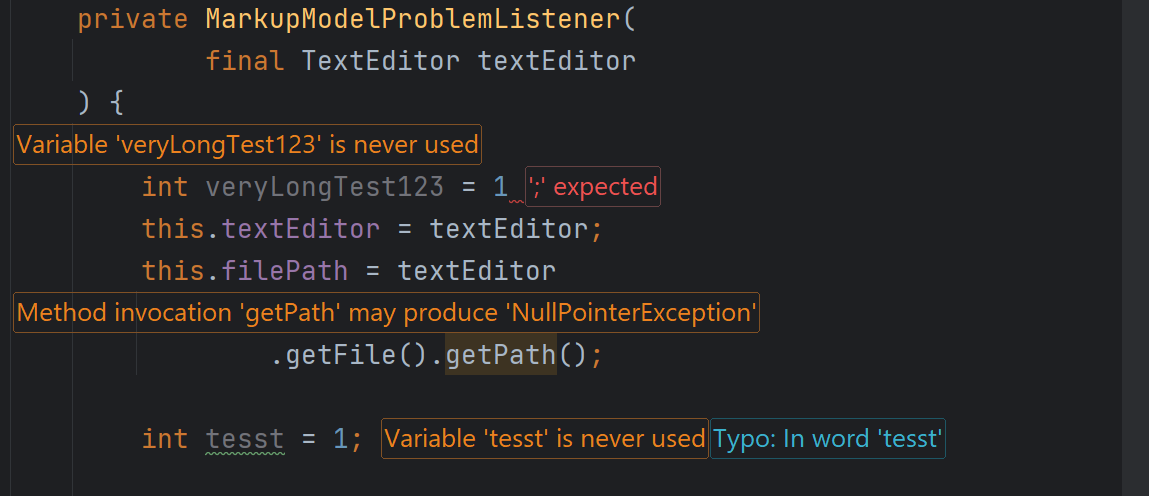
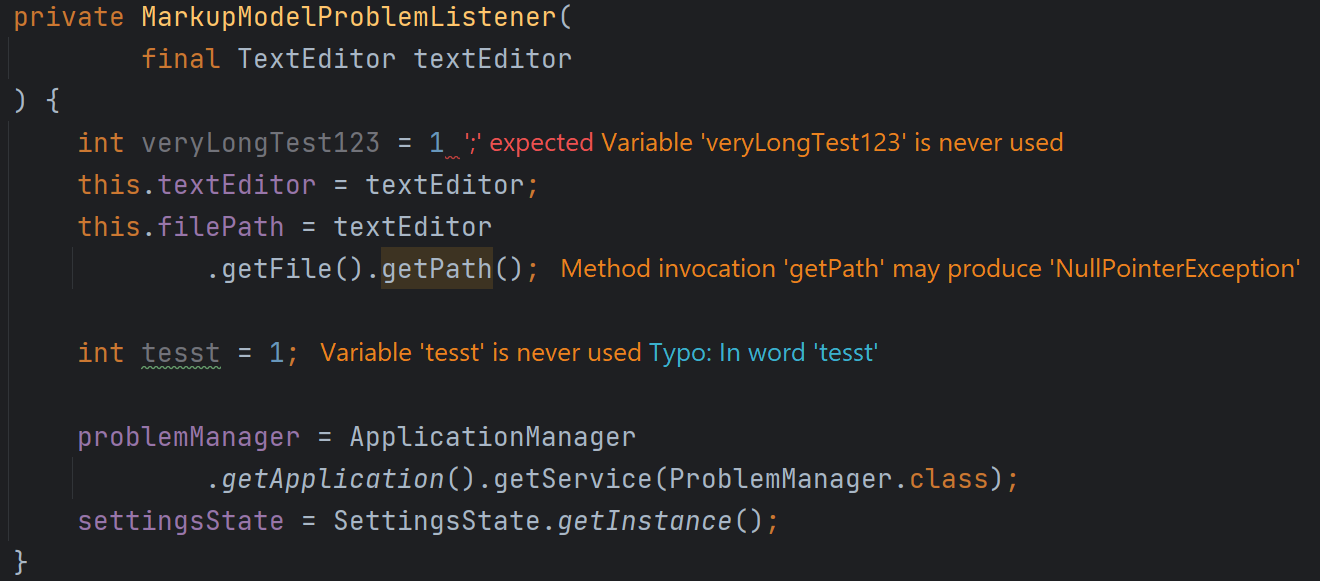
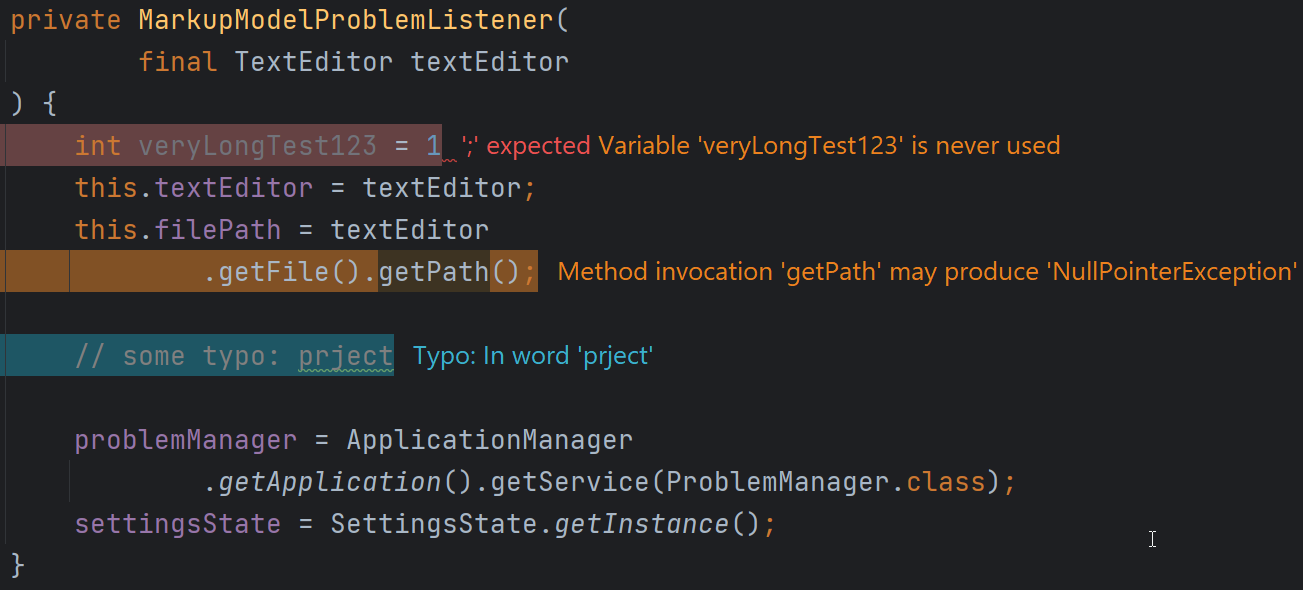
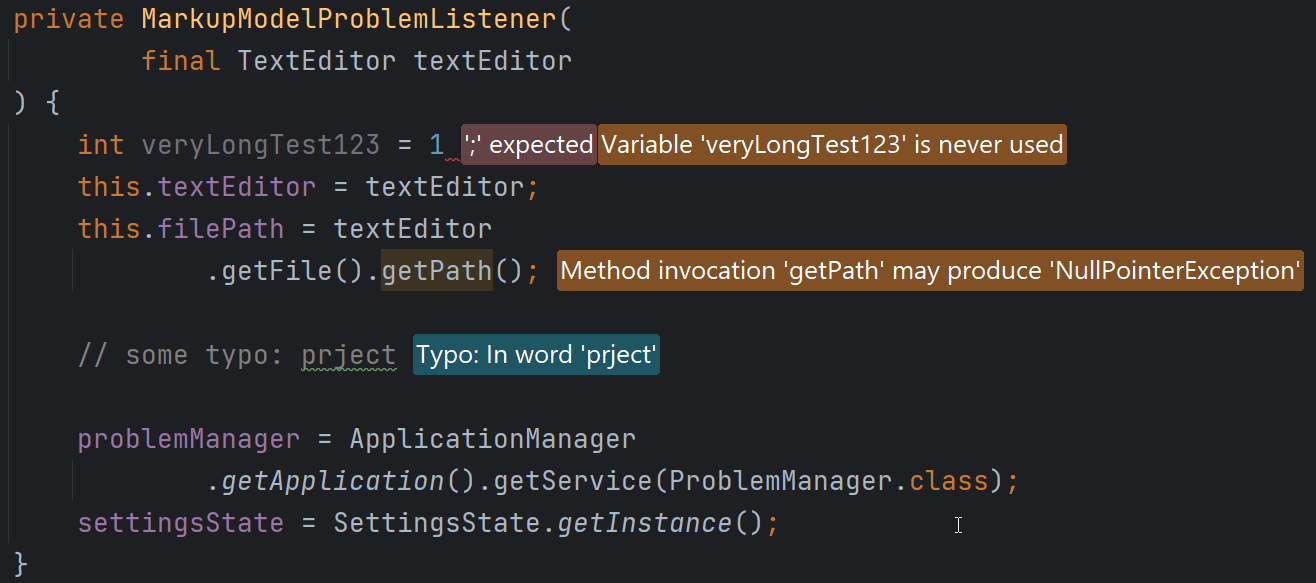
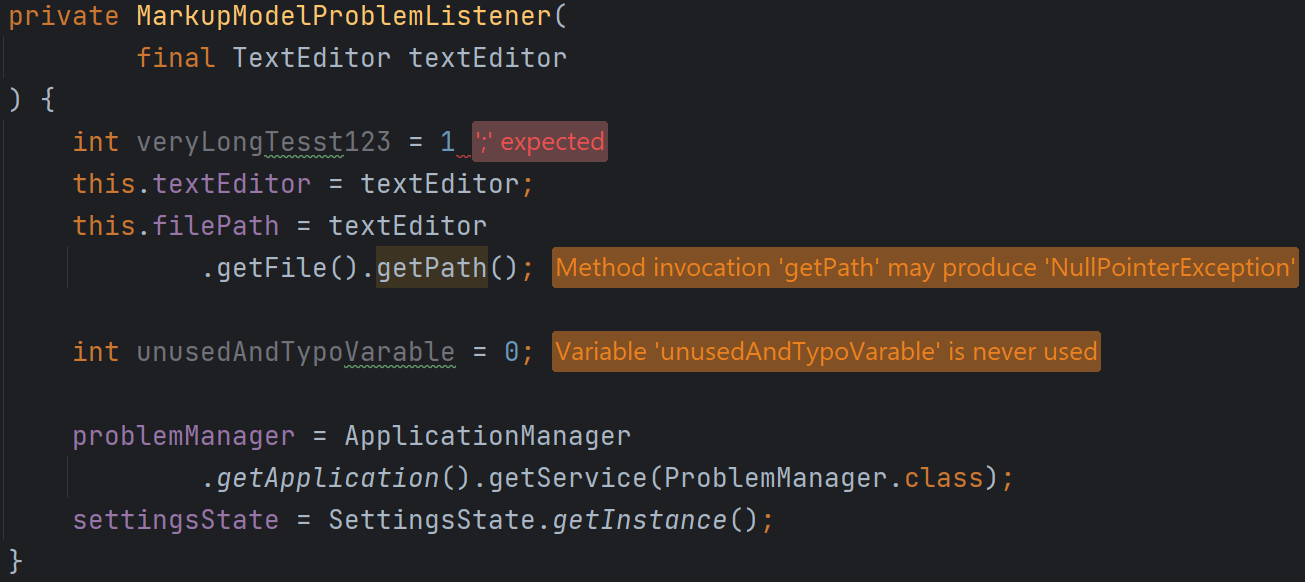
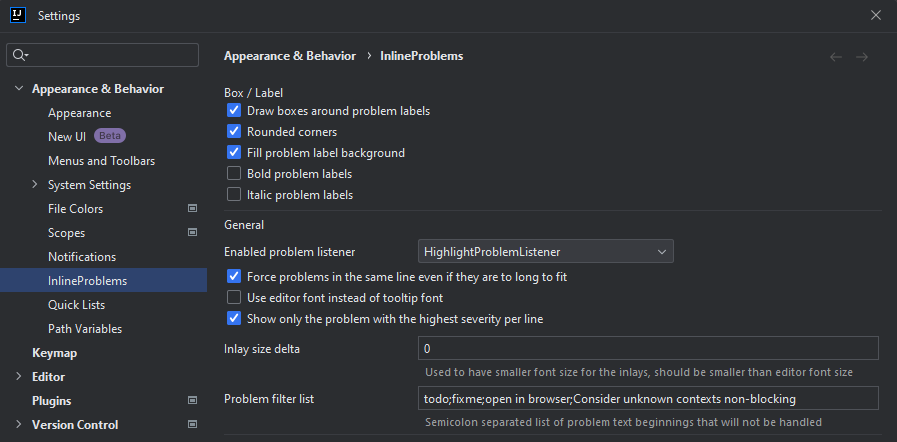
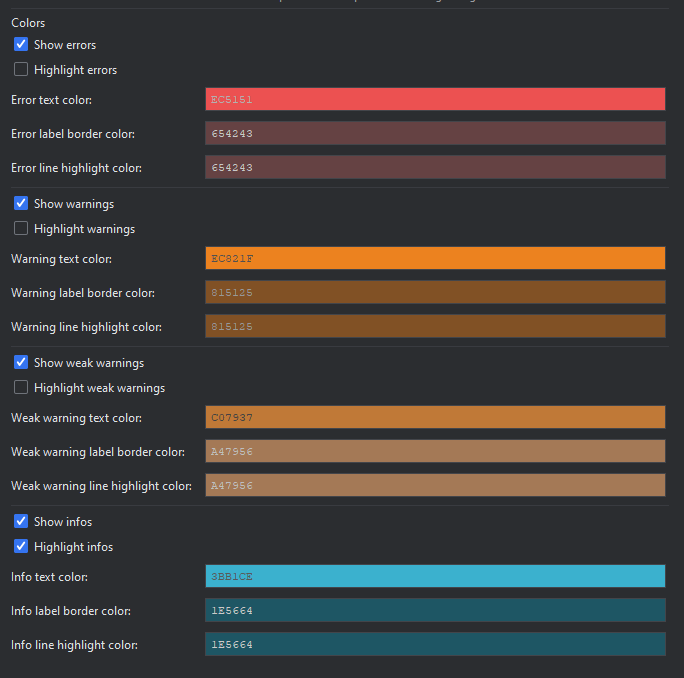
Table of Contents
- I use this plugin professionally on a daily basis in IntelliJ and CLion in combination with the IdeaVIM extension
- Clone the repository and open it with IntelliJ
- The plugin targets the IntelliJ Platform
2025.1.7and Java 21 (seegradle.properties), and builds with Gradle 9, so any JDK from 17 up to the current one works:./gradlew buildPlugin - Useful tasks:
buildPlugin- builds the distribution ZIPrunIde- starts a sandbox IDE with the pluginverifyPluginStructure- descriptor and archive structure checkverifyPlugin- IntelliJ Plugin Verifier, binary compatibility against the IDE pinned inpluginVerifierIdeVersionsprintProductsReleases- lists the IDE builds available for the verifier
- Lombok is used, so the Lombok plugin has to be enabled in the development IDE
- You can download beta versions from the GitHub release page, there are available as pre-releases.
- Add
https://plugins.jetbrains.com/plugins/beta/20789as custom plugin repository if you only want this plugin from thebetachannel - Add
https://plugins.jetbrains.com/plugins/beta/listas custom plugin repository and you get all plugins with builds in thebetachannel
- Multiline ErrorLabels (Inlays)
- Delay before adding problems (#60, #78)
- Listen to changed width of editor and redraw labels if needed (#57)
See the open issues for the full list.
Distributed under the GNU General Public License v3 See LICENSE for more information.
Julian Hackinger - dev@hackinger.net
Project Link: https://github.com/0verEngineer/InlineProblems