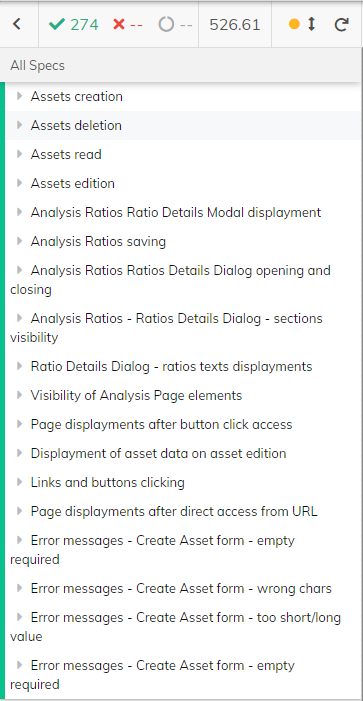
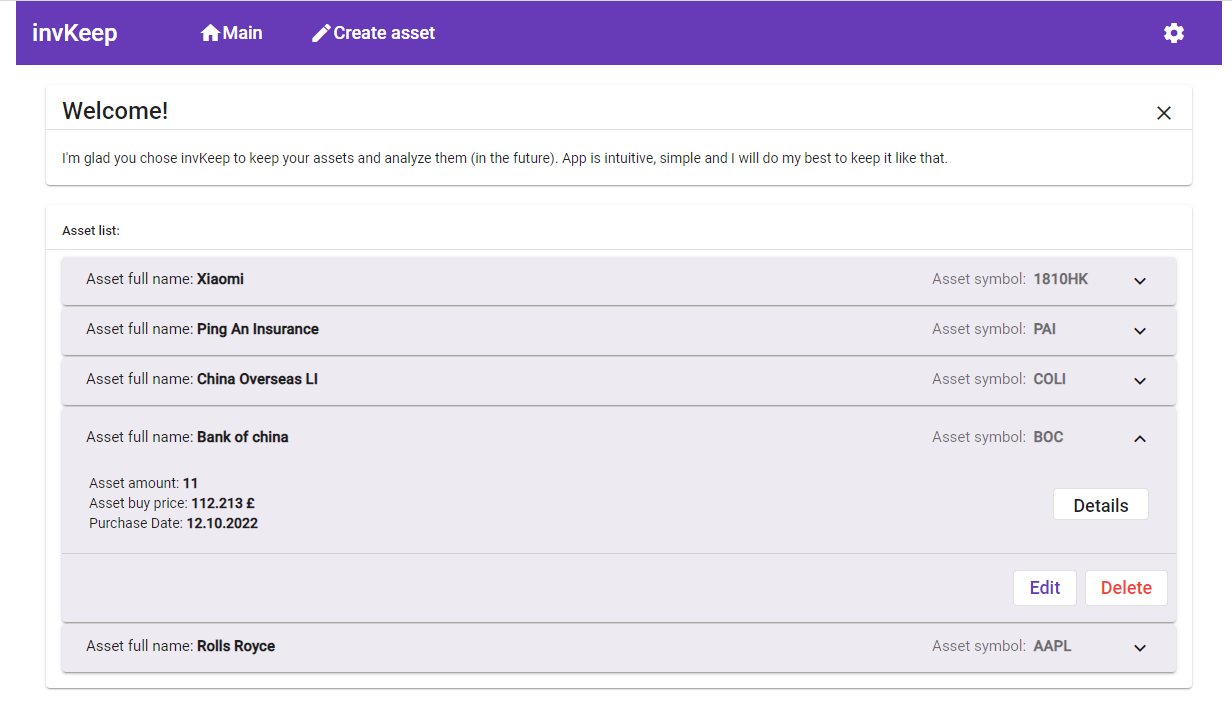
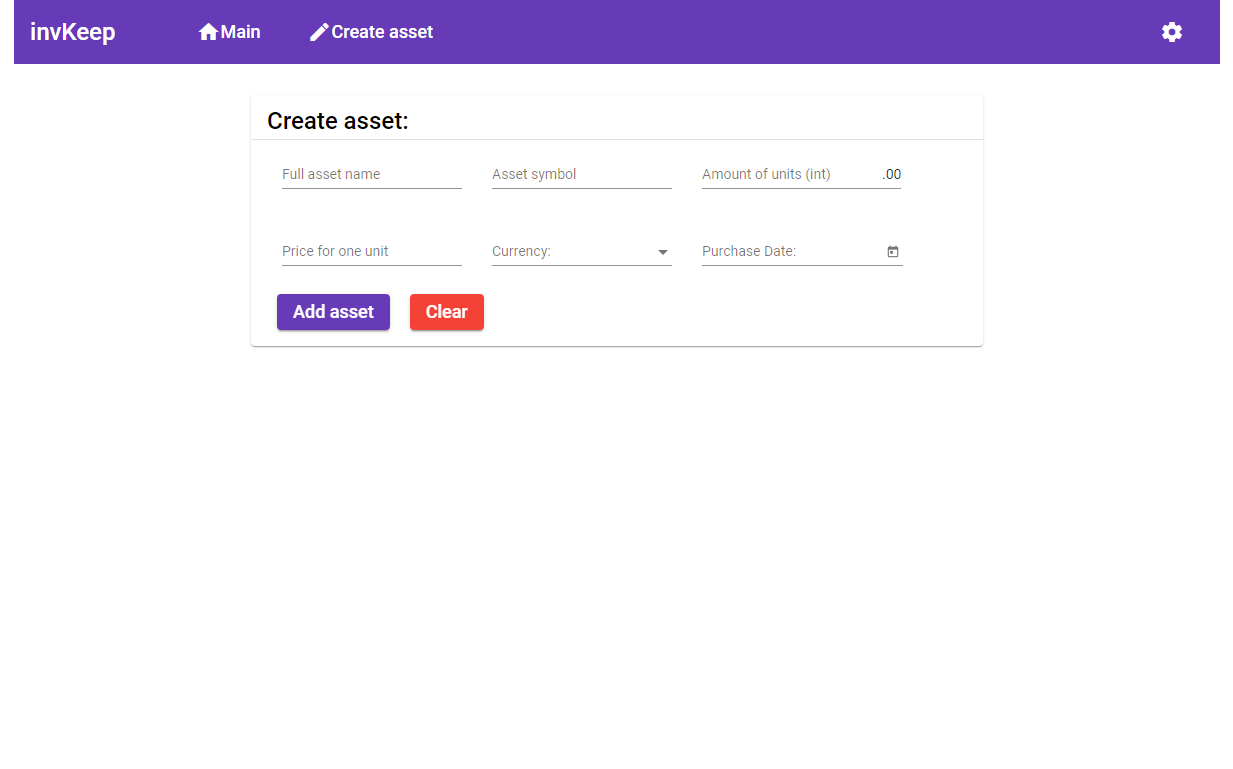
An application on which I am enhancing my coding skills.
Angular with TypeScript + Node.js with Express.js + MongoDB.
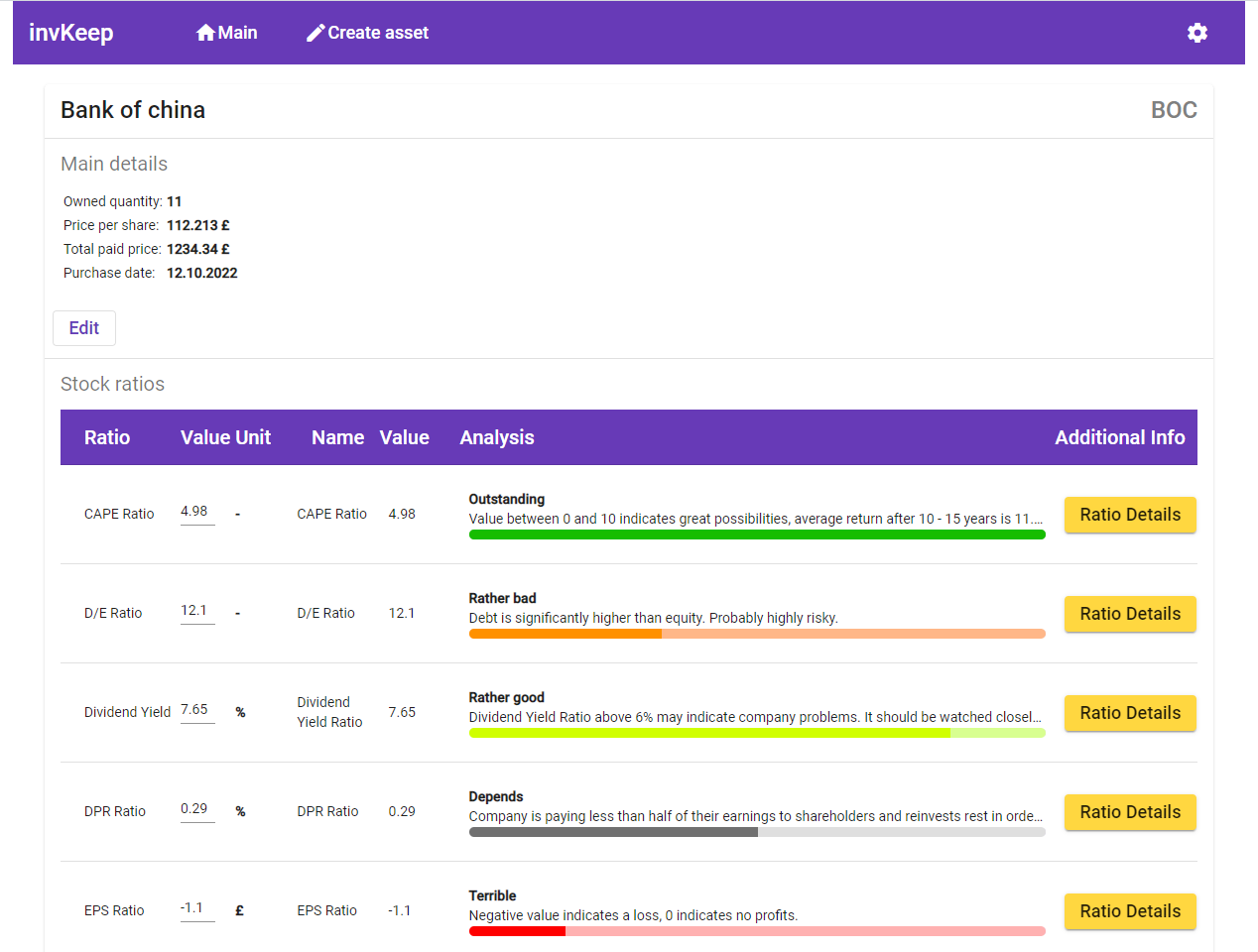
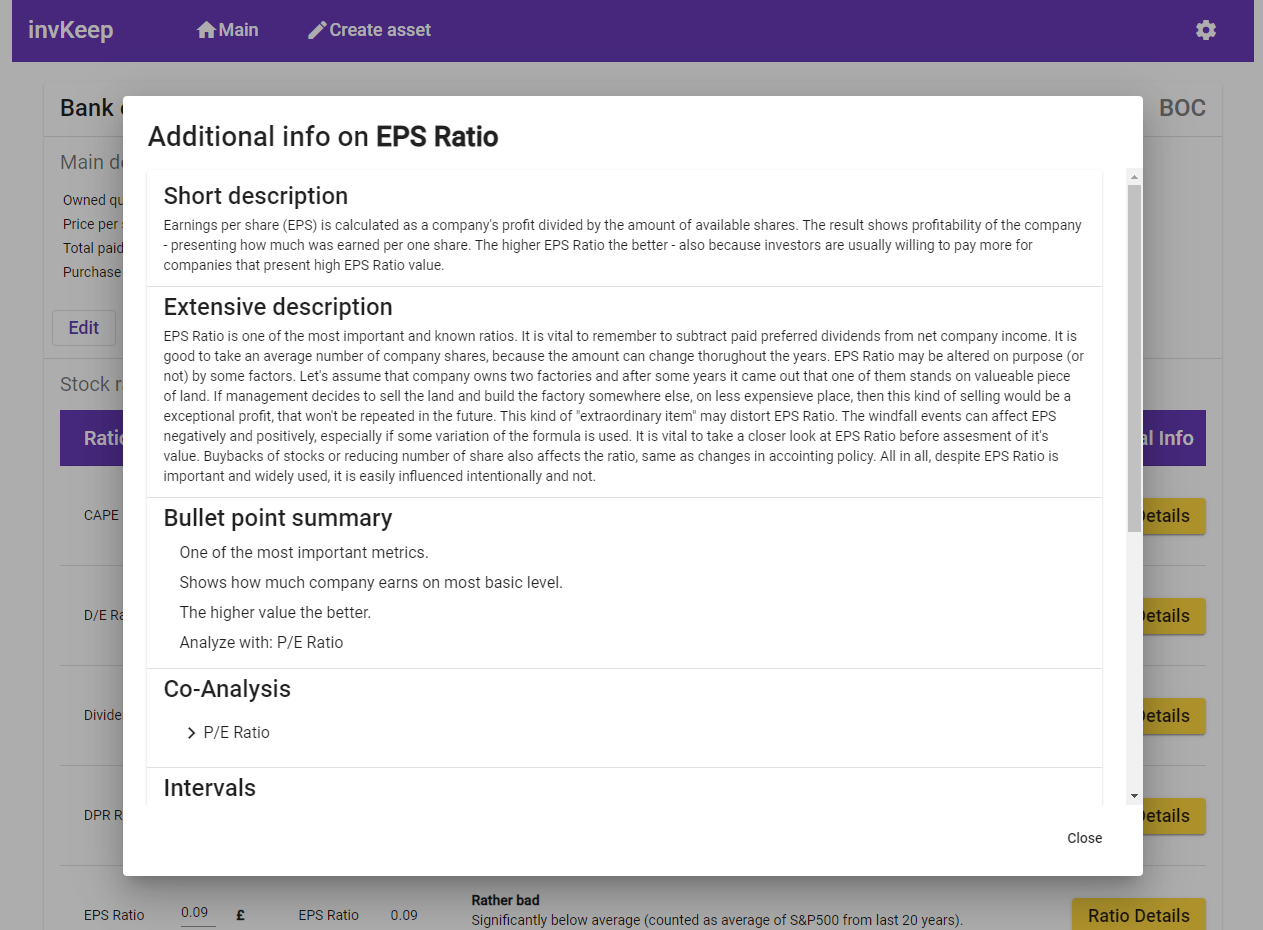
Run npm install in invKeepFrontend folder.
Run npm run startfe in invKeepFrontend folder for a dev server. Navigate to http://localhost:4200/. The app will
automatically reload if you change any of the source files.
Run npm run startbe in invKeepFrontend folder to start backend server of invKeep.
To reload changes introduced in backend run rs in server console.
http://localhost:3000/
- Having local MongoDB run is enough to use invKeep.
- If you don't have installed local MongoDB -> download it from
https://www.mongodb.com/try/download. - After installation create folders
C:\data\db. - In
C:\Program Files\MongoDB\Server\8.0\bin(default MongoDB path) runmongod.exe-> start local MongoDB.
Above steps are enough to run the app - create and load assets.
- Create database
invKeepDatabase. - Inside created database - create
assetscollection. - Inside created database - create
assetRatioscollection. - Inside created database - create
analysisFilePathscollection. - Import files from
invKeepDatabaserepository folder to previously created collections
After invKeep main page refresh, all imported assets should be displayed.
Running tests:
- Move to
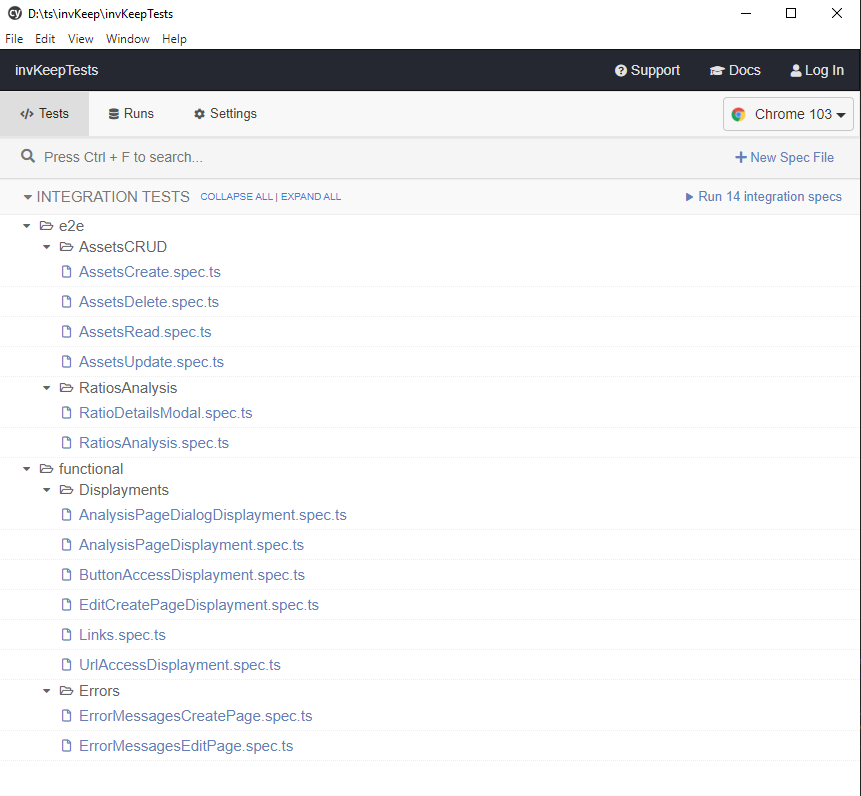
invKeepTestsfolder. - Run
npx cypress opencommand. - Select spec files that need to be run