
Installation Guide | readthedocs | Introduction on Colab | Browse Examples With Images | HowToLens
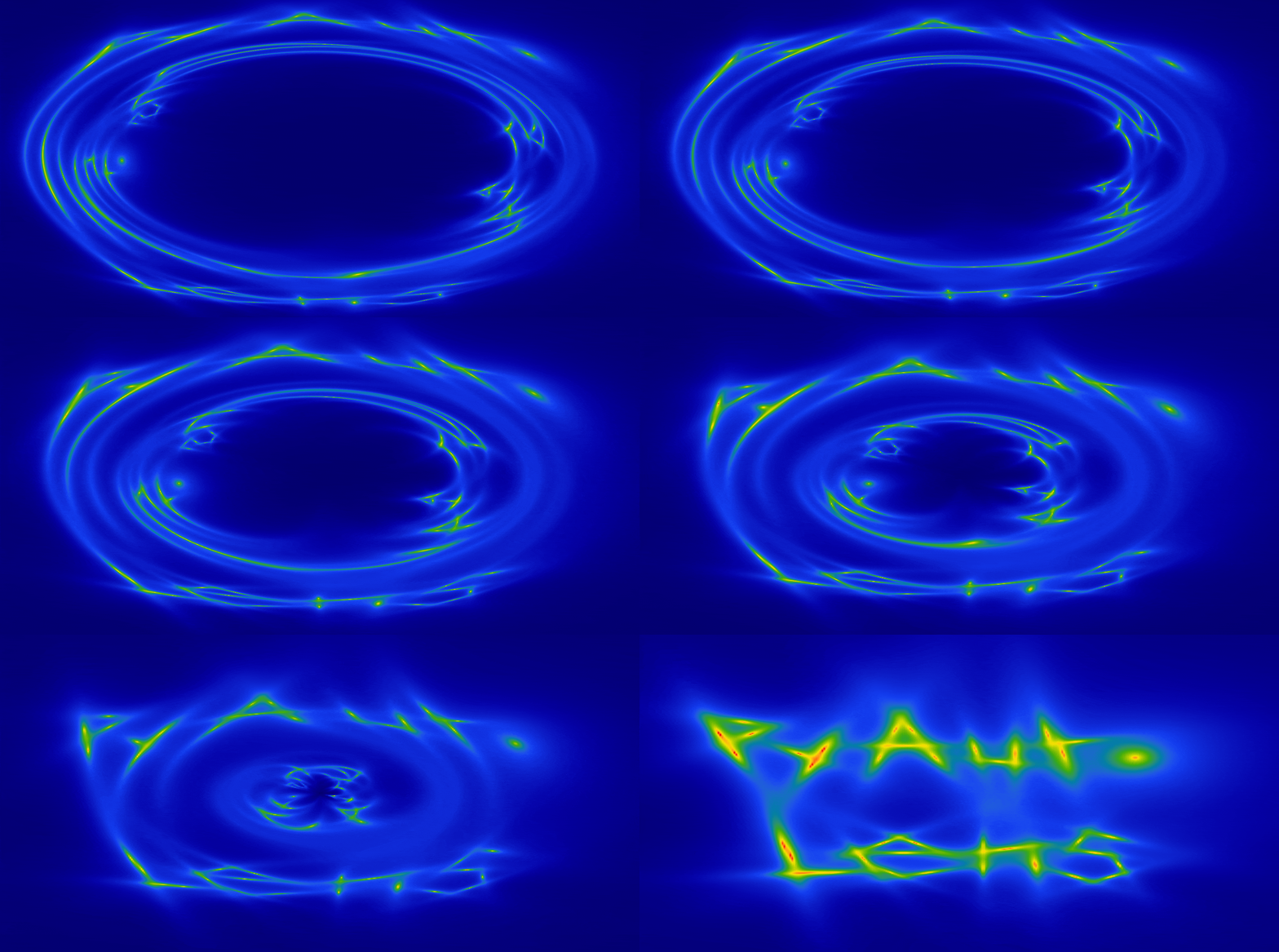
Welcome to the PyAutoLens Workspace!
The PyAutoLens AI Assistant supports conversation agents such as ChatGPT and coding agents such as Claude Code and Codex. You can get started simply by asking it a question about gravitational lensing or describing the task you would like to perform with PyAutoLens. See the autolens_assistant GitHub page for its full scope and instructions.
The following human-readable documentation and examples are also useful for new starters:
- Installation guide: set up PyAutoLens on your personal computer.
- PyAutoLens on Google Colab: try PyAutoLens in a web browser without installing it.
New users should read the autolens_workspace/start_here.ipynb notebook, which will give you a concise
overview of PyAutoLens's core features and API.
This can be done via a web browser by going to the following Google Colab link:
Then checkout the new user starting guide to navigate the workspace for your science case.
You can also browse a curated set of examples fully executed, with their output images, directly on GitHub — no installation required.
If the workspace examples move too quickly, HowToLens is a separate four-chapter tutorial lecture series that walks through strong lensing and lens modeling step by step — ideal for undergraduates, new PhD students, or anyone new to the field. It lives in its own repository: PyAutoLabs/HowToLens.
The workspace includes the following main directories:
notebooks: PyAutoLens examples written as Jupyter notebooks.scripts: PyAutoLens examples written as Python scripts.config: Configuration files which customize PyAutoLens's behaviour.dataset: Where data is stored, including example datasets distributed.output: Where the PyAutoLens analysis and visualization are output.markdown: Curated examples rendered with their output images, browsable on GitHub..claude/skills: AI agent skills (e.g. Claude, codex) for loading, inspecting and analysing workspace results with AI agents.
The Source, Light and Mass (SLaM) pipelines (Advanced) are not a top-level
directory: scripts/guides/modeling/slam_start_here.py is the canonical
reference, and the pipelines themselves live in features/slam/ folders within a
given topic (e.g. scripts/multi_dataset/features/slam/).
The examples in the notebooks and scripts folders are structured as follows:
guides: Guides which introduce the core features of PyAutoLens, including the core lensing API.imaging: Examples for galaxy scale strong lenses observed with CCD imaging (e.g. Hubble, Euclid).interferometer: Examples for galaxy scale strong lenses observed with an interferometer (e.g. ALMA, JVLA), for both continuum data and spectral-line data cubes.multi_dataset: Examples for lenses observed in multiple wavebands, modeled simultaneously.point_source: Examples for strong lens point source datasets.multi_galaxy: Examples for multi-galaxy strong lenses (two or more co-dominant lens galaxies, no host halo).group: Examples for group scale strong lenses.cluster: Examples for cluster scale strong lenses.weak: Examples for weak lensing analysis.
The tutorial lecture series is shipped as a standalone repo: PyAutoLabs/HowToLens.
The dataset packages (e.g. imaging, interferometer, point_source, group and cluster) include the
following types of examples:
modeling: Performing lens modeling using that type of data.simulator: Simulating examples of that strong lens dataset type.fit: How to fit the dataset to compute quantities like the residuals, chi squared and likelihood.data_preparation: Preparing real datasets of that type for PyAutoLens analysis.source_science: Performing source science calculations like computing the unlensed source's total flux and magnification.features: Features for detailed modeling and analysis of strong lenses (e.g. Multi Gaussian Expansion, Pixelizations).likelihood_function: A step-by-step guide of the likelihood function used to fit the dataset.
The guides package contains a number of important subpackages, which include:
results: How to load, use and inspect the results of lens modeling to many strong lenses to perform scientific analysis efficiently.modeling: Ways to customize the lens modeling procedure and build advanced automated lens modeling pipelines.plot: How to plot lensing quantities and results.
The README.md files distributed throughout the workspace describe what is in each folder.
Support for PyAutoLens is available via our Slack workspace, where the community shares updates, discusses gravitational lensing analysis, and helps troubleshoot problems.
Slack is invitation-only. If you'd like to join, please send an email requesting an invite.
For installation issues, bug reports, or feature requests, please raise an issue on the GitHub issues page.
To make changes in the tutorial notebooks, please make changes in the corresponding python files(.py) present in the
scripts folder of each chapter. Please note that marker # %% alternates between code cells and markdown cells.
The imaging, interferometer and point_source packages provide scripts for modeling galaxy-scale lenses.
Above the single-galaxy scale, PyAutoLens organises lenses into a ladder of three regimes, each with its own
package. Every group and cluster is a multi-galaxy system, but not vice versa — what changes as you climb is
first the mass model, then the entire analysis strategy:
-
A galaxy-scale lens (
imaging,interferometer,point_source) can be modeled to high accuracy using a single mass distribution for the main lens galaxy. Nearby galaxies may be added as minor perturbers via the extra-galaxies API, but for many science cases this is not strictly necessary. -
A multi-galaxy lens (
multi_galaxy) has two or more galaxies of comparable mass which all contribute significantly to the lensing — the notion of a single 'main' lens galaxy is ill-posed, and every co-dominant deflector gets its own free light and mass model. There is no shared dark-matter halo. The analysis workflow is unchanged from galaxy scale: one extended source, reconstructed at pixel level from the imaging. -
A group-scale lens (
group) adds a dominant group-scale dark-matter halo (~10^13-10^14 solar masses) as an explicit modelling choice, with member galaxies organised into tiers (main / extra / scaling galaxies, the latter tied to a luminosity scaling relation — tidally truncated dPIE members in the Lenstool-convention workflow ofgroup/features/group_halo, untruncated isothermals in the PyAutoLens-native default ofgroup/features/scaling_relation). The source modelling is unchanged: one dominant extended source, fitted at pixel level. -
A cluster-scale lens (
cluster) shares the group's mass framework (host halo(s) + many truncated members on scaling relations) but is distinguished by its analysis strategy: dozens of sources at different redshifts are fitted as point-source multiple-image positions with multi-plane ray tracing, and the lens galaxies' light is not modeled. Extended source reconstruction becomes a specialised follow-up of individual systems, not the default workflow.
The config/ directory contains two files used by the automated build and test system
(CI, smoke tests, and pre-release checks). These are not relevant to normal workspace usage.
config/build/no_run.yaml— scripts to skip during automated runs. Each entry is a filename stem or path pattern with an inline comment explaining why it is skipped.config/build/profile_smoke.yaml— environment variables applied to each script during automated runs. Defines default values (e.g. test mode, small datasets) and per-script overrides for scripts that need different settings.