Apollo pairs a near-black, warm-contrast dark preset with Apollo Light's warm paper canvas for iTerm2.


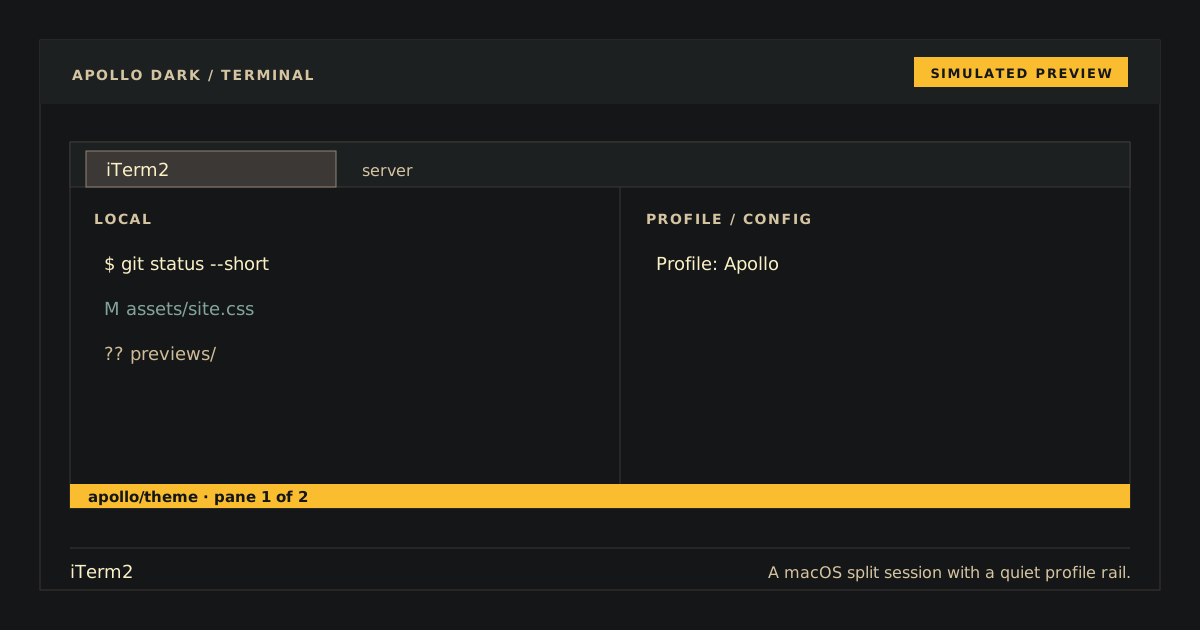
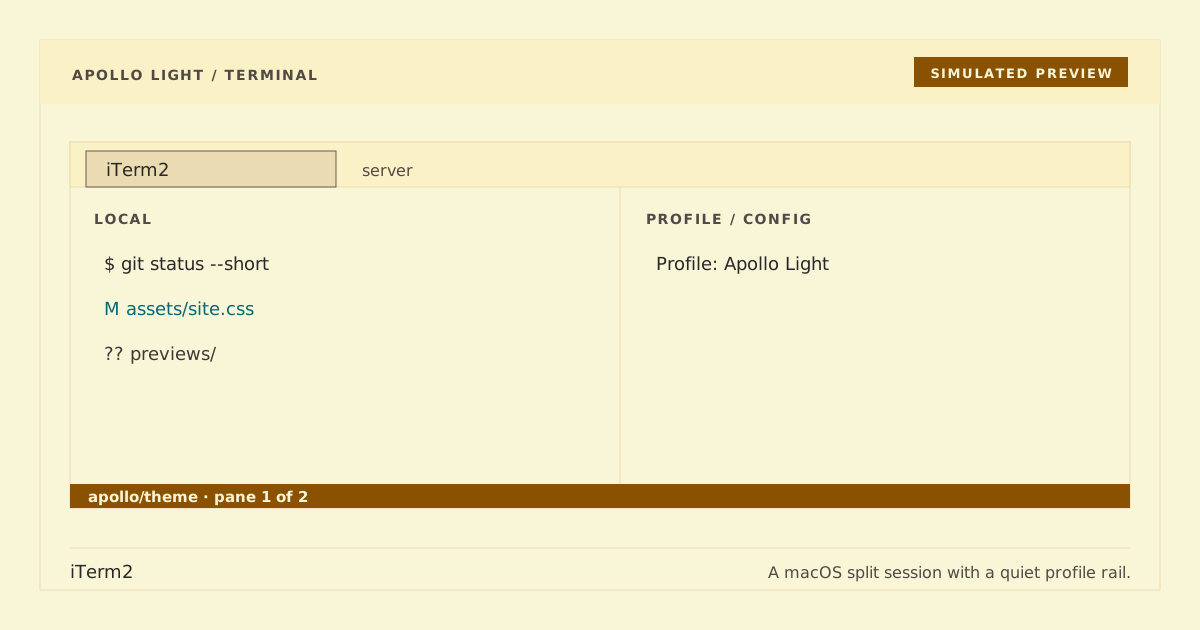
Simulated previews. Rendered output may vary by font and platform.
Apollo Dark is the public name for the existing Apollo.itermcolors compatibility preset, whose native name remains Apollo. Apollo Light keeps its current Apollo Light.itermcolors preset identity; importing either preset does not change existing profiles.
- Download
Apollo.itermcolors,Apollo Light.itermcolors, or both. - In iTerm2, open Settings → Profiles → Colors.
- Open Color Presets… → Import… and choose each desired file.
Importing presets does not activate them or modify current profile colors.
Open Settings → Profiles → Colors → Color Presets…, then choose Apollo for dark or Apollo Light for light. Apply the choice separately to each profile that should use it.
Open Settings → Profiles → Colors → Color Presets… → Delete Preset…, select Apollo and/or Apollo Light, and confirm. Existing profiles retain their current copied colors until changed.
For each preset, open a fresh profile and inspect normal, bold, selected, and cursor text plus ANSI colors 0–15. Dark Apollo should retain foreground #cfbc97, cursor #fabd2f, and canvas #141617. Apollo Light should use foreground #3c3836, cursor #8a5200, and canvas #f9f5d7. Selection must remain readable and follow the matching palette's alpha. A useful ANSI preview is:
for n in $(seq 0 15); do printf '\033[48;5;%sm %2s \033[0m' "$n" "$n"; done; printf '\n'palette/apollo.json→Apollo.itermcolors(dark, compatibility-preserving)palette/apollo-light.json→Apollo Light.itermcolors(light)
python3 scripts/generate.py
python3 scripts/generate.py --check
python3 scripts/check.py
python3 -m unittest discover -s tests -v
plutil -lint Apollo.itermcolors "Apollo Light.itermcolors" # macOS
Generation and checks never import presets or edit iTerm2 preferences.