Apollo brings warm, high-contrast dark and light colorschemes to Neovim with native UI, syntax, diagnostic, LSP, Tree-sitter, and terminal coverage.


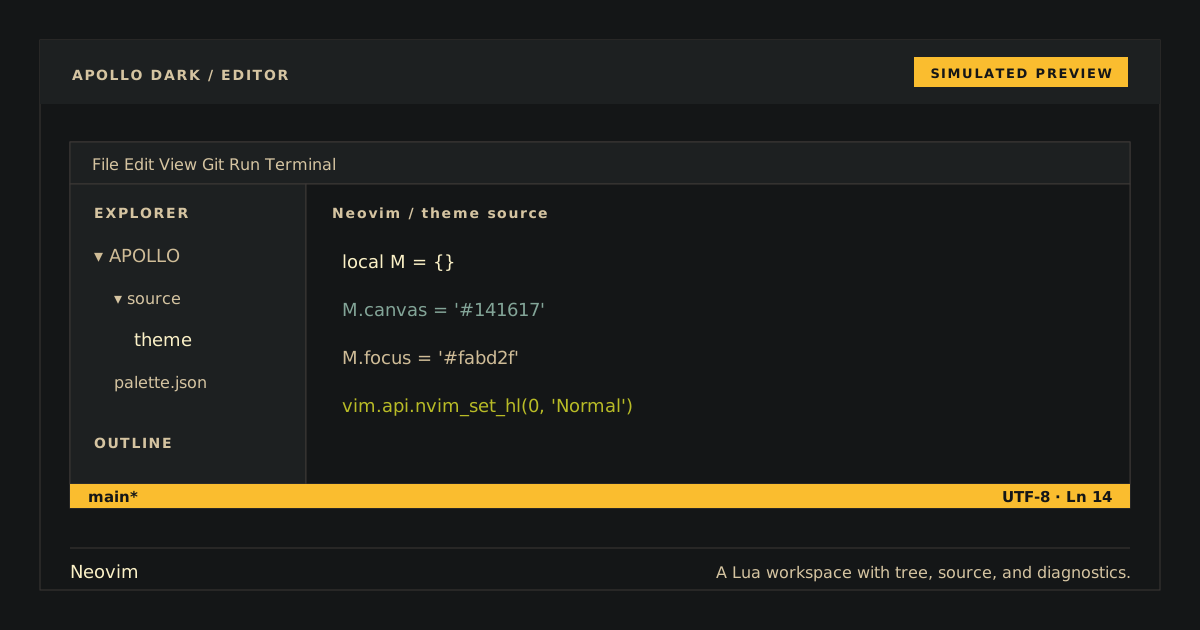
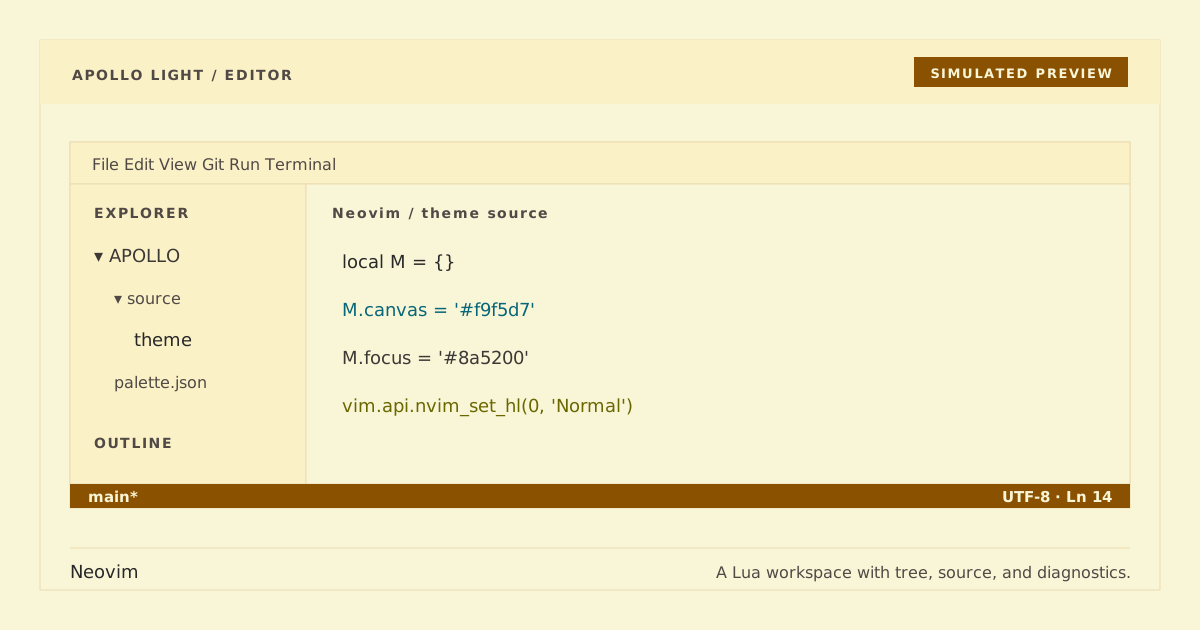
Simulated preview. Font, terminal, and syntax rendering may vary; Apollo remains native and plugin-neutral.
The public Apollo Dark variant uses the existing apollo colorscheme and unsuffixed compatibility identity; Apollo Light uses the existing apollo-light colorscheme.
- Core Neovim UI, syntax, diff, diagnostic, and LSP highlighting.
- Neovim 0.12 Tree-sitter captures and exact terminal ANSI colors.
- Generated Lua entry point, palette data, and implementation with no runtime dependencies.
- Plugin-neutral scope: Apollo does not depend on or style third-party plugins.
Add this plugin spec and run :Lazy sync:
{
  'https://github.com/apollo-theme/nvim-apollo-theme',
  lazy = false,
  priority = 1000,
  config = function()
    vim.cmd.colorscheme('apollo')
  end,
}git clone --depth 1 https://github.com/apollo-theme/nvim-apollo-theme \
~/.local/share/nvim/site/pack/apollo/start/nvim-apollo-themeIf your plugin manager does not activate the theme, add this to init.lua:
vim.cmd.colorscheme('apollo')Use vim.cmd.colorscheme('apollo-light') for the light variant. require('apollo').load() remains the dark default.
Open a syntax-rich buffer in both variants. Apollo should use #cfbc97 on #141617; Apollo Light should use #3c3836 on #f9f5d7. Confirm active/search cues, comments, diagnostics, diff states, and Tree-sitter captures remain distinct. To verify the colorscheme loads cleanly with representative highlights and terminal colors, run:
nvim --headless --clean -u NONE -l tests/headless.luaFor lazy.nvim, remove the plugin spec and run :Lazy clean. For the manual package:
rm -rf ~/.local/share/nvim/site/pack/apollo/start/nvim-apollo-themeThen remove the apollo or apollo-light colorscheme call from your configuration.
Both files under palette/ are exact canonical snapshots. All shipped Lua files are deterministic generated output and must not be edited directly. Build and run the full validation set from the repository root:
python3 scripts/generate.py
python3 scripts/generate.py --check
python3 -m compileall -q scripts tests
python3 scripts/check.py
Run the focused Python and clean editor checks with:
python3 -m unittest tests.test_theme.ThemeTests.test_generated_theme_is_current
nvim --headless --clean -u NONE -l tests/headless.lua
Only Python's standard library is used by the build and check scripts.
MIT.