Apollo brings warm, high-contrast semantic color to PowerShell and PSReadLine.


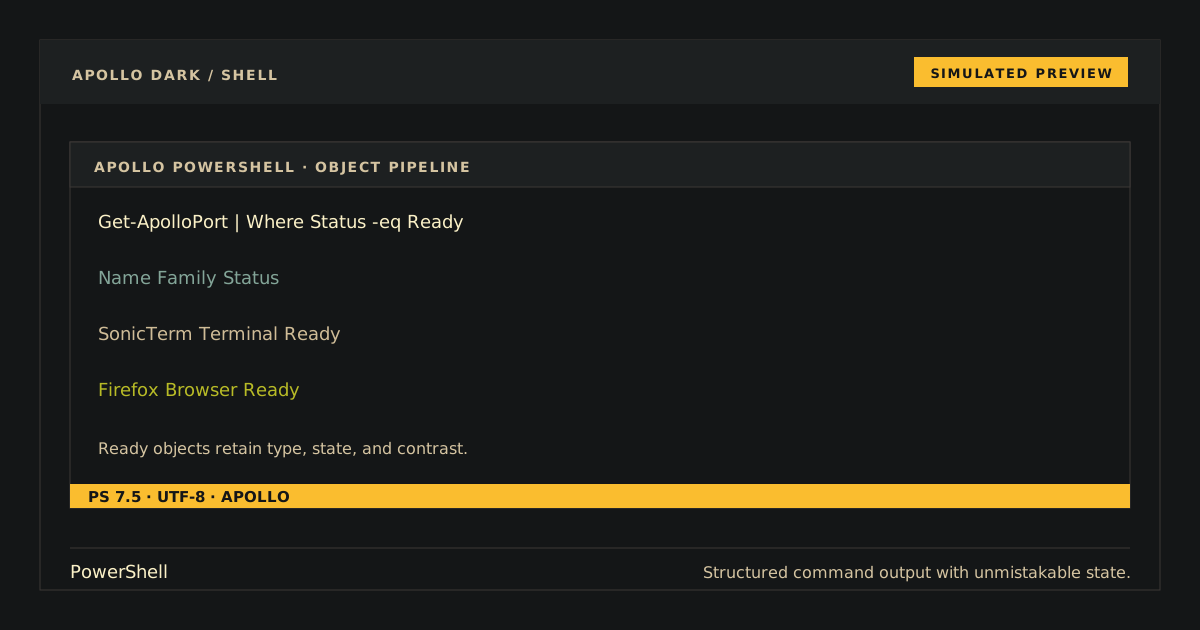
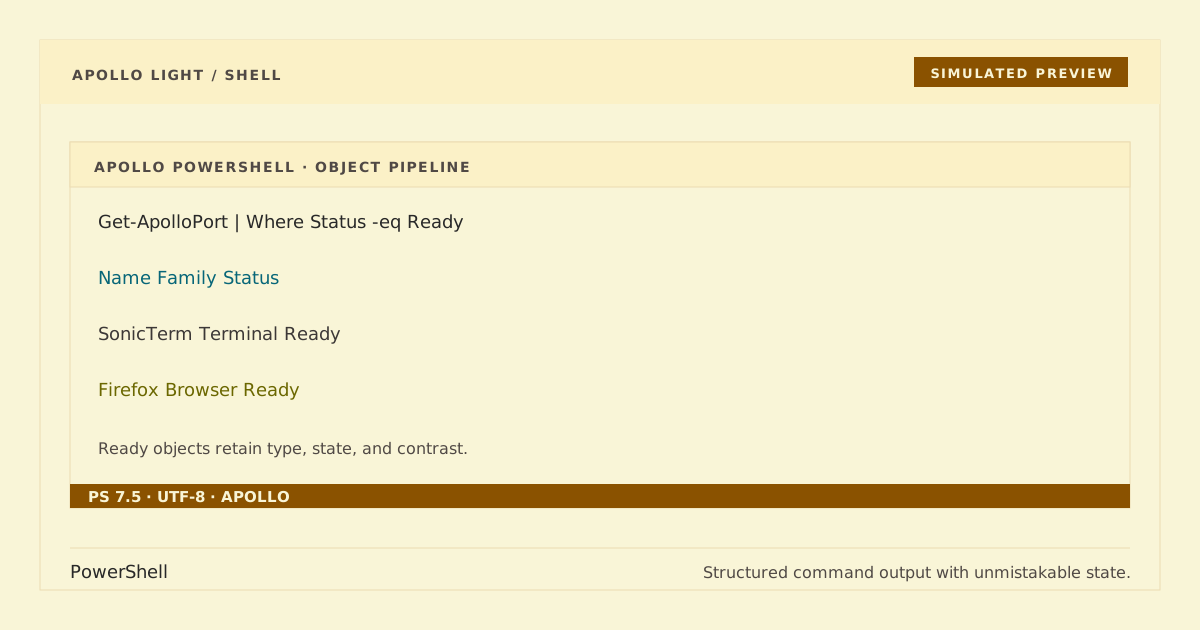
Simulated preview. Terminal, font, and PSReadLine rendering may vary.
Apollo Dark remains the compatibility default for unsuffixed Enable-ApolloTheme; Apollo Light is the explicit opt-in variant. The single PowerShell module maps both canonical palettes to PSReadLine semantic tokens. Activation captures the colors already in use only on first activation and restores those true pre-Apollo values after any number of Dark/Light switches without rewriting your profile.
Clone the repository into a dedicated configuration directory:
git clone https://github.com/apollo-theme/powershell-apollo-theme "$HOME/.config/powershell-apollo-theme"This only creates the clone; it does not edit $PROFILE or enable the theme.
Import and enable either variant for the current session. Dark remains the default:
Import-Module "$HOME/.config/powershell-apollo-theme/ApolloTheme.psd1" -Force
Enable-ApolloTheme                 # Dark compatibility default
Enable-ApolloTheme -Variant Dark   # Explicit Dark
Enable-ApolloTheme -Variant Light  # Explicit Light
Get-ApolloPSReadLineColors accepts the same -Variant Dark|Light parameter. Apollo Light changes PSReadLine token colors only, so use it with a terminal profile that has a light background.
To opt in for future sessions, manually dot-source ApolloTheme.profile.ps1 from your PowerShell profile. The repository never writes that line for you.
If you added the profile line, remove it first. Then restore the PSReadLine colors captured at first activation, unload the module, and remove the clone:
Disable-ApolloTheme
Remove-Module ApolloTheme
Remove-Item -Recurse -Force "$HOME/.config/powershell-apollo-theme"
Repeated calls to Enable-ApolloTheme do not replace the saved pre-Apollo values, and calling Disable-ApolloTheme while inactive is safe. Apollo only sets color properties exposed by the installed PSReadLine version, so the PSReadLine bundled with PowerShell 7.2 works without newer list-prediction properties.
In an interactive PowerShell session, type this without immediately submitting it:
Get-ChildItem -Path $HOME | Where-Object { $_.Name -like '*.txt' } # ApolloFor Dark, commands should be gold, parameters magenta, variables cyan, strings green, keywords blue, ordinary text warm beige, and comments muted brown-gray. Light uses darker equivalents on a light terminal background. Errors should be red in either variant.
PowerShell 7 and PSReadLine are required for native assertions; no Pester dependency is used.
python scripts/generate.py --check
python scripts/check.py
python -m unittest discover -s tests -v
pwsh -NoLogo -NoProfile -NonInteractive -File tests/Test-ApolloTheme.ps1
Generated module and profile files are deterministic. Make mapping changes in scripts/generate.py, then regenerate rather than editing generated output directly.