A standalone, theme-only RMUX configuration built with the canonical Apollo palette.


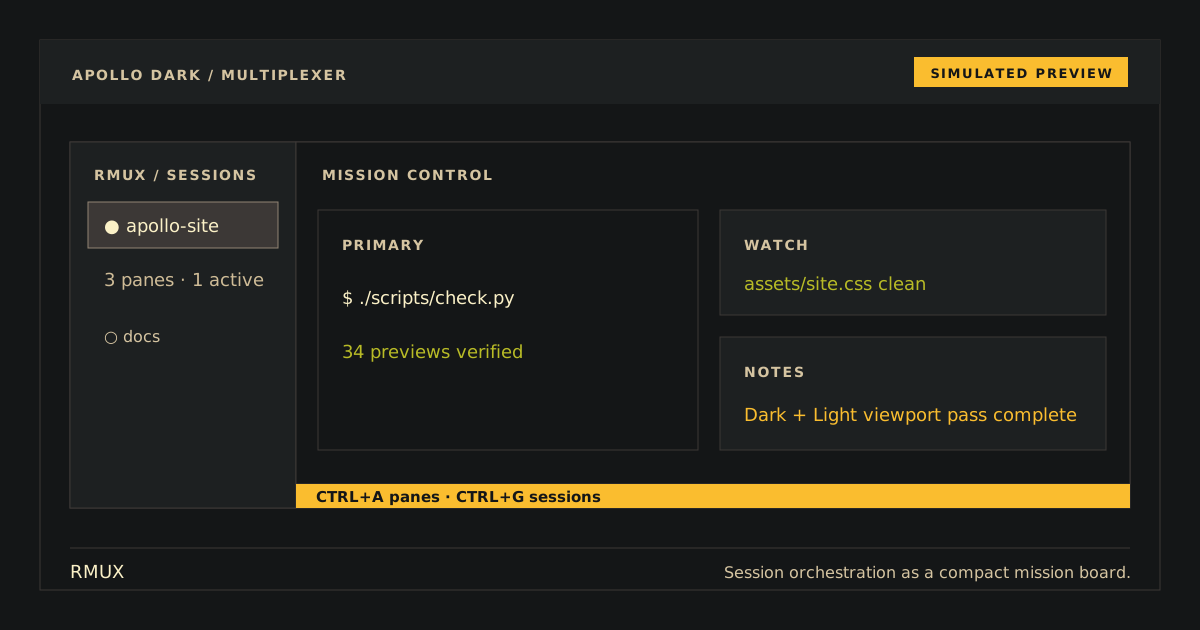
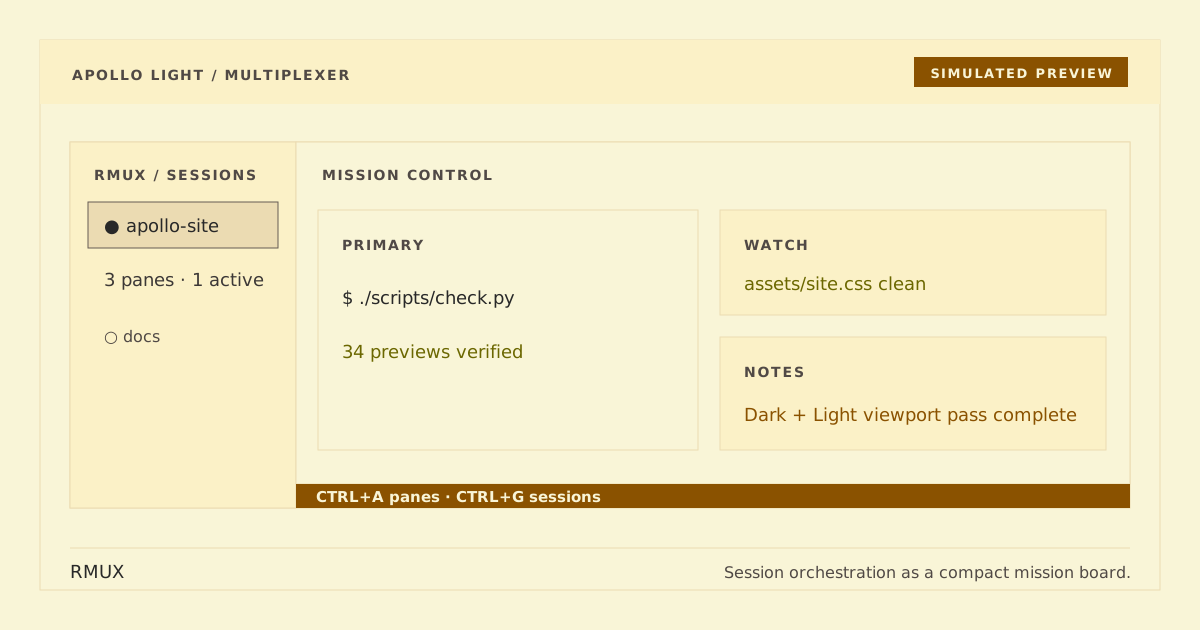
Simulated preview — terminal fonts and rendering can change the final appearance.
This standalone RMUX repository remains separate from the tmux package. Apollo Dark preserves the existing unsuffixed apollo-rmux.conf artifact and default selector for compatibility. Apollo Light is the explicit apollo-rmux-light.conf companion. Both contain only RMUX/tmux-compatible color options; neither copies status content, key bindings, prefixes, commands, hooks, or unrelated RMUX configuration. Source exactly one variant at a time.
Repository: https://github.com/apollo-theme/rmux-apollo-theme
Clone without modifying your RMUX configuration:
git clone https://github.com/apollo-theme/rmux-apollo-theme "$HOME/.config/rmux-apollo-theme"Apply exactly one variant to the running RMUX daemon:
# Dark (default)
rmux source-file "$HOME/.config/rmux-apollo-theme/apollo-rmux.conf"

# Light
rmux source-file "$HOME/.config/rmux-apollo-theme/apollo-rmux-light.conf"
For future daemons, manually add one corresponding source-file line to your RMUX configuration. Do not source both variants; the last one would replace the same theme options. RMUX controls its status, pane-border, message, and mode chrome but cannot change the terminal canvas behind pane content, so pair Apollo Light with a light terminal profile.
No installer edits rmux.conf.
Remove the source-file line, then remove the clone:
rm -rf "$HOME/.config/rmux-apollo-theme"A running daemon keeps its current option values; reload your normal theme/configuration or restart RMUX when safe.
Attach to RMUX, then source and query Apollo Dark before Apollo Light:
# Apollo Dark
rmux source-file "$HOME/.config/rmux-apollo-theme/apollo-rmux.conf"
rmux show-options -gv status-style
# bg=#141617,fg=#cfbc97

# Apollo Light
rmux source-file "$HOME/.config/rmux-apollo-theme/apollo-rmux-light.conf"
rmux show-options -gv status-style
# bg=#f9f5d7,fg=#3c3836
For Apollo Dark, the status canvas should be near-black with warm text. For Apollo Light, it should use a warm light canvas with dark text. In both variants, the active window, pane borders, messages, and alerts should remain distinct.
The checker prefers installed rmux and otherwise validates the source in an isolated compatible tmux server.
python3 scripts/generate.py --check
python3 scripts/check.py
python3 -m unittest discover -s tests -v