Apollo pairs a near-black, warm-contrast dark theme with Apollo Light's warm paper canvas for SonicTerm.


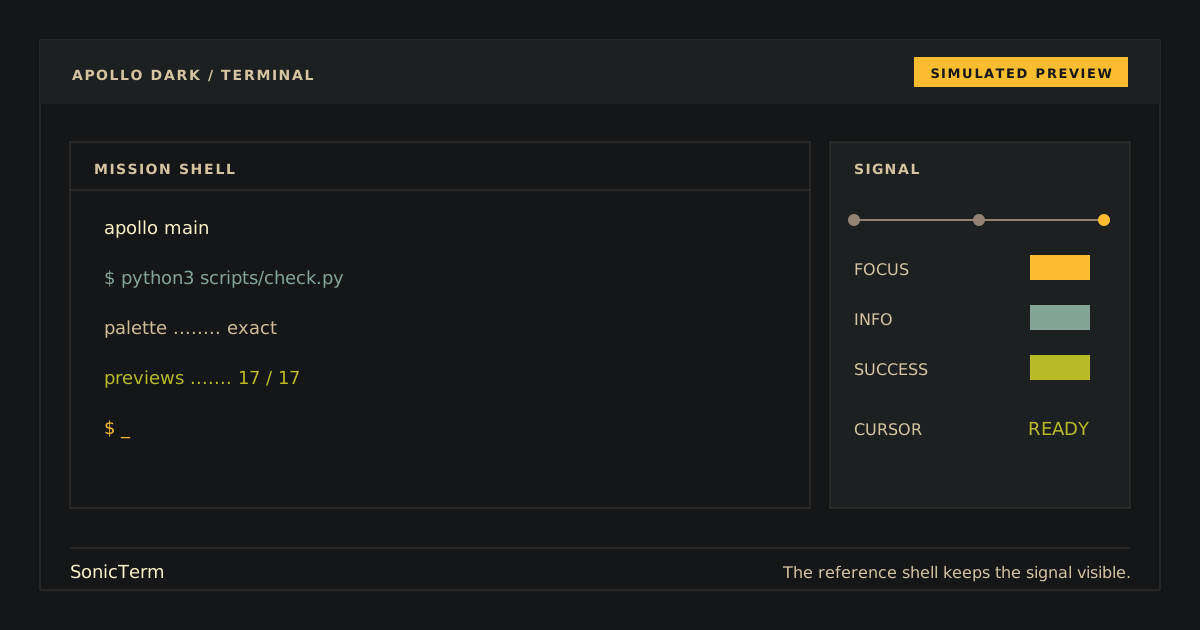
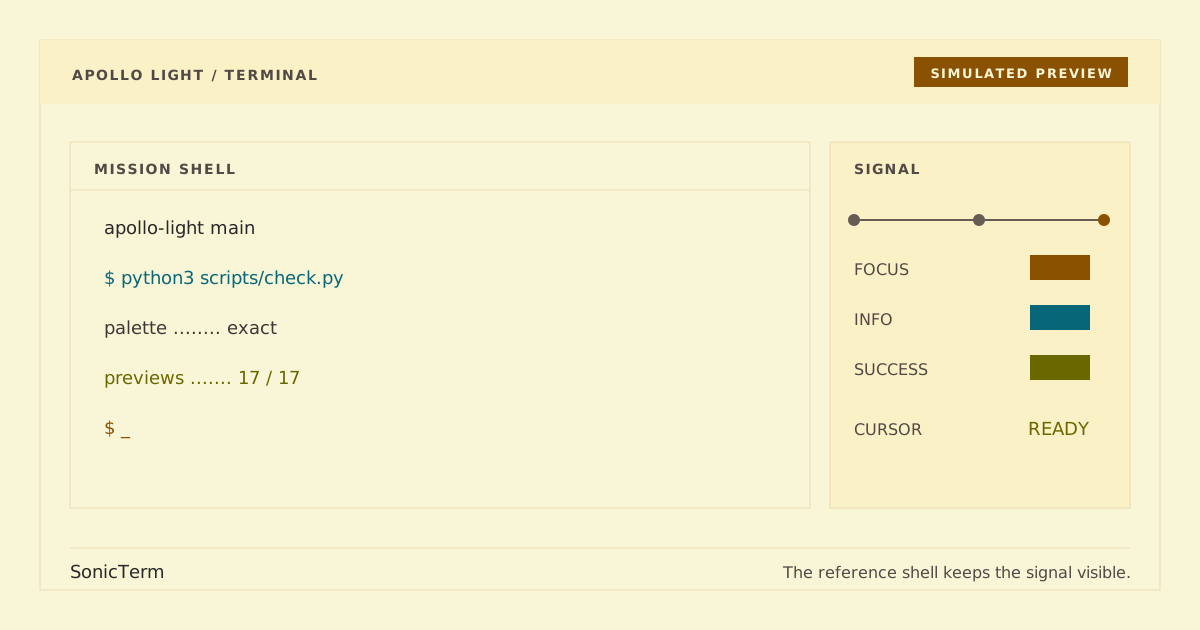
Simulated previews. Rendered output may vary by font and platform.
Apollo Dark is the public name for the existing unsuffixed Apollo compatibility theme in apollo.toml. Apollo Light keeps its current identity in apollo-light.toml; existing installations and activation settings are unchanged.
Install either theme or both:
mkdir -p ~/.sonicterm/themes
cp apollo.toml ~/.sonicterm/themes/apollo.toml
cp apollo-light.toml ~/.sonicterm/themes/apollo-light.tomlSet exactly one theme in ~/.sonicterm/sonicterm.toml:
# Existing dark theme
theme = "apollo"
or:
# Light theme
theme = "apollo-light"
Start SonicTerm, or run Reload Config in an existing session.
Select another installed theme, reload the configuration, then remove the corresponding file:
rm ~/.sonicterm/themes/apollo.toml        # dark Apollo
rm ~/.sonicterm/themes/apollo-light.toml  # Apollo Light
Removing one variant does not affect the other.
For each installed variant, open tabs in active, inactive, and hover states, select text, and print ANSI colors 0–15. Dark Apollo should retain its #141617 canvas and yellow cursor. Apollo Light should use the #f9f5d7 paper canvas, dark #3c3836 text, and brown #8a5200 cursor. In both, confirm readable cursor and selection text plus the exact ordered normal/bright arrays in the matching palette snapshot. Automated checks validate files and values, not rendered pixels.
Both native files are generated from pinned snapshots:
palette/apollo.json→apollo.toml(dark, compatibility-preserving)palette/apollo-light.json→apollo-light.toml(light)
python3 scripts/generate.py
python3 scripts/generate.py --check
python3 scripts/check.py
python3 -m unittest discover -s tests -v
Generation and checks never modify SonicTerm preferences.