A standalone, theme-only tmux configuration built with the canonical Apollo palette.


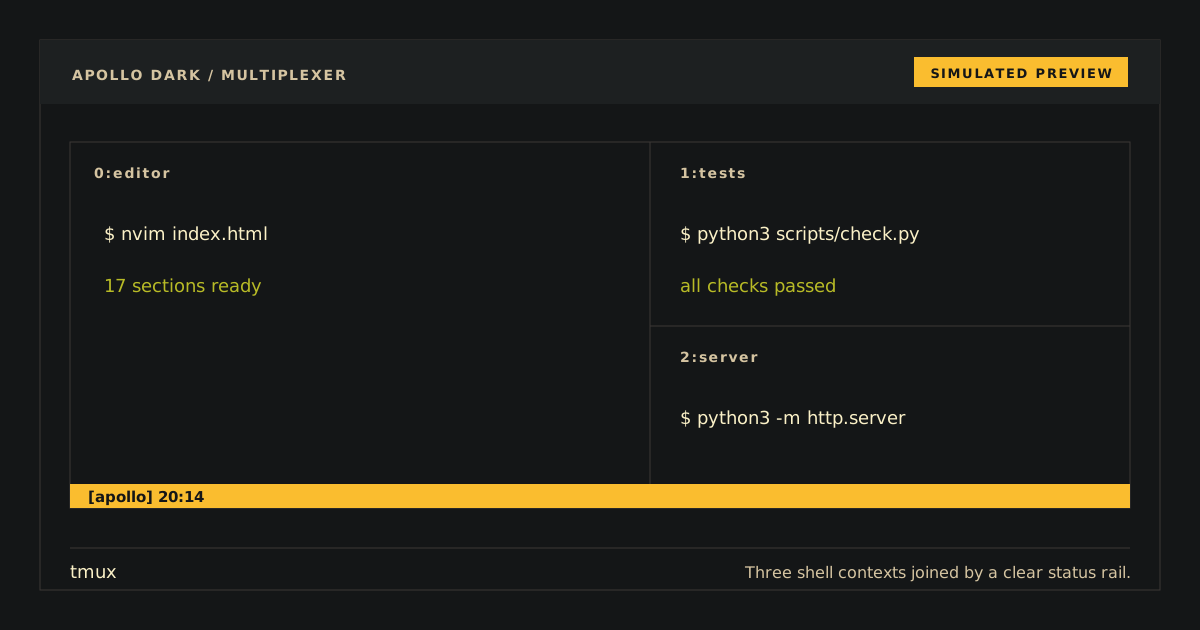
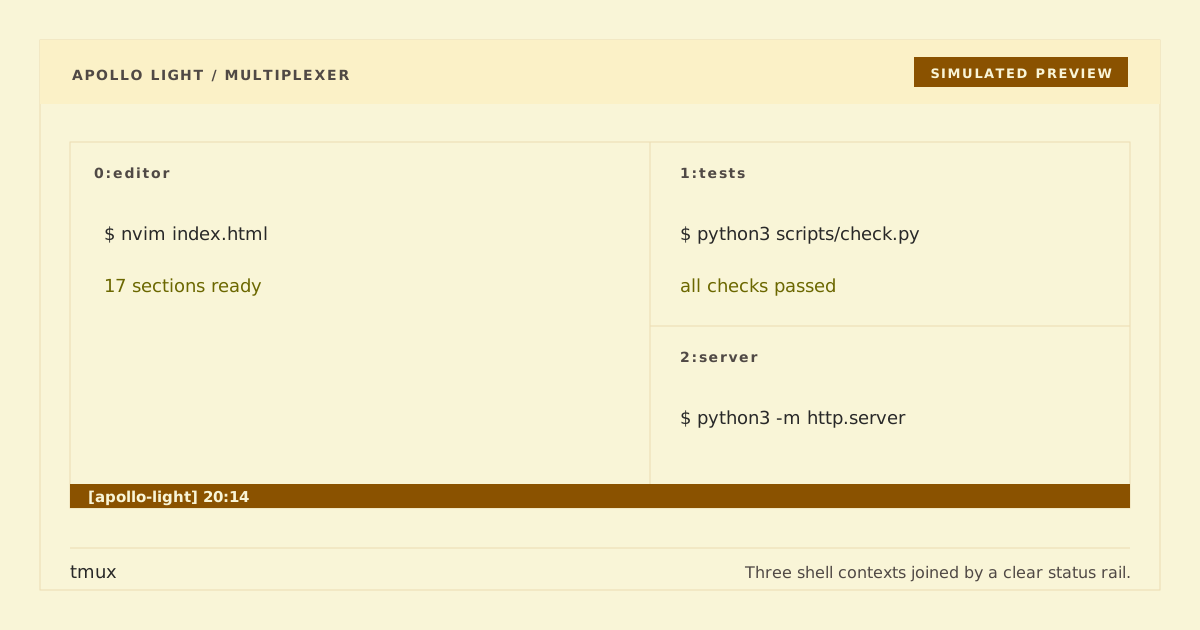
Simulated preview — terminal fonts and rendering can change the final appearance.
Apollo Dark preserves the existing unsuffixed apollo.tmux artifact and default selector for compatibility. Apollo Light is the explicit apollo-light.tmux companion. Each changes colors only: no prefix, key bindings, status content, commands, plugins, hooks, or shell behavior. Source exactly one variant at a time.
Repository: https://github.com/apollo-theme/tmux-apollo-theme
Clone without modifying your tmux configuration:
git clone https://github.com/apollo-theme/tmux-apollo-theme "$HOME/.config/tmux-apollo-theme"Apply exactly one variant to the running server:
# Dark (default)
tmux source-file "$HOME/.config/tmux-apollo-theme/apollo.tmux"

# Light
tmux source-file "$HOME/.config/tmux-apollo-theme/apollo-light.tmux"
For future servers, manually add one corresponding source-file line to your tmux configuration. Do not source both variants; the last one would simply replace the same theme options. tmux controls status, pane-border, message, and mode chrome but cannot change the terminal canvas behind pane content, so pair Apollo Light with a light terminal profile.
No installer edits your configuration.
Remove the source-file line, then remove the cloned directory:
rm -rf "$HOME/.config/tmux-apollo-theme"A running server keeps its current option values; reload your usual theme/configuration, or restart tmux after your sessions have ended.
Open or attach to a tmux session, then source and query Apollo Dark before Apollo Light:
# Apollo Dark
tmux source-file "$HOME/.config/tmux-apollo-theme/apollo.tmux"
tmux show-options -gv status-style
# bg=#141617,fg=#cfbc97

# Apollo Light
tmux source-file "$HOME/.config/tmux-apollo-theme/apollo-light.tmux"
tmux show-options -gv status-style
# bg=#f9f5d7,fg=#3c3836
For Apollo Dark, the status canvas should be near-black with warm primary text. For Apollo Light, it should use a warm light canvas with dark text. In both variants, the active window, pane borders, messages, and alerts should remain distinct.
python3 scripts/generate.py --check
python3 scripts/check.py
python3 -m unittest discover -s tests -v