Apollo brings warm, high-contrast dark and light colorschemes to Vim with broad native highlighting, exact terminal colors, and truecolor or xterm-256 support.


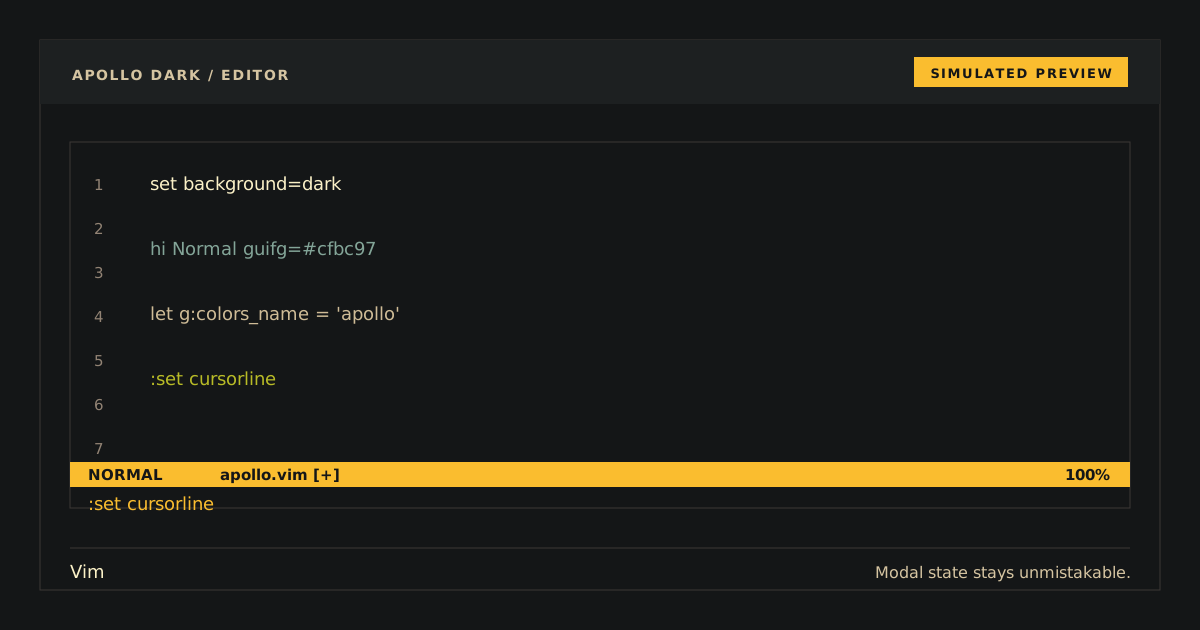
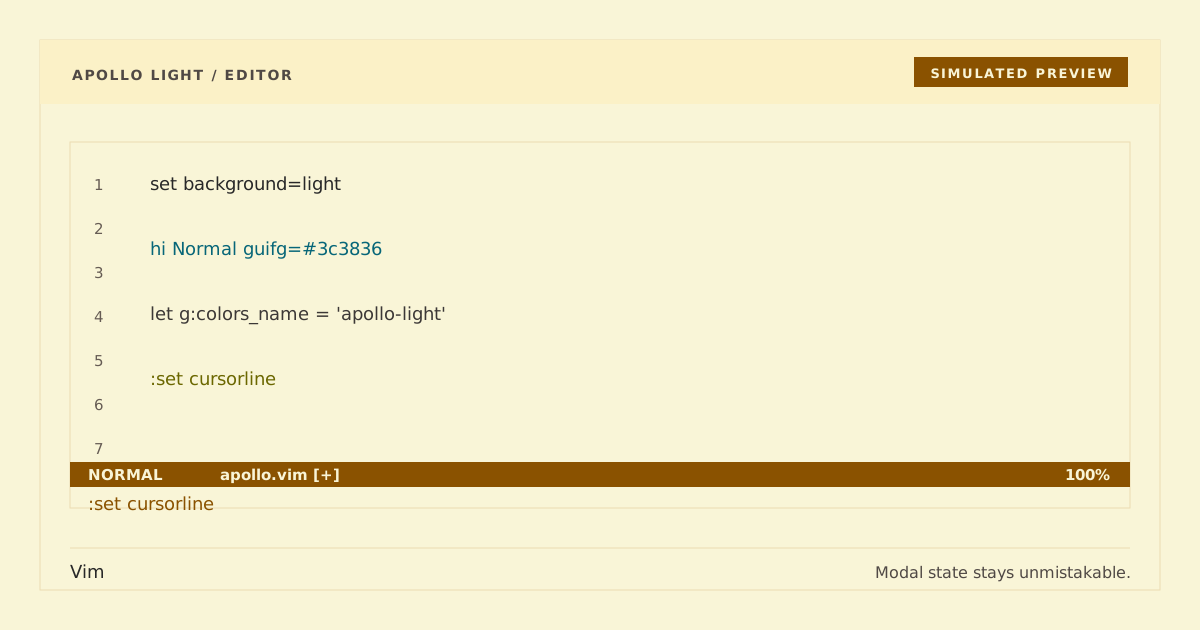
Simulated preview. Font, terminal, and syntax rendering may vary; Apollo supplies both GUI colors and xterm-256 fallbacks.
The public Apollo Dark variant uses the existing apollo colorscheme and unsuffixed compatibility identity; Apollo Light uses the existing apollo-light colorscheme.
- Native Vim UI, syntax, diff, and diagnostic highlighting.
- Exact canonical normal and bright terminal ANSI colors.
- Truecolor presentation with deterministic xterm-256 fallbacks.
- Standalone generated
colors/apollo.vimandcolors/apollo-light.vimfiles with no runtime dependencies.
Add this to your .vimrc, run :PlugInstall, and restart Vim:
call plug#begin()
Plug 'https://github.com/apollo-theme/vim-apollo-theme'
call plug#end()git clone --depth 1 https://github.com/apollo-theme/vim-apollo-theme \
~/.vim/pack/apollo/start/vim-apollo-themeAdd this to .vimrc:
if has('termguicolors')
  set termguicolors
endif
colorscheme apollo
Use colorscheme apollo-light for the light variant. Without termguicolors, each variant uses its independently selected hue-preserving 256-color fallbacks.
Open a syntax-rich buffer in both variants. Apollo should use #cfbc97 on #141617; Apollo Light should use #3c3836 on #f9f5d7. Confirm active/search cues, comments, diffs, and diagnostics remain distinguishable in truecolor and 256-color modes. To verify the colorscheme loads cleanly with both GUI and 256-color highlight assertions, run:
vim -Nu NONE -n -es -i NONE -S tests/headless.vimFor vim-plug, remove the Plug line, restart Vim, and run :PlugClean. For the manual package:
rm -rf ~/.vim/pack/apollo/start/vim-apollo-themeThen remove colorscheme apollo or colorscheme apollo-light from .vimrc.
Both files under palette/ are exact canonical snapshots. Both files under colors/ are deterministic generated outputs and must not be edited directly. Build and run the full validation set from the repository root:
python3 scripts/generate.py
python3 scripts/generate.py --check
python3 -m compileall -q scripts tests
python3 scripts/check.py
Run the focused Python and clean editor checks with:
python3 -m unittest tests.test_theme.ThemeTests.test_generated_theme_is_current
vim -Nu NONE -n -es -i NONE -S tests/headless.vim
Only Python's standard library is used by the build and check scripts.
MIT.