Apollo brings warm, high-contrast dark and light palettes to Visual Studio 2022+ across the editor, environment chrome, and output surfaces.


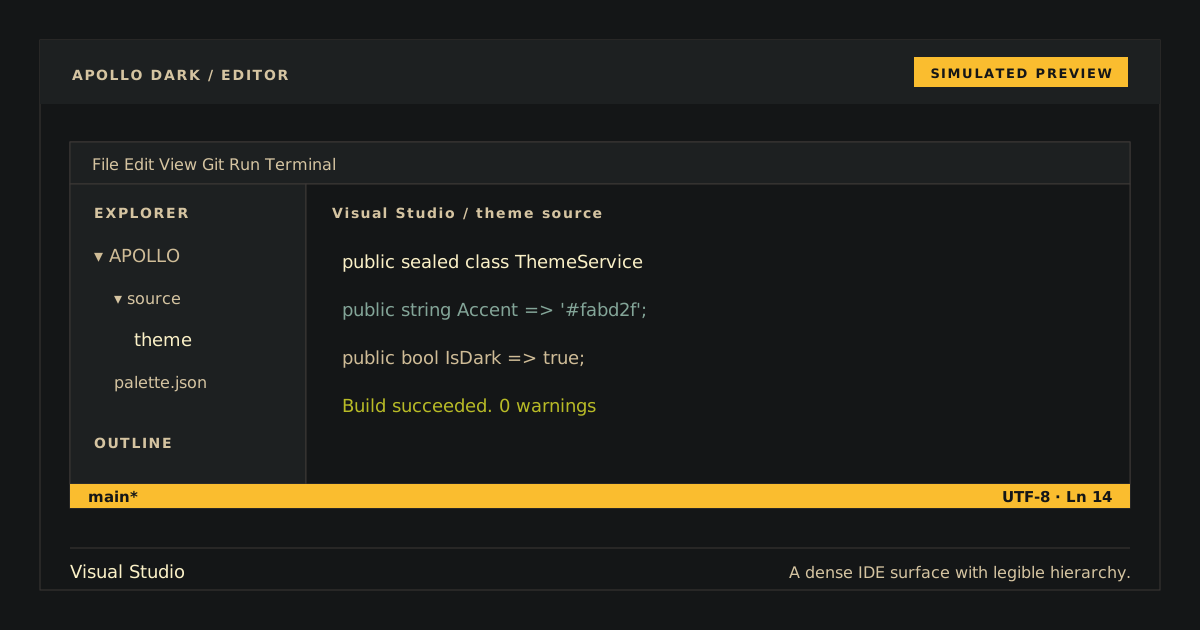
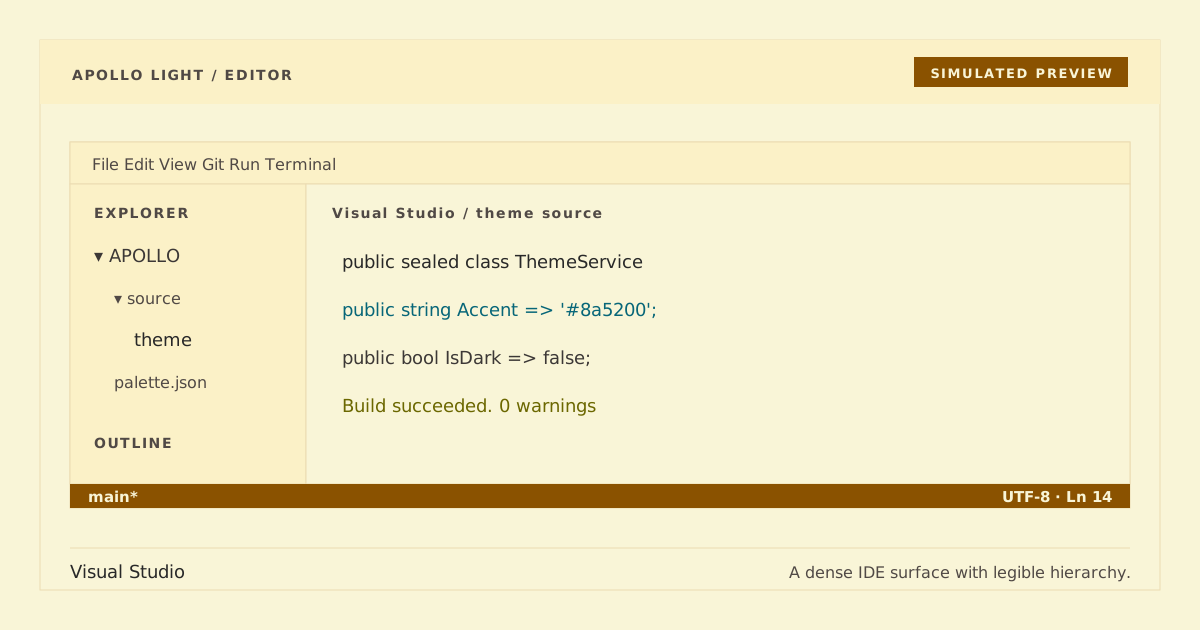
Simulated preview. Application chrome and typography may vary; follow the visual checks below against the canonical palette.
Important
This repository ships native themes/Apollo.vstheme and themes/Apollo Light.vstheme sources and deliberately does not produce a VSIX. Use a temporary Color Theme Designer project to load either without inventing an unverified extension package.
The public Apollo Dark variant keeps the existing unsuffixed identity in themes/Apollo.vstheme; Apollo Light keeps its existing light identity in themes/Apollo Light.vstheme.
- Visual Studio 2022+ environment chrome and editor syntax.
- Diagnostics, active focus, search, selection, and current-statement cues.
- Command Window and Output Window categories.
- Deterministic generated output from the repository-owned palette snapshot.
- Install Visual Studio Color Theme Designer 2022.
- In Visual Studio 2022, create a temporary VSTheme Project.
- Close the generated theme editor, replace that project's generated
.vsthemefile withthemes/Apollo.vsthemeorthemes/Apollo Light.vstheme, and reopen it from Solution Explorer. - Choose Preview for a temporary check or Apply to make that variant available to the IDE.
The designer does not document a direct standalone-file import command. The temporary project is therefore required to load and apply this source .vstheme without fabricating a VSIX. Keep a backup/export of your previous environment settings if you want to restore custom colors exactly.
After applying a theme, open Tools > Options > Environment > General and select Apollo or Apollo Light in the color-theme list. Restart Visual Studio if a tool window still caches old colors.
Open a C# solution and verify:
- Apollo uses canvas
#141617and text#cfbc97; Apollo Light uses paper#f9f5d7and text#3c3836. - Keywords and syntax errors are red; strings and saved changes are green.
- Types and methods use gold
#fabd2f; properties/information use blue; constants use magenta; namespaces use cyan. - Active focus/search/current-statement cues use gold; selection uses dark brown without reducing text readability.
- Solution Explorer, tool windows, tabs, menus, status bar, Command Window, and Output Window remain legible.
- Normal interface/editor text never uses restricted
#665c54.
Because this repository ships theme source rather than an installed extension, there is no Apollo entry in Manage Extensions. Select another color theme under Tools > Options > Environment > General to stop using Apollo, then delete the temporary VSTheme project if it is no longer needed.
Portable generation and checks:
python3 scripts/generate.py
python3 scripts/generate.py --check
python3 scripts/check.py
python3 -m unittest discover -s tests -v
xmllint --noout --schema schemas/vstheme.xsd themes/Apollo.vstheme "themes/Apollo Light.vstheme"
Run one focused test with:
python3 -m unittest tests.test_theme.VisualStudioThemeTests.test_editor_status_colors_match_paletteOn Windows, run the native .NET XML validation path:
pwsh -File scripts/validate.ps1Both portable and Windows paths run in CI. Both .vstheme files are deterministic generated outputs; change mappings in scripts/generate.py and regenerate. Both palette snapshots must remain byte-for-byte canonical.
A correct Visual Studio theme VSIX needs a genuine extension/product identity, VSIX manifest, and Visual Studio SDK/MSBuild packaging project validated on Windows. No such identity or project was supplied, and inventing them would produce a misleading or unverified package. The native .vstheme is complete and loadable as source through a Color Theme Designer VSTheme project; Windows CI validates and stages it as the supported build artifact.
MIT. Copyright (c) 2026 D0n9X1n.