Apollo pairs a near-black, warm-contrast dark scheme with Apollo Light's warm paper canvas for WezTerm.


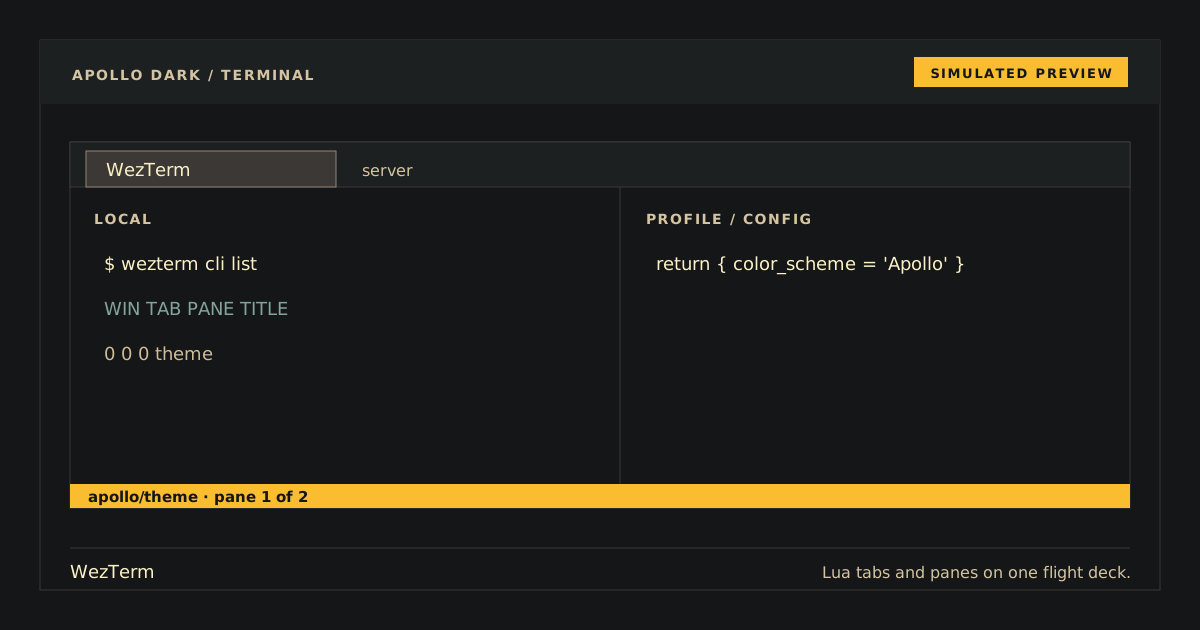
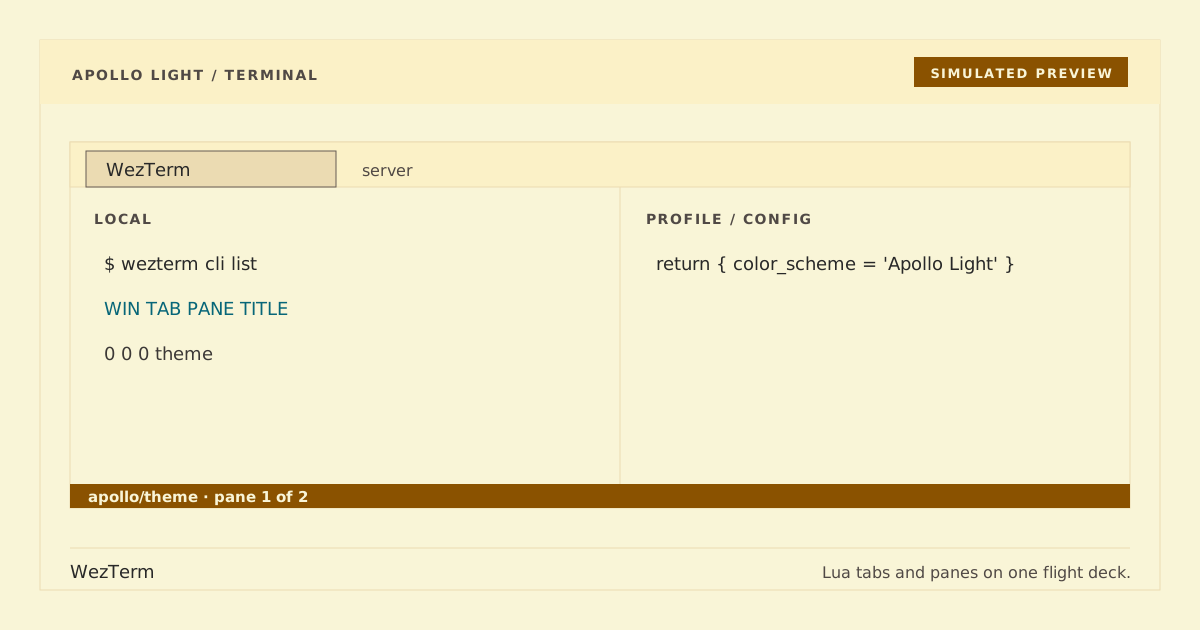
Simulated previews. Rendered output may vary by font and platform.
Apollo Dark is the public name for the existing unsuffixed Apollo compatibility scheme in apollo.toml. Apollo Light keeps its current identity in apollo-light.toml; the included wezterm.lua intentionally continues to activate Apollo.
On Unix-like systems, install either scheme or both:
mkdir -p ~/.config/wezterm/colors
cp apollo.toml ~/.config/wezterm/colors/apollo.toml
cp apollo-light.toml ~/.config/wezterm/colors/apollo-light.toml
On Windows, copy the same files to the colors directory beside wezterm.exe.
Add exactly one name to your wezterm.lua:
config.color_scheme = 'Apollo' -- existing dark schemeor:
config.color_scheme = 'Apollo Light' -- light schemeReload the configuration or restart WezTerm.
Select another color_scheme, reload, then remove the copied apollo.toml and/or apollo-light.toml. Removing one variant does not affect the other.
For both variants, print ANSI colors 0–15, move the cursor over differently colored text, and select those cells. Dark Apollo should retain its #141617 canvas and 50%-alpha grey-brown selection. Apollo Light should use the #f9f5d7 canvas and opaque #ebdbb2 selection. Both must preserve each selected cell's foreground (selection_fg = "none") and match the ordered arrays in their palette snapshot. Native loading and TOML checks do not replace rendered-pixel inspection.
palette/apollo.json→apollo.toml(dark, compatibility-preserving)palette/apollo-light.json→apollo-light.toml(light)
python3 scripts/generate.py
python3 scripts/generate.py --check
python3 scripts/check.py
python3 -m unittest discover -s tests -v
Generation and checks never modify WezTerm preferences.