
A minimal, dark blue theme for VS Code, Sublime Text, Atom, and more.
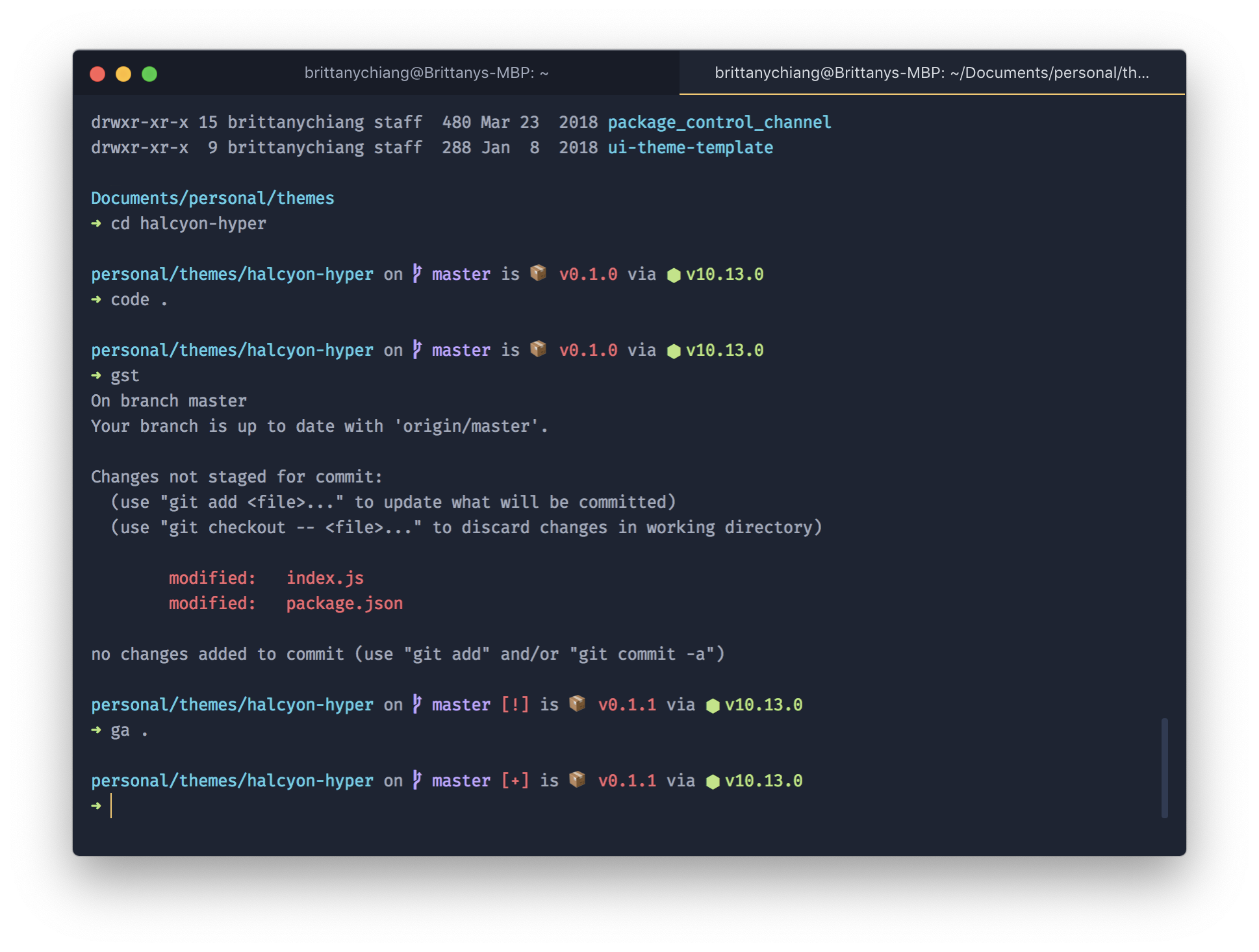
- Open Hyper's preferences with
Cmd +, (or manually at~/.hyper.js) - Update your list of plugins to include
halcyon-hyper, like this:
plugins: [`hyper-halcyon-theme`];- Fully reload Hyper
Cmd + Shift + RorView > Full Reload
I'm currently using the Spaceship Prompt for ZSH
Halcyon is also available for Sublime Text, VS Code, iTerm, and more! Check out all available options here.