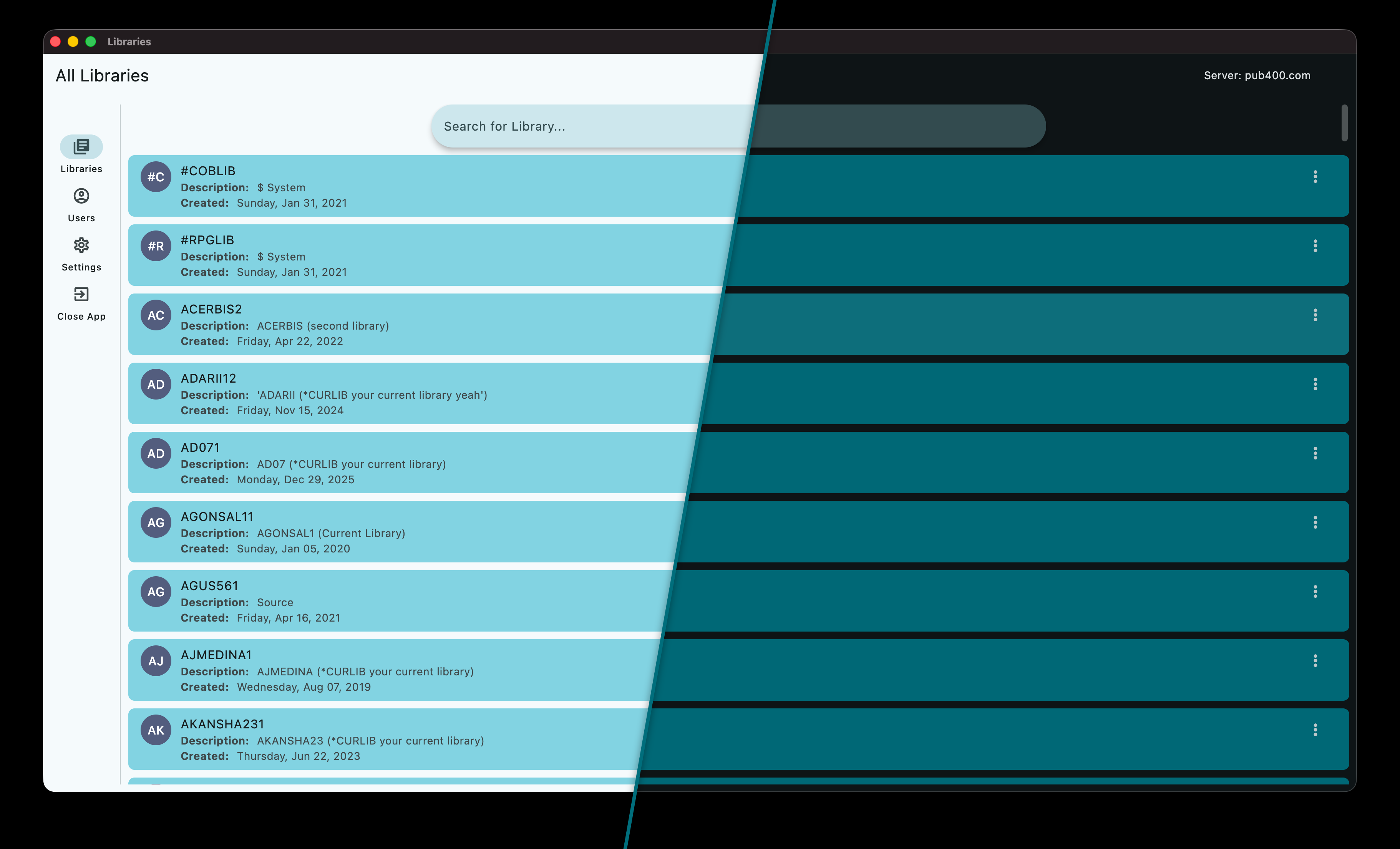
Whether you are managing legacy systems or modernizing your workflow, iLibrary eliminates command-line friction, helping you handle essential IBM i tasks with greater speed and efficiency.
Experience a faster way to secure your data by generating Savefiles (SAVF) instantly and downloading them directly to your local machine. iLibrary bridges the gap between the green screen and your desktop, turning complex backup tasks into a simple, one-click process.
- Quick SAVF Creation: Generate Savefiles directly from the UI without manual command entry.
- Direct Download: One-click transfer of Savefiles from the IBM i to your local machine.
- User Lookup: Rapid search functionality for system user profiles.
Download v0.0.4
Follow these steps to set up your environment and build the application.
Download the source files to your local machine and navigate to the project's root directory.
Create a clean, isolated environment to manage your dependencies:
python -m venv .venvInstall all required libraries once the virtual environment is active:
pip install -r ./requirements.txtpython3 ./build_tool.py macos
python3 ./build_tool.py linux
python3 ./build_tool.py windows