


A desktop workbench for running multiple CLI coding agents — Claude Code, Codex, Gemini CLI, Cursor, anything you can spawn — side by side, each in its own PTY, with a built-in code editor and shell next to them.
Tauri 2 shell, React 19 frontend, xterm.js terminals, SQLite for session state. Single static binary.
Codex is a first-class agent in ycode. It ships as an out-of-the-box default, with a dedicated transcript parser so you can scan, full-text search, and resume past Codex sessions from the sidebar — and desktop notifications when a Codex run finishes or needs attention. See Codex support.
⬇️ Download the latest release
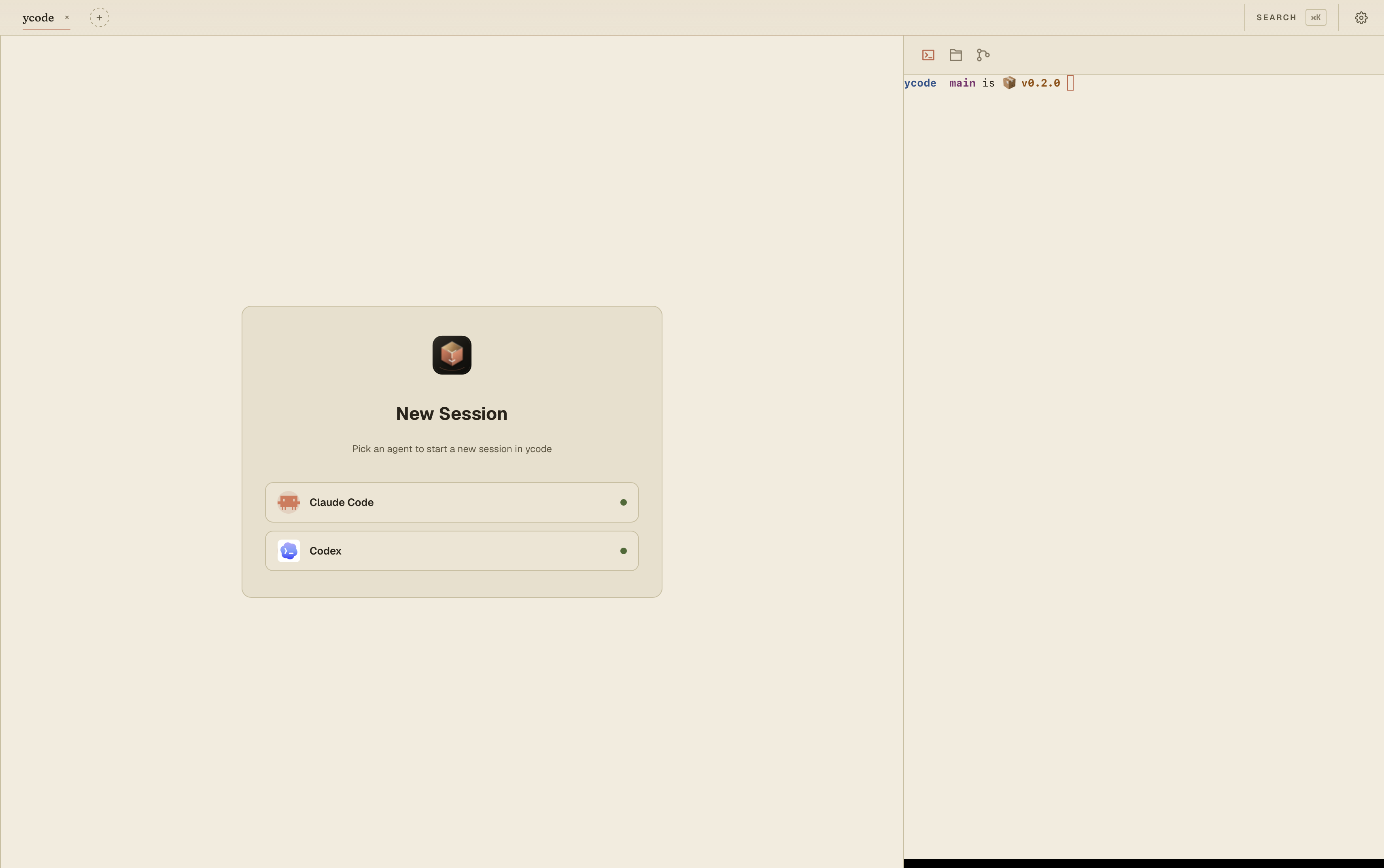
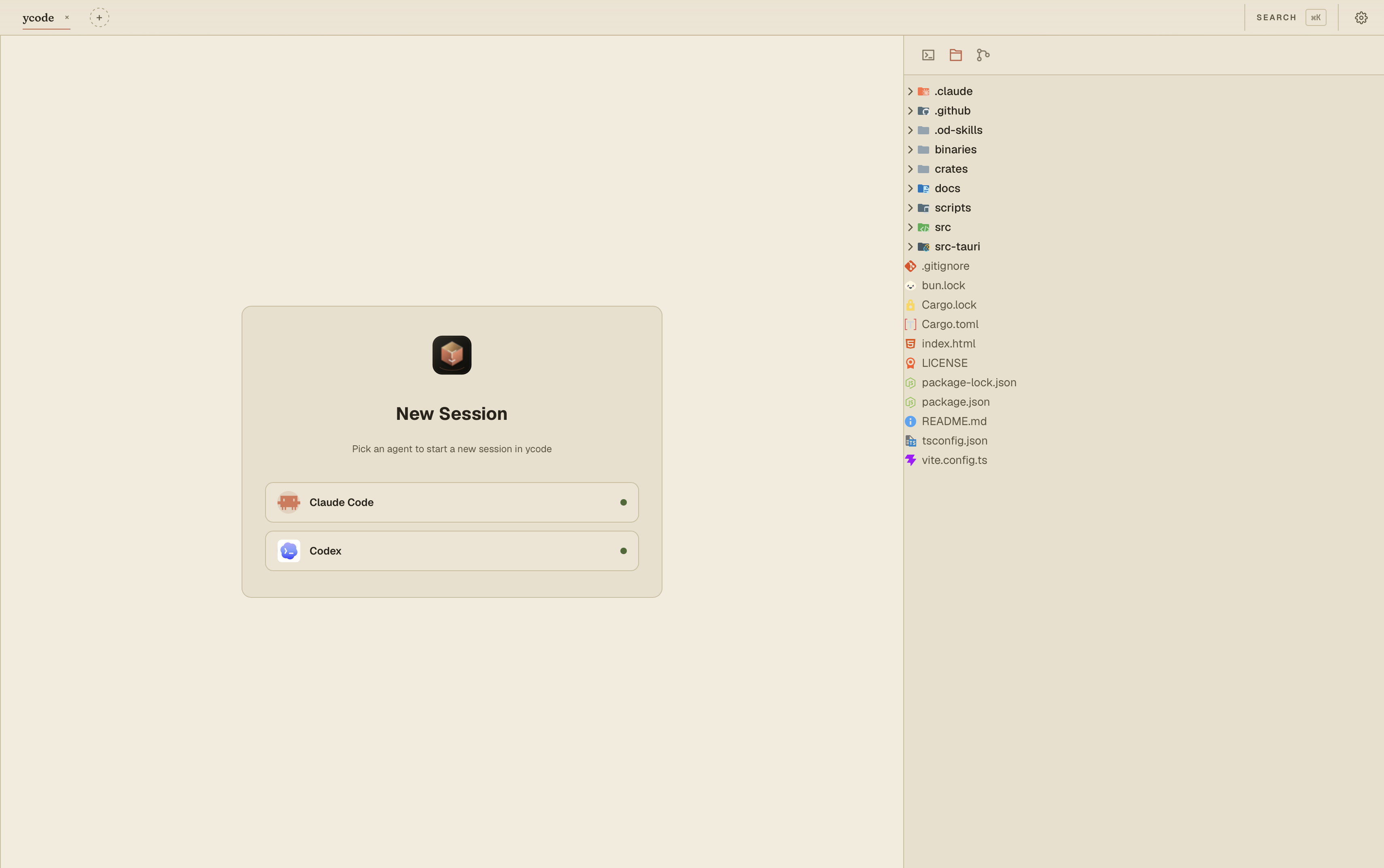 |
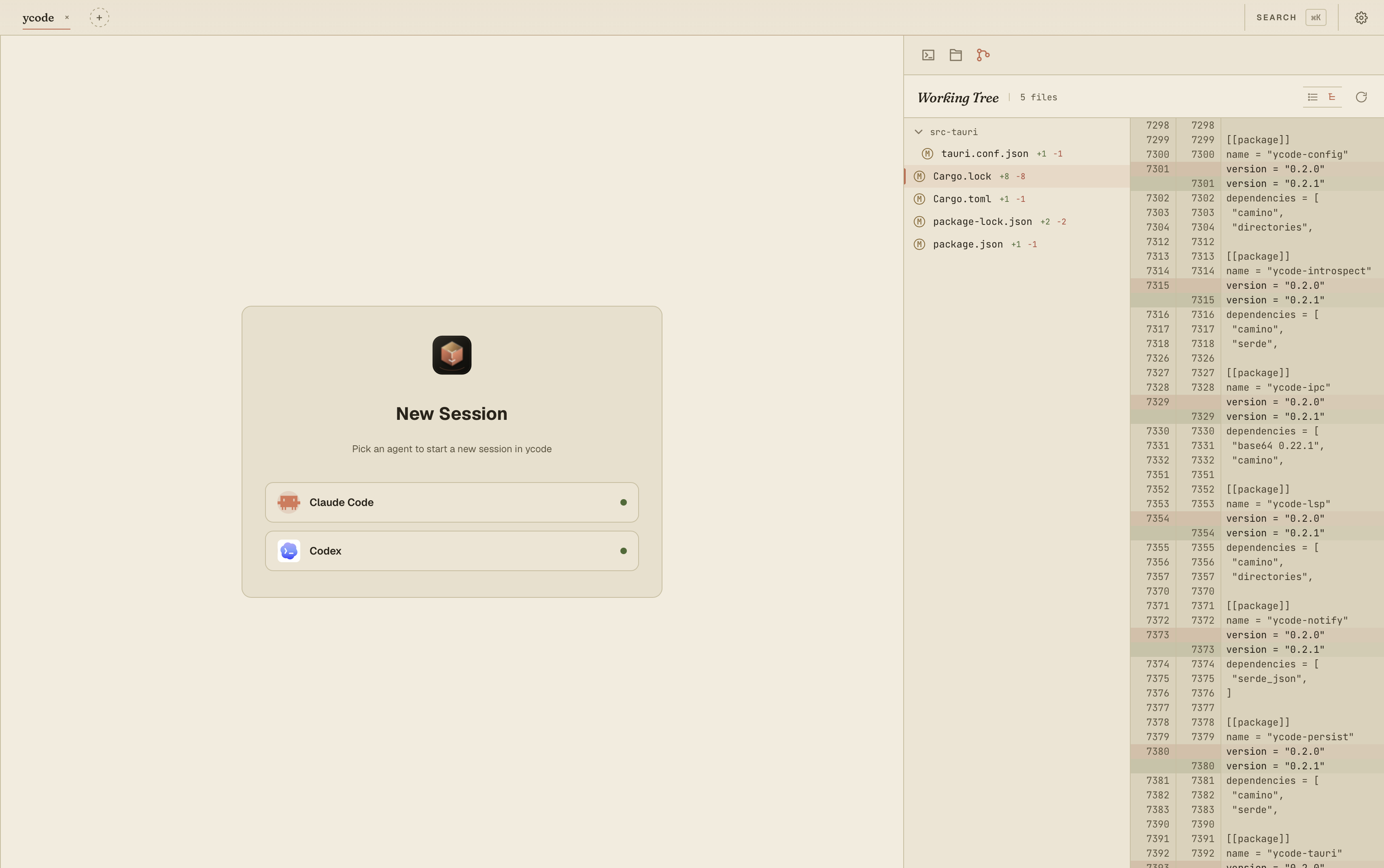 |
| Repository file tree + editor entry point | Working tree review with side-by-side diffs |
- Multi-agent workspace — run Claude Code, Codex, Gemini CLI, Cursor, or any custom CLI agent side by side in real PTY sessions.
- Flexible session management — create, resume, restart, archive, rename, and arrange sessions in single, stacked, column, grid, or main+side layouts.
- Persistent agent history — scan and search past Claude and Codex transcripts, then reopen historical conversations from the sidebar.
- Built-in project tools — manage projects, browse files, edit code, use the right-side shell terminal, review Git changes, and maintain per-project todos without leaving the app.
- Todo MCP for agents — register the bundled
ycode-mcpsidecar with Claude Code or Codex so agents can read and update the current project's todo list through MCP tools. - Editor and language support — CodeMirror editing, syntax highlighting, preview tabs, LSP installation, semantic tokens, and goto-definition.
- Configurable agents — manage agent commands, args, environment variables, icons, and transcript parsers through Settings and the built-in agent catalog.
- Desktop notifications — optional Claude and Codex hook integrations can notify YCode when an agent finishes or needs attention.
- Personalized desktop app — themes, font-size controls, persisted window state, deep links, and Tauri updater support.
Three columns:
- Sidebar — projects, sessions, history (jsonl scanner for Claude / Codex transcripts), full-text search across past runs.
- Middle pane — your CLI agent sessions. Multiple xterm.js terminals
arranged in
single/stack/columns/2×2/main+sidegrids. Each session is one PTY, restartable, archivable, with title + status badges. Close a pane and the agent keeps running in the background. - Right pane — project tools:
- Terminal — a raw
$SHELLin the project root. Right-click any pane to Split Right / Left / Up / Down, drag the divider to resize, close panes without killing the others. Layout persists across project switches, resets on reload. - Files / Editor — file tree (react-arborist) + CodeMirror 6 editor with syntax highlighting for JS/TS/Python/Rust/HTML/CSS/Markdown/JSON, preview-tab semantics borrowed from VS Code. Language servers (LSP) add semantic highlighting and goto-definition; install and manage them from the Languages settings panel.
- Changes —
git statusview with side-by-side diffs. - Todos — per-project todo list with
todo/doing/donestatus cycling, inline rename, delete, and live refresh when an agent edits the same list through MCP.
- Terminal — a raw
A command palette (Cmd-K) jumps to any project or session.
Use Cmd on macOS and Ctrl on Linux/Windows.
| Shortcut | Action |
|---|---|
Cmd-K |
Open the command palette for files and session search |
Cmd-, |
Open Settings |
Cmd-O |
Add/open a project folder |
Shift-Cmd-[ / Shift-Cmd-] |
Switch to the previous / next project |
Cmd-N |
Create a session with the current sidebar agent |
Shift-Cmd-N |
Open the agent picker for a new session |
Cmd-T |
Create a session with the first available AI agent |
Cmd-W |
Archive the focused session, after confirmation |
Cmd-[ / Cmd-] |
Switch to the previous / next session in the active project |
Shift-Cmd-1 … Shift-Cmd-4 |
Focus visible agent pane 1-4 |
Cmd-1 … Cmd-5 |
Switch the right pane to Files, Editor, Terminal, Changes, or Todos |
Cmd-B |
Toggle the left sidebar |
Shift-Cmd-B |
Toggle the right pane |
Cmd-J |
Toggle/focus the right-pane terminal |
Codex is treated as a first-class agent throughout ycode:
- Out of the box — Codex ships as a shipped default profile (alongside
Claude Code), written to your config on first launch. No setup beyond having
the
codexCLI on PATH. - Real PTY sessions — launch one or many Codex sessions and arrange them in any grid; each is restartable, archivable, and keeps running in the background when its pane is closed.
- Transcript history — a dedicated Codex jsonl parser
(
crates/ycode-introspect) powers the history viewer: scan, full-text search, and reopen past Codex conversations from the sidebar. - Completion notifications — optional Codex hook integration notifies ycode when a run finishes or needs your attention.
- Open and reusable — the parser, agent catalog, and PTY session manager are MIT-licensed, so they double as a public reference for integrating Codex into other tools.
Requirements: Rust 1.80+, Node 20+, git on PATH. For end-to-end agent use,
install whichever CLIs you want to run (claude, codex, gemini, …).
npm install                       # one-time frontend deps
npm run tauri dev                 # dev with HMR + Tauri webview
npm run dev                       # frontend-only Vite server
npm run build && cargo run -p ycode-tauri   # production-ish standalone
cargo test --workspace            # Rust unit tests
npm run typecheck # tsc --noEmitUser config lives at the platform default
(~/Library/Application Support/dev.ycode.app/config.json on macOS).
Missing → the shipped defaults (Claude Code and Codex) are
written on first launch.
{
  "agents": [
    {
      "id": "claude-code",
      "display_name": "Claude Code",
      "command": "claude",
      "args": [],
      "env": {},
      "icon": "ClaudeCode",
      "introspect": "claude"
    },
    {
      "id": "codex",
      "display_name": "Codex",
      "command": "codex",
      "icon": "Codex",
      "introspect": "codex"
    }
  ]
}commandis invoked through the user's login shell so~/.zshrc(and version managers likefnm/nvm/asdf) get a chance to set up PATH before the CLI runs.$VARreferences insideenvare expanded against the host environment at load time. Unresolved vars stay as the literal$VARso the spawn fails loudly instead of silently launching unauthenticated.introspect(optional) selects a jsonl parser for the history viewer. Currentlyclaudeandcodexare recognised; agents without one still run, they just don't get the rich transcript view.
The Settings modal in-app edits the same file. New profiles are added from the built-in agent catalog, then saved as ordinary config entries.
ycode/
├── Cargo.toml                    # Rust workspace
├── package.json                  # Frontend (React, Vite, Tauri JS API)
├── vite.config.ts                # @bindings/* → crates/ycode-ipc/bindings/
├── src/                          # React + TypeScript
│   ├── App.tsx                   # Three-column layout host
│   ├── lib/
│   │   ├── ipc.ts                # Tauri command wrappers
│   │   ├── store.ts              # Zustand store
│   │   ├── hotkeys.tsx           # App-wide keyboard shortcuts
│   │   └── types.ts
│   └── components/
│       ├── TopBar.tsx            # Project picker + agent launcher
│       ├── Sidebar.tsx           # Sessions / history tabs
│       ├── TerminalPane.tsx      # Middle: agent xterm grid
│       ├── ManualTerminal.tsx    # Right: a single $SHELL xterm
│       ├── RightTerminalSplit.tsx# Right: binary-split host
│       ├── RightPane.tsx         # Right-tab container
│       ├── EditorPanel.tsx       # CodeMirror editor
│       ├── FileTreePanel.tsx     # react-arborist tree
│       ├── ChangesPanel.tsx      # git status + diffs
│       ├── TodoPanel.tsx         # per-project todos
│       ├── HistoryTab.tsx        # jsonl transcript viewer
│       ├── CommandPalette.tsx    # Cmd-K palette
│       └── SettingsModal.tsx     # Agent profile editor
├── src-tauri/                    # Tauri shell
│   └── src/
│       ├── lib.rs                # tauri::Builder setup
│       ├── state.rs              # Wires Service into AppState
│       └── commands.rs           # #[tauri::command] glue
└── crates/
    ├── ycode-terminal/           # portable-pty wrapper, TerminalSession
    ├── ycode-persist/            # sqlx + SQLite (projects, sessions, WAL)
    ├── ycode-config/             # config.json schema + $VAR expansion
    ├── ycode-introspect/         # claude/codex jsonl scanners + parsers
    ├── ycode-lsp/                # language-server install + LSP client
    ├── ycode-mcp/                # stdio MCP sidecar exposing project todos
    ├── ycode-notify/             # desktop notifications
    └── ycode-ipc/                # Service facade, DTOs, ts-rs bindings
The frontend imports DTOs from @bindings/* — ts-rs writes them into
crates/ycode-ipc/bindings/ whenever the Rust struct changes (run
cargo test on the ipc crate to regenerate).
Thanks to Linux Do for the promotion and support.
MIT — see LICENSE.