Private Clipboard History with Quick Search, Favorites and Drag-n-Drop. A privacy-first clipboard manager for macOS and Windows. Free for any use!
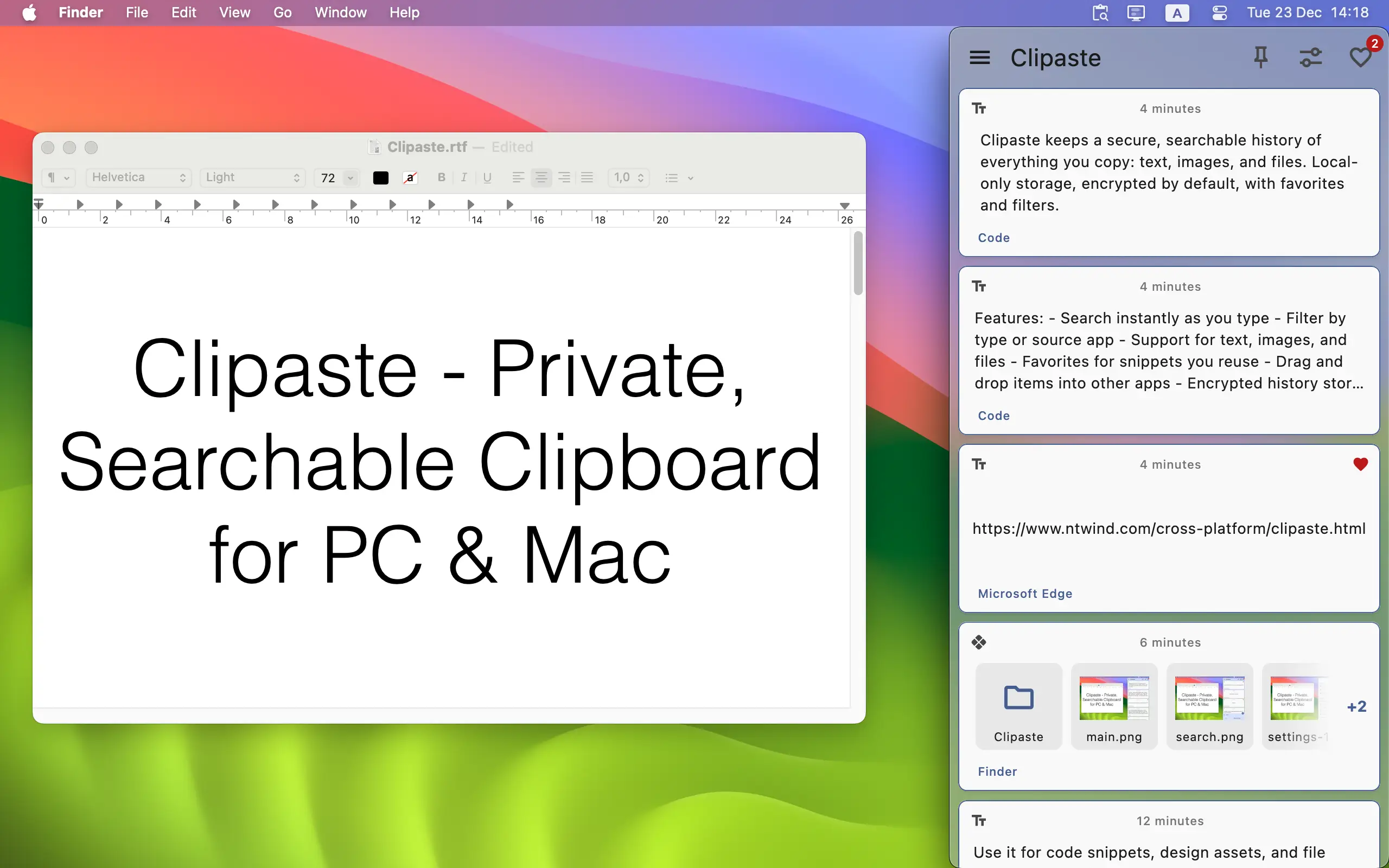

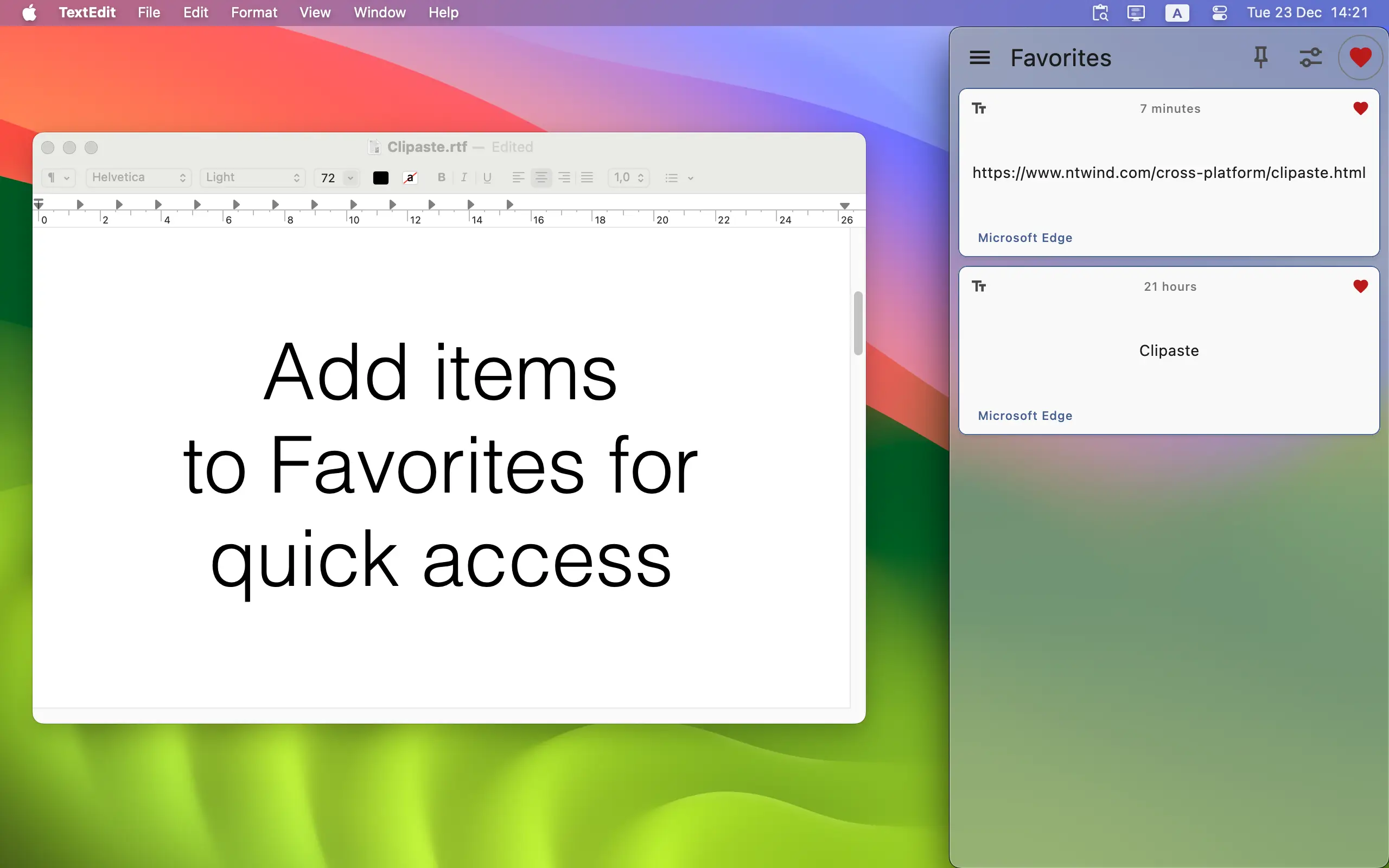

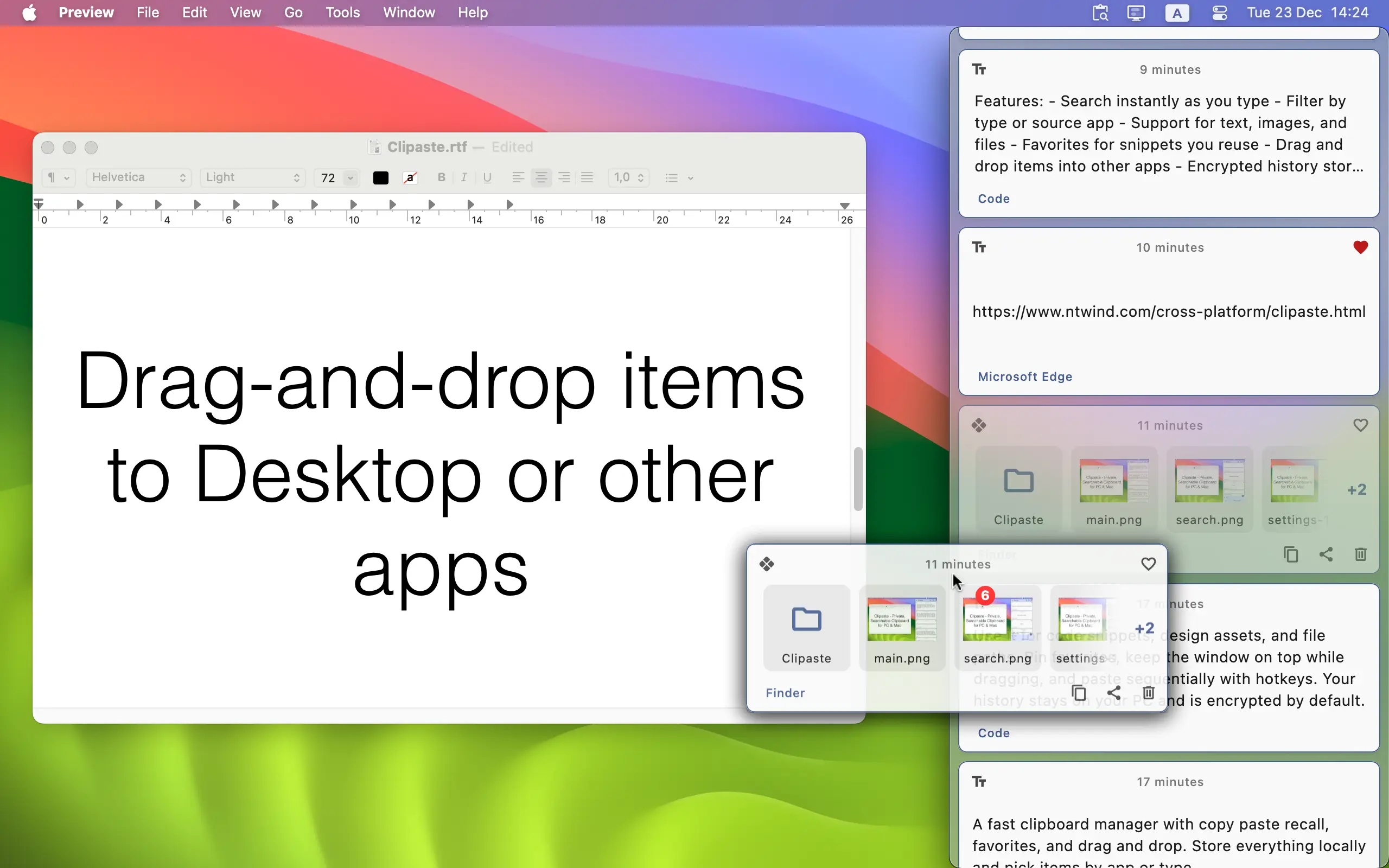
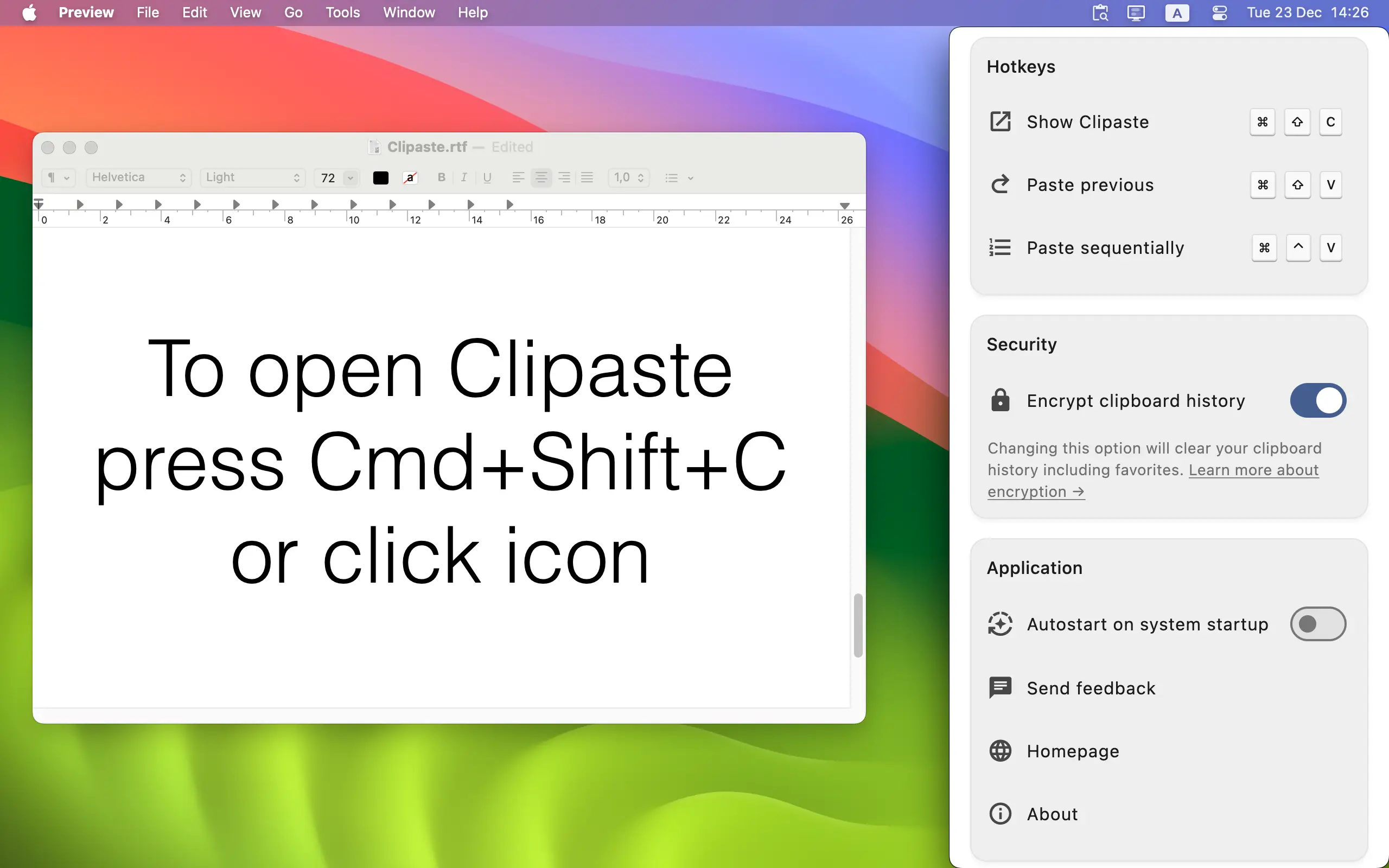
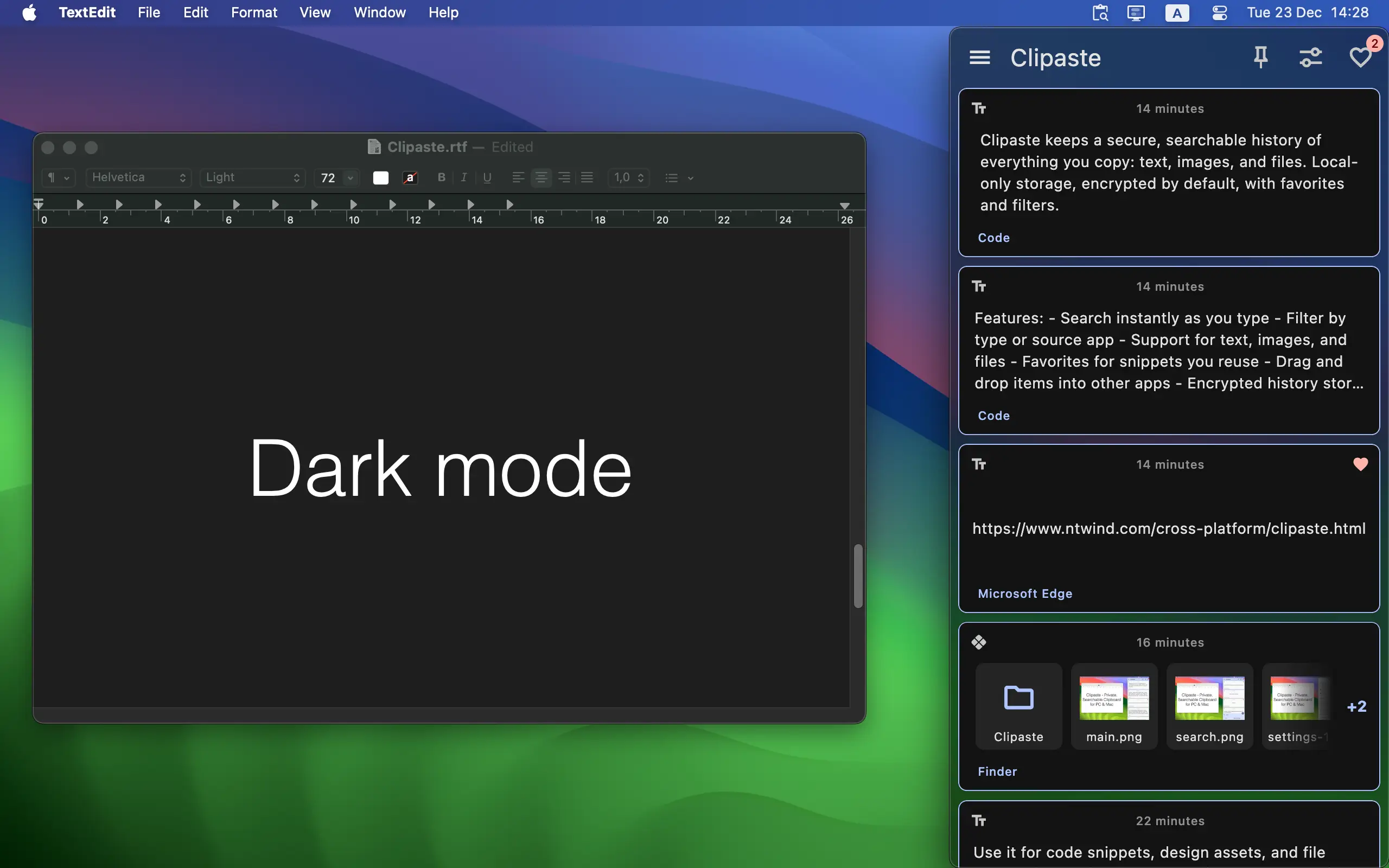
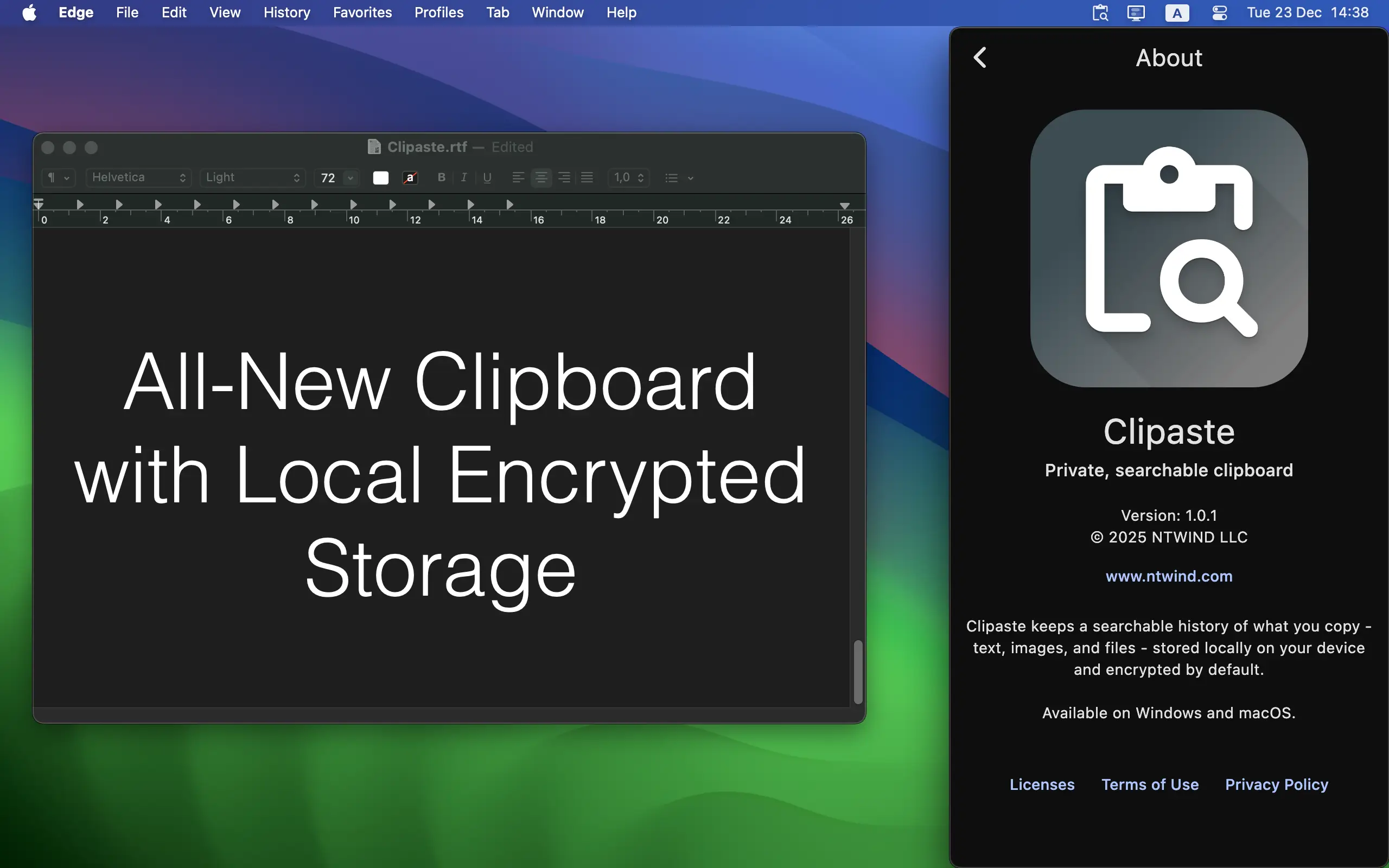
Clipaste is a privacy-first clipboard manager for macOS and Windows. It keeps a secure, searchable history of everything you copy: text, URLs, images and files. Whether you are a developer, designer or writer, Clipaste helps you organize your snippets and speed up your daily tasks. With powerful search tools, smart bookmarking and drag-n-drop, you can retrieve anything from your clipboard history in seconds. All your sensitive data stays on your device and is encrypted by default.
Clipaste was built on a zero-trust architecture: no analytics, no user accounts, and no servers. All clipboard data is stored locally on your computer and is encrypted at rest using AES-256 (keys managed by the OS Keychain and are linked to your system account).
- Local Only: Your data is stored 100% on your device.
- Encrypted: History is secured with AES-256 encryption by default.
- No Cloud: We never upload your data. No servers, no accounts, no tracking.
- Non-Intrusive: Copy from any app and use clipboard history only when needed.
- Multi-Format Support: Works seamlessly with text, formatted text, images, and files.
- Smart Search: Find any clip by typing words it might contain.
- Filter by App: Quickly see "only links copied from Chrome" or "images from Photoshop".
- Favorites: Pin your most-used snippets for quick access.
- Keyboard Shortcuts: Paste previous items without touching your mouse.
- Drag & Drop: Drag items from history directly into other apps.
- Beautiful UI: Clean, modern look with blur, animations and dark mode.
- Cross-Platform: A unified experience on both Windows and macOS.
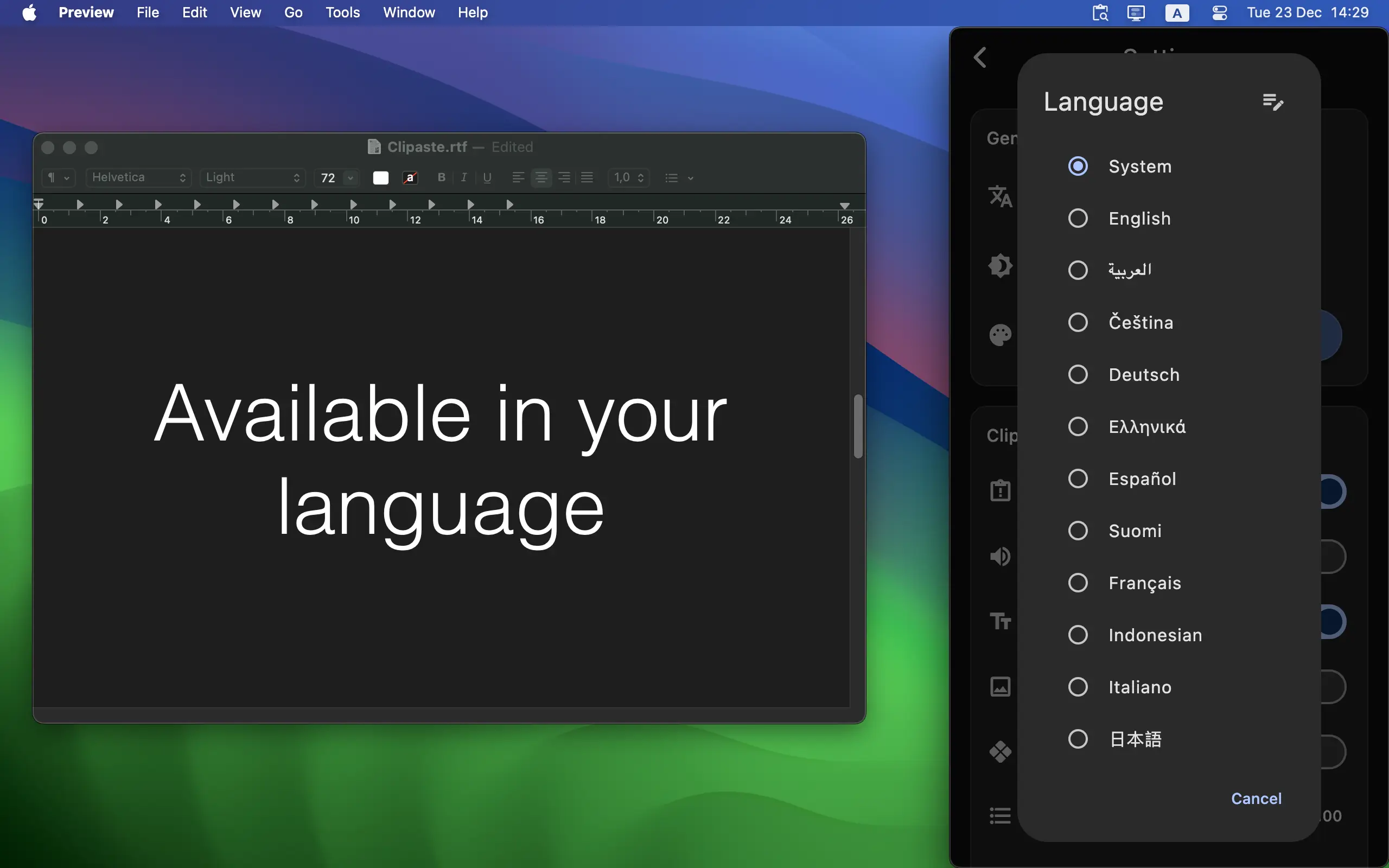
Currently translated locales:
- Arabic (ar), Czech (cs), German (de), Greek (el), English (en), Spanish (es), Finnish (fi), French (fr), Indonesian (id), Italian (it), Japanese (ja), Korean (ko), Dutch (nl), Polish (pl), Portuguese (pt), Romanian (ro), Russian (ru), Swedish (sv), Turkish (tr), Ukrainian (uk), Chinese Simplified (zh-Hans), Chinese Traditional (zh-Hant)
You can download the latest version for your operating system from the Homepage or GitHub Releases.